This is the full developer documentation for aven
# Work with agents
> Connect coding agents and other AI integrations to Aven.
Aven gives AI agents access to the same local task system you use in the TUI. Coding agents can inspect project context, find ready or blocked work, create and edit tasks, manage status, schedules, and relationships, and leave durable handoff notes. Chat integrations can turn messages or transcripts into tasks through the CLI and sync them to your other devices.
## Install the aven skill
[Section titled “Install the aven skill”](#install-the-aven-skill)
```sh
aven skill install
```
`aven skill install` writes the bundled skill to every detected coding-agent skill directory. Detection checks Claude Code, OpenCode, Codex, and Pi user directories, plus matching agent config directories in the current workspace.
Use `--agent` to choose explicit targets:
```sh
aven skill install --agent claude
aven skill install --agent opencode
aven skill install --agent codex
aven skill install --agent pi
```
The user skill locations are:
* Claude Code: `~/.claude/skills/aven/SKILL.md`
* OpenCode: `~/.config/opencode/skills/aven/SKILL.md`
* Codex: `~/.codex/skills/aven/SKILL.md`
* Pi: `~/.pi/agent/skills/aven/SKILL.md`
Explicit targets are installed even when the agent directory is absent. The command reports a clear error when no supported agent is detected and no target is provided.
## Set up automatic priming
[Section titled “Set up automatic priming”](#set-up-automatic-priming)
Run `aven prime` automatically when an agent session starts so its output is available to the agent from the first model turn.
### Claude Code
[Section titled “Claude Code”](#claude-code)
Add a `SessionStart` hook to `~/.claude/settings.json`:
```json
{
"hooks": {
"SessionStart": [
{
"matcher": "",
"hooks": [
{
"type": "command",
"command": "aven prime"
}
]
}
]
}
}
```
### Pi
[Section titled “Pi”](#pi)
[Pi](https://pi.dev) extensions in `~/.pi/agent/extensions/` apply globally. Create the directory, then add `~/.pi/agent/extensions/aven-prime.ts`:
```sh
mkdir -p ~/.pi/agent/extensions
```
```typescript
import type { ExtensionAPI } from "@earendil-works/pi-coding-agent";
export default function (pi: ExtensionAPI) {
let primeOutput: string | undefined;
let delivered = false;
pi.on("session_start", async (event, ctx) => {
if (event.reason === "reload") return;
primeOutput = undefined;
delivered = false;
const result = await pi.exec("aven", ["prime"], {
cwd: ctx.cwd,
timeout: 30_000,
});
if (result.code !== 0) {
ctx.ui.notify(
`aven prime failed: ${result.stderr.trim() || `exit code ${result.code}`}`,
"error",
);
return;
}
primeOutput = result.stdout.trim();
});
pi.on("before_agent_start", async () => {
if (delivered || !primeOutput) return;
delivered = true;
return {
message: {
customType: "aven-prime",
content: primeOutput,
display: false,
},
};
});
}
```
The extension uses two lifecycle events because they serve different purposes. `session_start` runs `aven prime` once in the session working directory and caches its output. `before_agent_start` is the point where Pi accepts context for a model turn, so it injects the cached output as a hidden message on the first turn only. Reload events are skipped to avoid injecting a second copy into the same session.
Pi profiles can share the same extension source. For a profile rooted at `~/.pi-epic`, link its extension directory to the default profile:
```sh
mkdir -p ~/.pi-epic/agent
ln -s ~/.pi/agent/extensions ~/.pi-epic/agent/extensions
```
Both profiles then discover `aven-prime.ts` through their global extension directory. Run `/reload` in an open Pi session after editing the extension.
Other agent environments can use the same pattern: run `aven prime` at session start and include its output in the agent context.
## Project context
[Section titled “Project context”](#project-context)
aven infers the active workspace and project from the current directory. Start an agent from a repository directory and automatic priming loads the matching project context.
Use [Configuration](/configuration/) when directory names, workspace routes, or project path mappings need to be explicit. Use `aven doctor` from the same directory to inspect the active database, workspace, project, and routing decisions.
## Work on tasks with coding agents
[Section titled “Work on tasks with coding agents”](#work-on-tasks-with-coding-agents)
A typical workflow looks like this:
1. Capture or triage work in aven.
2. Start your agent from the repository directory.
3. Let the startup hook load aven context.
4. Ask the agent to work on a specific ref, or to choose ready work.
5. Review the code change and the task note the agent leaves behind.
Example prompts:
```txt
Work on APP-7KQ9. Use aven for status and handoff notes.
```
```txt
Pick a ready docs task and complete it.
```
## Durable handoff
[Section titled “Durable handoff”](#durable-handoff)
Descriptions hold the main task context: problem statement, scope, acceptance criteria, and links.
Notes hold durable handoff context: implementation decisions, blockers, partial progress, and review findings. Agent notes survive chat sessions, branch switches, worktrees, and machine restarts.
Protect durable context
Keep secrets out of titles, descriptions, labels, projects, notes, and logs.
## Skill or prime?
[Section titled “Skill or prime?”](#skill-or-prime)
Use the installed skill and priming for different levels of commitment:
| Setup | What the agent receives | Choose it when |
| --------------- | ----------------------------------------------------------------------------------- | ------------------------------------------------------------------------------------------------------------------------------------------------------------------------------------- |
| Installed skill | Reusable aven instructions loaded on demand | You want the agent to know how to find tasks, update status, and leave handoff context when the request calls for task management, without adding open-task context to every session. |
| `aven prime` | Aven instructions plus live active, ready, and blocked work for the current project | You want the agent to see current task context as part of session startup. |
| Both | On-demand aven knowledge everywhere, and live task context in selected sessions | Aven is part of your workflow, but only some projects need automatic task context. |
`aven prime` includes the same guidance as the installed skill. A prime hook is the best fit for projects where the agent should connect the current work to active, ready, or blocked tasks without being asked to run a command first. Installing the skill is the best fit for agent sessions where task-management requests should load aven guidance on demand, while live task context can be loaded only when useful.
A common setup is to install the skill globally, then add a project-local prime hook only in repositories tracked in aven. That keeps agents aware of aven everywhere and gives them open-task context where it is useful.
## What prime includes
[Section titled “What prime includes”](#what-prime-includes)
`aven prime` is the agent bootstrap command. It prints the aven skill plus open work for the inferred project.
The open work is grouped by pickability:
| Group | Meaning |
| ------- | -------------------------------------------- |
| Active | Work already in progress |
| Ready | Open work with dependencies resolved |
| Blocked | Open work waiting on unresolved dependencies |
A prime output includes the full skill first. The open-task part looks like this:
```txt
## Local Conventions
Project: aven
Open issue sample: 5
Use sentence case for task titles: capitalize the first word and proper nouns, not every significant word.
Common statuses: active=2, inbox=3.
Common labels: keybindings=1, ux=1.
## Open Issues
Summary: total=5 active=2 ready=3 blocked=0
Top blockers: none.
### Active
AVN-RQ4N status=active title="Investigate task dependencies or epics"
AVN-F74G status=active title="Add full mouse support to the tui"
### Ready
AVN-Z55V status=inbox priority=high title="Add due dates or scheduling"
AVN-CDEQ status=inbox title="Documentation site"
AVN-12YM status=inbox labels=keybindings,ux title="Resolve Ctrl+P keybinding conflict"
### Blocked
(none)
```
## The aven skill
[Section titled “The aven skill”](#the-aven-skill)
```sh
aven skill
```
`aven skill` emits the reusable agent-facing guidance for operating aven. It teaches agents how to use refs, inspect tasks, update status, create follow-up work, leave notes, handle long Markdown, and avoid unsafe task mutations.
The separate command is useful for debugging or custom agent integrations.
The source guidance lives in [`src/skill.md`](https://github.com/raine/aven/blob/main/src/skill.md).
## Connect MCP clients
[Section titled “Connect MCP clients”](#connect-mcp-clients)
Claude Desktop, ChatGPT, and other MCP clients can work with your tasks through `aven mcp`. See [MCP server](/mcp/).
## Connect chat integrations
[Section titled “Connect chat integrations”](#connect-chat-integrations)
OpenClaw and similar AI assistants can turn chat messages or voice notes into Aven tasks. This is useful for recording ideas as they come up, especially when you’re on the go.
Include the output of `aven skill` in the agent’s instructions, then have it call `aven add` with an explicit workspace and project. If the agent runs on another machine, `aven sync` shares the created tasks with your other devices.
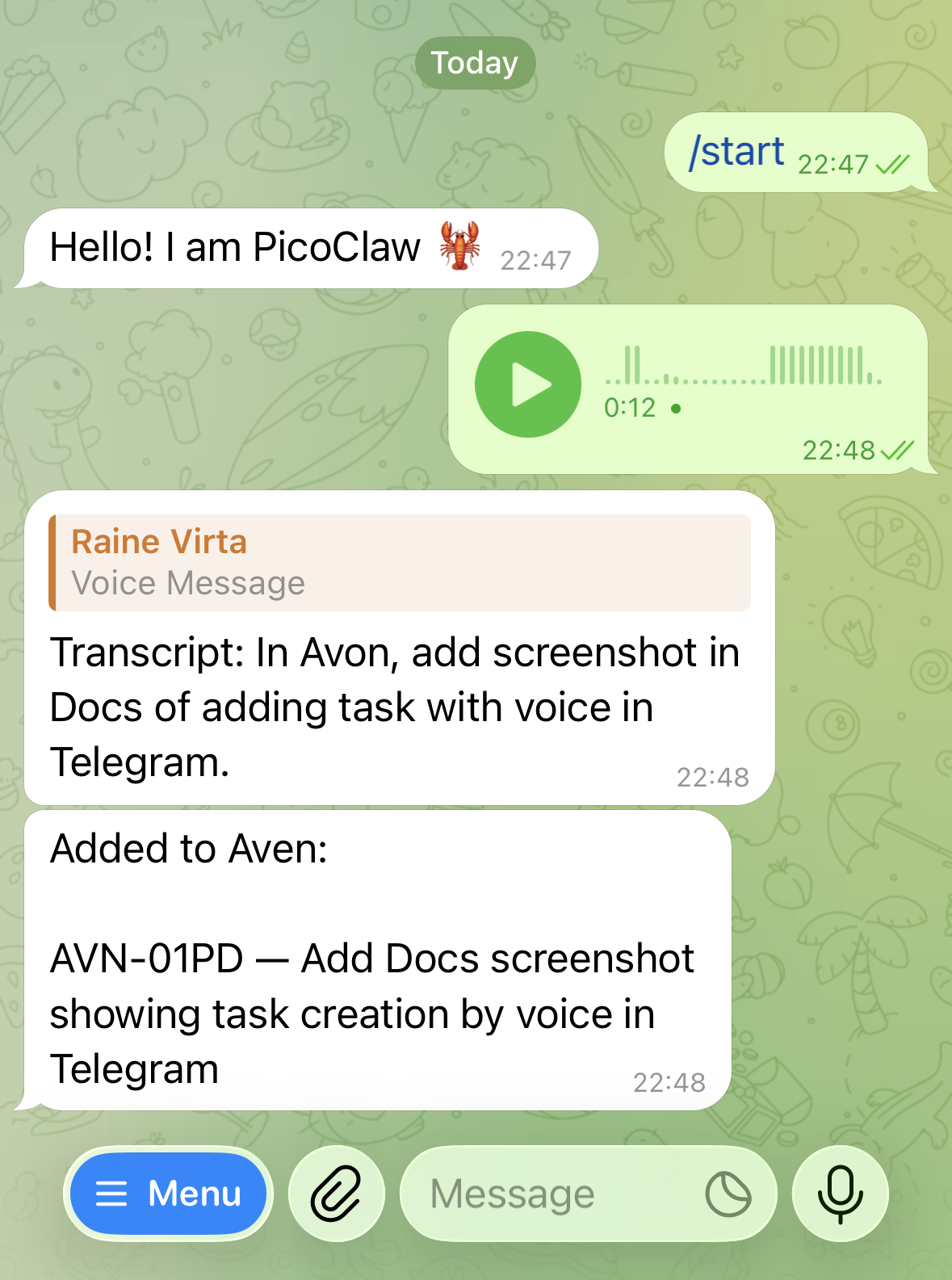
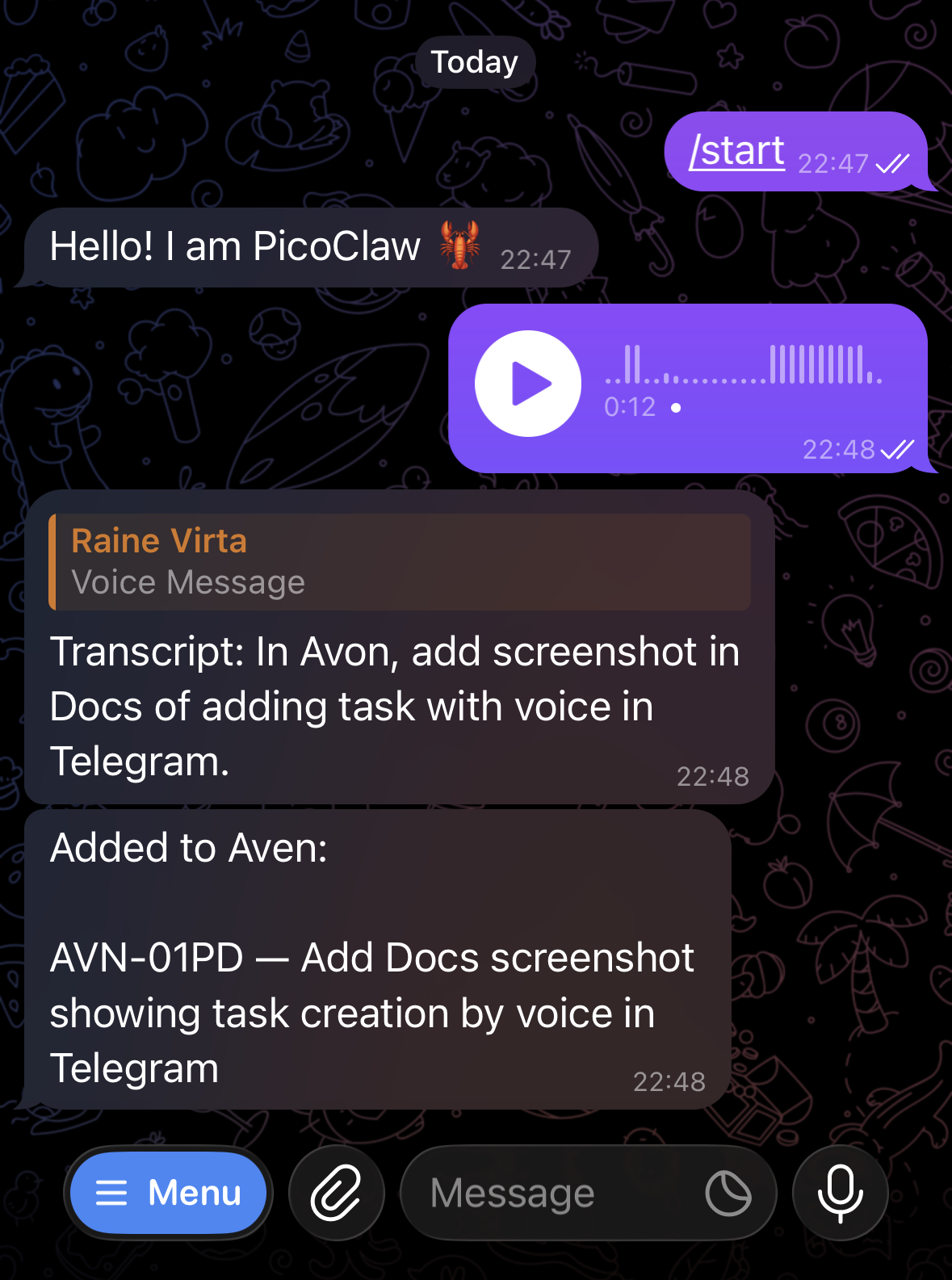
A Telegram voice message is transcribed into a project-scoped Aven task.
# Back up and restore
> Preserve, restore, or move Aven data safely.
Choose the command that matches what you need to preserve:
| Goal | Commands | Image files included? |
| ------------------------------------------------------------- | --------------------------------------- | ------------------------------------------------------------------- |
| Preserve or move all local Aven data | `aven backup` and `aven backup restore` | Yes, for images available on this device when the backup is created |
| Move task data through JSON from a database that doesn’t sync | `aven export` and `aven import` | No |
## Create and restore a complete backup
[Section titled “Create and restore a complete backup”](#create-and-restore-a-complete-backup)
```sh
aven backup
aven backup --output backup.aven-backup.tar.zst
aven backup restore backup.aven-backup.tar.zst --yes
```
Without `--output`, Aven writes a timestamped backup beside the active database. Use `--output` when you need a specific destination.
A backup archive contains the local data from a consistent SQLite snapshot and every attachment image available on the device. Recurring schedules, future-task settings, completed, skipped, and missed history, pauses, conflicts, task fields, notes, and attachments remain intact. Sync bindings, enrollment state, and encryption keys are excluded, so a restored copy is local only.
Images that have not downloaded cannot be included. Run `aven sync` first when the sync server may have files this device lacks. Restore checks the archive and images before replacing local data.
Local data replacement
Restore replaces local data and requires confirmation with `--yes`. Aven creates a safety backup first and preserves the previous attachment directory.
## Recover data used with sync
[Section titled “Recover data used with sync”](#recover-data-used-with-sync)
A database that has set up or joined end-to-end encrypted sync can create a backup, including while setup or joining is incomplete. It still refuses restore and import because replacing data in a database that takes part in sync is unsafe. The CLI directs you to restore or import into a fresh database path instead of printing the internal refusal chain.
If one device is lost or broken, use a surviving device instead of a backup: run `aven sync invite` there, then run `aven sync join` on an empty database on the replacement device.
If every syncing device is lost, restore the backup to a fresh database path:
```sh
aven --db /path/to/recovered.sqlite backup restore backup.aven-backup.tar.zst --yes
```
The restored data works locally immediately. To sync again, prepare a new server data path with `aven server setup`, serve that storage, and run `aven sync setup` against the restored database. Do not reuse the previous sync’s server storage. Other devices must join the new sync from empty databases.
Changes made after the backup and never synced are not carried into the new sync. Check any old database you can still access before discarding it. See [Recover from device loss](/sync/setup/#recover-from-device-loss) for the complete command sequence.
## Export and import portable JSON
[Section titled “Export and import portable JSON”](#export-and-import-portable-json)
```sh
aven export --output tasks.json
aven import tasks.json --yes
```
A JSON export includes tasks, recurring schedules, future-task settings, history, pauses, conflicts, and attachment information. It sets `blobs_included: false` and leaves out image files.
An export from a database that has set up or joined sync can’t be imported, including into a new database. Use [`aven backup`](#create-and-restore-a-complete-backup) to preserve or move synced data.
Import validates recurring schedules, generated tasks, history, and recurring state before replacing local data. Older task-only exports import every task as nonrecurring data. Import keeps this installation’s client identity and resets the sync cursor and established compatibility behavior. When the export contains history already accepted by a sync server, import retains that server binding so Aven cannot silently treat the history as belonging to a different server. Imported history must fit the maintained baseline; incompatible records are rejected before local data is replaced. A SQLite backup preserves the database relationship and its established behavior together.
Local data replacement
Import replaces local data and requires confirmation with `--yes`. Aven creates a safety backup first.
## Restore attachment images
[Section titled “Restore attachment images”](#restore-attachment-images)
After importing JSON, attachment labels remain visible while the TUI shows unavailable-image placeholders, and [`attachment get --output`](/command-reference/#aven-attachment) cannot save the image. Sync does not restore these images: Aven does not publish them because the JSON lacks the image bytes. Use a backup archive instead when moving images. Restoring that archive replaces the database and restores the included image files together.
A complete backup includes only images available locally when it is created. If you synchronize attachments, confirm that sync is complete before creating the archive. See [Image attachments during sync](/sync/setup/#image-attachments-during-sync).
See [Data safety commands](/command-reference/#data-safety-commands) for every backup, restore, export, and import option.
# Changelog
> Release notes for aven.
[CLI & TUI](/changelog/)[iPhone](/changelog/ios/)[Android](/changelog/android/)
November 6, 2026Latest
## v0.1.55
[Section titled “v0.1.55”](#v0-1-55)
Improved
* Agents file “up next” and “top priority” requests as todo tasks with medium or high priority, and “someday” requests as backlog. Run `aven skill install` again to update installed skills.
Fixes
* Joining encrypted sync works on Linux filesystems that limit filenames to 143 bytes, such as eCryptfs, instead of failing with `protected-key-storage-unavailable`. ([#48](https://github.com/raine/aven/issues/48))
November 3, 2026
## v0.1.54
[Section titled “v0.1.54”](#v0-1-54)
New
* `aven mcp --http` serves MCP Streamable HTTP with a bearer token from `AVEN_MCP_TOKEN`, and `--sync` runs sync inside that process, so an agent in another container needs only a URL and token. See [HTTP and containers](https://aventasks.dev/mcp/#http-and-containers). ([#35](https://github.com/raine/aven/issues/35))
Fixes
* Clear the TUI sync error once a sync restores Keychain access.
* Keep the same task’s details open after changing its status, even when it moves in the list or leaves the current filter. ([#44](https://github.com/raine/aven/issues/44))
November 2, 2026
## v0.1.53
[Section titled “v0.1.53”](#v0-1-53)
New
* Self-hosted sync servers can now power [Tell Aven](https://aventasks.dev/mobile-app/#tell-aven) on iPhone and Android. Run `aven server ai setup` to choose a provider and model, and `aven ai check` to test the running server. See [Server configuration](https://aventasks.dev/server-configuration/#ai-for-tell-aven).
Fixes
* Refuse project path conflicts instead of silently evicting the existing owner. Use `aven project path add --move` to explicitly reassign a managed mapping. ([#40](https://github.com/raine/aven/issues/40))
October 31, 2026
## v0.1.52
[Section titled “v0.1.52”](#v0-1-52)
Breaking
* `aven server` uses a separate `server.yaml` instead of the client configuration. See the [migration guide](https://aventasks.dev/migration-guide/#move-server-settings-to-serveryaml).
New
* `aven mcp` serves your tasks to Claude Code, Codex, Claude Desktop, and other MCP clients over stdio, and to ChatGPT through OpenAI’s tunnel. It can list, search, count, create, update, note, and delete tasks and manage recurring series. See [MCP server](https://aventasks.dev/mcp/).
Improved
* Bare HTTP(S) URLs in TUI task descriptions and notes are clickable without Markdown link syntax.
* Browse long TUI sidebars with page and half-page keys or the mouse wheel without changing the active view until you press `Enter`. Scrolling focuses the pane under the pointer, and clicking blank task-pane space returns focus to tasks. Thanks [@pnaaberi](https://github.com/pnaaberi). ([#38](https://github.com/raine/aven/pull/38))
* TUI priority icons use one, two, or three signal bars for low, medium, and high, and an alert box for urgent. The icons require a Nerd Font and appear in priority pickers and recurring task views too.
Performance
* Optimize PNG attachments faster, with a small trade-off in compressed file size.
Fixes
* Refuse edits to symlinked or read-only config files instead of replacing them, with instructions for making changes through your [config manager](https://aventasks.dev/configuration/#externally-managed-configuration).
* Print ambiguous task ref matches to standard error with the rest of the error, instead of to standard output.
* Explicitly choosing Inbox keeps a task in Inbox even with medium, high, or urgent priority. Omitting the status still promotes these tasks to Todo.
October 21, 2026
## v0.1.51
[Section titled “v0.1.51”](#v0-1-51)
New
* Switch workspaces from the TUI sidebar, with available open task counts for each workspace. ([#35](https://github.com/raine/aven/issues/35))
* Changed: `aven`, `aven list`, and `aven search` default to the current directory’s project. Use `--all-projects` (`-A`) or set `scope: workspace` for all projects; TUI search follows the active scope, with `Ctrl+S` to widen it.
Improved
* Type directly in TUI priority pickers and label filters without pressing `/`, with clearer selection highlights and colored priority icons.
* Set custom project prefixes with `aven project create --prefix` or the TUI’s two-field rename dialog (`p r`, `Tab` to switch fields). ([#35](https://github.com/raine/aven/issues/35))
Fixes
* Remove the TUI sidebar’s static Filters section and give Backlog a distinct icon. ([#35](https://github.com/raine/aven/issues/35))
* Create labels in the TUI even when their names are substrings of existing labels. ([#35](https://github.com/raine/aven/issues/35))
October 18, 2026
## v0.1.50
[Section titled “v0.1.50”](#v0-1-50)
* Aven for [iPhone](https://apps.apple.com/app/aven-tasks/id6811171767) and [Android](https://play.google.com/store/apps/details?id=fi.zendit.aven) is now available. Jot a task down on your phone and it lands in your terminal queue. See [the mobile apps](https://aventasks.dev/mobile/).
* [Aven Cloud](https://cloud.aventasks.dev/), hosted sync for people who don’t want to run their own server. It’s end-to-end encrypted, same as self-hosted. It’s free during the preview. Paid plans may come later, and they’ll be a way to support the project.
* Aven is now on X at [@aventasksdev](https://x.com/aventasksdev). I’ll be posting updates there now and then.
* macOS installations from Homebrew or the install script show [notifications](https://aventasks.dev/notifications/) with Aven’s name and icon, and identify the background daemon as Aven in Login Items.
* Get [reminders](https://aventasks.dev/notifications/#reminders) from the background daemon: a daily digest of tasks due today or overdue, and a notification when a deferred task becomes available. Turn them on with `aven config set reminders.enabled true`.
* New [triage mode](https://aventasks.dev/tui/#triage-mode) in the TUI: run `:triage` to go through inbox tasks and stale active or todo work one card at a time and decide what happens to each.
October 13, 2026
## v0.1.49
[Section titled “v0.1.49”](#v0-1-49)
* Install the prebuilt binary with Nix, without compiling: `nix profile install https://github.com/raine/aven/releases/latest/download/aven-nix.tar.gz`.
October 12, 2026
## v0.1.48
[Section titled “v0.1.48”](#v0-1-48)
* New light mode for the TUI, with automatic light or dark theme selection to match your terminal background. Thanks [@grncdr](https://github.com/grncdr)! ([#31](https://github.com/raine/aven/pull/31))
* New terminal-native mode uses your terminal’s own text and background colors with ANSI-colored accents, following your terminal color scheme.
* Set your preferred theme with [`tui.appearance`](https://aventasks.dev/configuration/#tui-appearance), or switch for the current session with `:theme light`, `:theme dark`, or `:theme terminal`.
* The Sync dialog offers **Show invitation** to reopen an existing pairing QR code, and `:add-device` points to `:sync` when setup is needed.
October 11, 2026
## v0.1.47
[Section titled “v0.1.47”](#v0-1-47)
New
* Generate [shell completions](https://aventasks.dev/command-reference/#aven-completions) with `aven completions `; Homebrew installs them automatically. ([#35](https://github.com/raine/aven/issues/35))
* Docker images now accept full aven commands (`server setup` or `server --bind …`), with clearer storage errors and [setup and recovery guidance](https://aventasks.dev/sync/setup/#run-with-docker). Custom image commands must now include `server`. ([#35](https://github.com/raine/aven/issues/35))
* [`aven context`](https://aventasks.dev/command-reference/#aven-context) keeps task descriptions and metadata complete while shortening long note histories. Read omitted notes with `aven note-show`, or use `--full` for every note.
Fixes
* Rerunning `aven sync setup` can resume an interrupted setup without the original invitation once the server has accepted it.
* Undo works after changes have been prepared for encrypted sync, even while offline, and can undo note, project, and label creation after syncing.
* CLI and TUI commands no longer fail when log files can’t be written, and storage errors include clearer explanations. ([#35](https://github.com/raine/aven/issues/35))
* TUI shortcut help wraps descriptions instead of clipping them, uses one column on narrow terminals, and lists only commands with hotkeys. ([#33](https://github.com/raine/aven/issues/33))
October 5, 2026
## v0.1.46
[Section titled “v0.1.46”](#v0-1-46)
* A sync-server Docker image is now available at `ghcr.io/raine/aven` for Linux amd64 and arm64. Run it with [Docker or Docker Compose](https://aventasks.dev/sync/setup/#run-with-docker), or build from source. ([#32](https://github.com/raine/aven/issues/32))
October 4, 2026
## v0.1.45
[Section titled “v0.1.45”](#v0-1-45)
Breaking
* Unencrypted sync is removed, and servers refuse storage from earlier releases. Sync every device before upgrading, then follow [Upgrade from unencrypted sync](https://aventasks.dev/sync/setup/#upgrade-from-unencrypted-sync) to move to new server storage.
New
* Sync is now [end-to-end encrypted](https://aventasks.dev/sync/setup/). Devices encrypt tasks, history and images before upload, so the sync server cannot read your tasks or images. It still sees [some metadata](https://aventasks.dev/sync/setup/#what-encryption-protects), such as IDs, sizes and timing.
* Start a sync with a one-time setup invitation from [`aven server setup`](https://aventasks.dev/sync/setup/#start-a-server), and [add devices](https://aventasks.dev/sync/setup/#add-a-device) by scanning a QR code or pasting an invitation from a device that already syncs.
* [List and remove devices](https://aventasks.dev/sync/setup/#manage-devices) with `aven sync device` or **Manage devices** in the TUI Sync dialog. Removing a device rotates the keys for future changes.
* [`aven sync reset`](https://aventasks.dev/sync/setup/#rebuilding-sync) returns a database to local-only use, keeping its tasks and images.
* Move tasks to a project in another workspace with [`aven move`](https://aventasks.dev/command-reference/#aven-move). Notes, labels, metadata, attachments, epic subtrees and internal relationships move with them, and refs keep their suffix.
* On Linux, [`aven daemon install`](https://aventasks.dev/sync/setup/#automate-sync-with-the-daemon) and the other daemon subcommands manage a systemd user service.
* `aven server` and `aven server setup` store data in a standard location by default, so `--data` is optional.
Fixes
* The daemon restarts on the new version after `brew upgrade` instead of running the old one until Homebrew cleans it up.
* Databases, backups, restore staging and log files are created readable only by you.
* The TUI shows availability times in recent actions and conflicts in local time.
September 26, 2026
## v0.1.44
[Section titled “v0.1.44”](#v0-1-44)
Fixes
* Opening a [search](https://aventasks.dev/tui/#search-filter-and-order) result with `Enter` keeps the typed query as the committed search view, so closing the task detail returns to the full result list instead of a single-task view scoped to that task’s reference. ([#21](https://github.com/raine/aven/pull/21))
September 26, 2026
## v0.1.43
[Section titled “v0.1.43”](#v0-1-43)
Fixes
* Moving tasks or recurring schedules to a project now requires that project to exist in the selected workspace, preventing accidental duplicate projects. ([#29](https://github.com/raine/aven/issues/29))
September 24, 2026
## v0.1.42
[Section titled “v0.1.42”](#v0-1-42)
New
* Navigate TUI task lists by page with Page Up/Page Down and by half-page with Ctrl-U/Ctrl-D.
Fixes
* Ctrl-U clears the current line in task inputs instead of opening the schedule editor.
September 22, 2026
## v0.1.41
[Section titled “v0.1.41”](#v0-1-41)
New
* Navigate from a task to its blocker with `g B`, choosing from a picker when it has multiple blockers. ([#27](https://github.com/raine/aven/issues/27))
* Add an optional dedicated [due-date column](https://aventasks.dev/configuration/#tui-table-columns) to TUI task lists. ([#25](https://github.com/raine/aven/issues/25))
* Newer apps can keep syncing with older supported servers, while preserving offline edits when an update is required.
* Aven warns before installing an update that could interrupt sync and recommends updating the sync server first when needed.
Fixes
* More reliable sync for recurring tasks, JSON imports, attachments, and server errors, preventing false conflicts, lost history, and unnecessary retries.
* The TUI Ref column label aligns with the task refs beneath it.
September 19, 2026
## v0.1.40
[Section titled “v0.1.40”](#v0-1-40)
New
* New landing page: [`, a breaking command rename for scripts and agents.
July 15, 2026
## v0.1.8
[Section titled “v0.1.8”](#v0-1-8)
* [Task detail views](https://aventasks.dev/tui/#copy-task-information) support dragging across rendered titles and descriptions and copying the selected text with `y`.
* [`Ctrl-Enter`](https://aventasks.dev/tips/#use-ctrl-enter-in-alacritty-and-tmux) submits task composers and multiline editors, with `Ctrl-s` as a portable fallback.
* [Batch actions](https://aventasks.dev/tui/#triage-and-edit-tasks) clearly indicate when they target marked tasks, and status changes use the status picker.
* [Multiline editor controls](https://aventasks.dev/tui/#capture-tasks) remain visible as content grows, and note prompts appear only on empty drafts.
July 15, 2026
## v0.1.7
[Section titled “v0.1.7”](#v0-1-7)
* Move selected or marked tasks directly between [Columns lanes](https://aventasks.dev/tui/#columns) with keyboard or mouse controls, with batch moves grouped into one undo step.
* Improved the default [Columns workflow](https://aventasks.dev/tui/#columns) with lifecycle-based lanes, ordering tailored to each lane, and a toggle for the selected-task preview.
* Task previews render Markdown formatting and clearly indicate truncated text.
* Configured [database, workspace, and project paths](https://aventasks.dev/configuration/) support `~` for the home directory.
July 14, 2026
## v0.1.6
[Section titled “v0.1.6”](#v0-1-6)
* Added a configurable [Columns view](https://aventasks.dev/tui/#columns) for navigating tasks in named status lanes.
* Redesigned the [task composer](https://aventasks.dev/tui/#capture-tasks) so project, status, priority, labels, title, and description stay visible and are accessible by keyboard or mouse.
* Added task copy shortcuts for refs, titles, descriptions, notes, and combined task text.
* Improved [task detail navigation](https://aventasks.dev/tui/#task-detail) with a shortcut that jumps directly to notes.
* Added a guided [Taskwarrior migration workflow](https://aventasks.dev/taskwarrior/#migrate-from-taskwarrior) to the documentation.
* Improved [daemon and server startup](https://aventasks.dev/sync/setup/) in Linux services, containers, and other environments without writable state directories.
July 12, 2026
## v0.1.5
[Section titled “v0.1.5”](#v0-1-5)
* Selecting an [epic](https://aventasks.dev/concepts/#dependencies-and-epics) in the task list highlights its child tasks for easier scanning.
July 9, 2026
## v0.1.4
[Section titled “v0.1.4”](#v0-1-4)
* [Task composer](https://aventasks.dev/tui/#capture-tasks) labels can be set while creating a task.
* TUI timestamps display in local time across task details, notes, recent actions, and database stats.
* [Database diagnostics](https://aventasks.dev/sync/setup/#diagnose-sync-state) show sync history size, synced and pending change counts, server sequence range, and payload bytes.
* [Task list](https://aventasks.dev/tui/#find-work) selection stays visible when queue group headers remain pinned.
* Back navigation from an [epic child detail](https://aventasks.dev/tui/#projects-and-relationships) returns to the parent detail view and scroll position.
July 7, 2026
## v0.1.3
[Section titled “v0.1.3”](#v0-1-3)
* [Epic detail views](https://aventasks.dev/tui/#projects-and-relationships) list child tasks inline, with mouse hover and click targets for jumping to visible child tasks.
* The [queue](https://aventasks.dev/concepts/#queue) keeps blocked tasks below actionable groups and gives more weight to tasks that unblock other work.
* The [TUI sidebar](https://aventasks.dev/tui/#find-work) preserves selection more consistently when switching focus, toggling the sidebar, or applying task changes.
* Crashes are written to the aven log file with panic details for easier troubleshooting.
July 5, 2026
## v0.1.2
[Section titled “v0.1.2”](#v0-1-2)
* Added [`aven skill install`](https://aventasks.dev/agents/#install-the-aven-skill) so Claude Code, OpenCode, and Codex can install the bundled task-management skill into their agent skill directories.
* Added a [Recent Actions view](https://aventasks.dev/tui/#find-work) in the TUI for reviewing task, project, label, and dependency activity.
* Improved the [TUI queue](https://aventasks.dev/concepts/#queue) with epic parent and child context, a `SOON` band, created-age metadata, tighter task and label column sizing, and consistent metadata spacing.
* Added [batch editing](https://aventasks.dev/tui/#triage-and-edit-tasks) in the TUI: mark multiple tasks, then apply one status change or add and remove labels across the selected tasks in a single action.
* Improved [TUI navigation and controls](https://aventasks.dev/tui/#discover-commands) with back navigation, footer status hotkeys, mouse-scrolled help overlays, and clearer terminal startup errors.
* Improved [task detail and preview panels](https://aventasks.dev/tui/#task-detail) with epic metadata and parent markers.
July 3, 2026
## v0.1.1
[Section titled “v0.1.1”](#v0-1-1)
* Made natural task creation from the [full TUI](https://aventasks.dev/tui/#capture-tasks) continue reliably after exiting the interface, while keeping created tasks undoable when the TUI remains open.
* Improved [daemon update handling](https://aventasks.dev/sync/setup/#automate-sync-with-the-daemon) so launchd services use a stable executable path, restart cleanly, and show richer status in `aven doctor`.
July 2, 2026
## v0.1.0
[Section titled “v0.1.0”](#v0-1-0)
* Initial release of `aven`, a local-first task manager. See [Getting started](https://aventasks.dev/getting-started/) to install it and create your first task.
# Android changelog
> Release notes for Aven for Android.
[CLI & TUI](/changelog/)[iPhone](/changelog/ios/)[Android](/changelog/android/)
October 31, 2026Latest
## 0.3.0
[Section titled “0.3.0”](#v0-3-0)
New
* **Tell Aven** turns a typed or spoken request into task drafts you review before anything changes. It can search and answer questions about your tasks, use a photo as context, and open from task detail with that task attached. Chats stay on your phone.
* Voice input in Tell Aven offers on-device and alternative transcription providers, with a choice in Settings.
* Add notes to a task from task detail.
* Create new labels from the label picker’s search and while editing a task.
* Task priority is drawn as signal bars.
* Task lists follow to another workspace when the one you’re viewing is deleted on another device.
* Sync retries brief failures before showing them.
Fixes
* Dialogs keep their side margins.
* The sync headline stays centered as its status changes.
* The undo toast stays at full size while it is shown.
October 16, 2026
## 0.2.0
[Section titled “0.2.0”](#v0-2-0)
New
* Capture suggests one-tap label chips while typing, prioritizing labels named in the title and frequently used in the project. Reuse the labels from the project’s latest labelled task, or open the full picker with **…**.
* The label picker keeps selected labels visible as removable chips and offers frequently used labels. Capture and edit show selected labels as chips instead of a count.
* The capture title stays beside Close while the details scroll, replacing the separate **New task** heading.
* **All tasks** shows open tasks by default. **Open tasks** and **All statuses** shortcuts preserve other filters; priority and label choices have their own menu pages, and the filter button stays in place while selecting.
* Search focuses automatically the first time its tab opens, without reopening the keyboard when returning from a task.
* Settings has a **Suggest an improvement** link for bugs, ideas, and clunky workflows.
* Sort, filter and search **All tasks** in a project: sort by date added, last updated, priority, due date or title; filter by status, priority and label; and pull down to search. The Tasks tab gets the same **All tasks** view for the whole workspace, next to Queue and Epics.
* Swipe tasks in **All tasks** like in the Queue: right to mark done, left to snooze until tomorrow, with Undo.
* With an empty query, the Search tab shows the five most recently added tasks, with **Show all** to see the rest.
* Long-press a task to set its due date or snooze it with quick picks such as Tomorrow, Next week or Weekend, with Undo. The editor’s Availability field is now called **Available from**.
* Create projects on Android: type a new name in the capture project picker or the Projects tab filter and choose **Create ”…”**.
* Capturing a task in a workspace with no projects creates an **Inbox** project when you save, instead of asking you to sync a project first.
* Choose the default project for new tasks in Settings: the last one used (the default), none, or a specific project. Each device remembers it per workspace.
* Project colors match the terminal app, using 14 colors tuned for light and dark mode.
* Join sync hosted by Aven Cloud or your own Aven server. Pairing and Settings show which one the phone uses.
* When sync has been deleted on the server, the app says so, stops syncing automatically, and offers **Disconnect to pair again**. **Sync now** still checks.
* Joining with an invitation for a deleted sync explains that sync must be set up again on the computer, instead of reporting an expired invitation.
* Leaving a pairing that can still be retried asks before discarding it.
* Clearer sync errors: connection problems give advice that fits Aven Cloud or a self-hosted server, an app too old for its server says to update, hosting refusals (paused, storage limit, unavailable) explain what to do, and a reverse proxy that rejects large requests suggests raising its body limit to at least 8 MB.
* The capture dialog has more room while typing: the note under the Capture button is gone.
Performance
* **All tasks** opens smoothly with around a thousand tasks, and returning from a task no longer reloads the list.
Fixes
* Capture ignores whitespace-only changes when asking to discard a draft, and changing only its project now asks for confirmation.
* Done and canceled tasks are no longer shown as overdue. With the due date sort, they appear under **Earlier** with their due date.
* An invitation with an unusable server address asks for a new invitation instead of suggesting a network check.
October 8, 2026
## 0.1.0
[Section titled “0.1.0”](#v0-1-0)
* Initial release of Aven for Android, a companion to the [aven](https://aventasks.dev/) task manager. Capture tasks, work through the queue and epics, browse projects, search, and edit tasks with Markdown descriptions, notes, relationships and attachments.
* End-to-end encrypted sync with Aven on your computer: pair by scanning a QR code or pasting an invitation. Tasks stay available offline.
* Delete and restore tasks, with Undo.
* Open-source license notices are available offline, and Contact support opens Aven’s support page.
* The app collects no data.
# iPhone changelog
> Release notes for Aven for iPhone.
[CLI & TUI](/changelog/)[iPhone](/changelog/ios/)[Android](/changelog/android/)
November 8, 2026Latest
## 1.0.7
[Section titled “1.0.7”](#v1-0-7)
* Updated encryption compliance for distribution in France.
November 3, 2026
## 1.0.6
[Section titled “1.0.6”](#v1-0-6)
New
* Swiping down in Tell Aven now hides the keyboard smoothly. Swipe again to close the chat.
Fixes
* Resending a request after a Tell Aven cloud failure no longer sends it twice.
* Tell Aven messages fade out under the project pill instead of being cut off.
November 2, 2026
## 1.0.5
[Section titled “1.0.5”](#v1-0-5)
New
* Tell Aven has a Hide keyboard button next to the microphone.
* Update cards in Tell Aven show only the fields that change.
* Settings can prepare AI diagnostics for you to share. They stay on your iPhone until you share them and contain no prompts, answers, or task content.
* The photo quality prompt explains what each option does.
Fixes
* Linked tasks open from a task reached through Tell Aven, and the whole row responds to taps.
* Saved chats open for reading without bringing up the keyboard.
* The search header no longer overlaps the list when the keyboard opens.
* The undo toast stays at full size while it is shown.
November 2, 2026
## 1.0.4
[Section titled “1.0.4”](#v1-0-4)
New
* **Tell Aven** turns a typed or spoken request into task drafts you review before anything changes. It can search and answer questions about your tasks, take a photo or screenshot as context, and open from task detail with that task attached. Chats stay on your iPhone.
* Voice input in Tell Aven offers on-device and alternative transcription providers, with a choice in Settings.
* Add notes to a task from task detail.
* Create new labels from the Add Task label picker and while editing a task.
* Task priority is drawn as signal bars.
* Aven runs on iOS 18 again.
* Sync retries brief failures before showing them.
Fixes
* Switching tabs no longer flashes the screen.
* The add image tile lays out correctly in the task form.
October 28, 2026
## 1.0.3
[Section titled “1.0.3”](#v1-0-3)
Fixes
* HTTP sync connections to self-hosted servers over a trusted VPN, including Netbird, are no longer blocked for VPN addresses such as `100.100.20.30`.
October 17, 2026
## 1.0.2
[Section titled “1.0.2”](#v1-0-2)
New
* Capture suggests labels as one-tap chips beside the Capture button. Labels matching words in the title come first, a chip reapplies the labels of the project’s latest labelled task, and **…** opens the full label picker.
* The capture sheet has more room while typing: the title field replaces the “New task” heading, and the note under the Capture button is gone. Next to the label chips, the Capture button is a larger capsule that is easier to spot and tap.
* The label picker keeps selected labels visible as removable chips below the search field, and a **Frequent** section offers the project’s most used labels. The edit form shows a task’s labels as chips instead of a count.
* A **Feedback** section in Settings links to Aven’s GitHub issues for suggestions and problem reports.
* **All tasks** shows open tasks by default. The status filter adds **Open tasks** and **All statuses** shortcuts, and priority and label filters move into submenus.
Fixes
* Closing a capture you haven’t changed no longer asks to discard it.
* The **All tasks** search field stays in place and visible while the keyboard is open, and scrolling back to the top shows search and filters again.
October 15, 2026
## 1.0.1
[Section titled “1.0.1”](#v1-0-1)
New
* Sort, filter and search **All tasks** in a project: sort by date added, last updated, priority, due date or title; filter by status, priority and label; and pull down to search. The Tasks tab gets the same **All tasks** view for the whole workspace, next to Queue and Epics.
* Swipe tasks in **All tasks** like in the Queue: right to mark done, left to snooze until tomorrow, with Undo.
* With an empty query, the Search tab shows the five most recently added tasks, with **Show all** to see the rest.
* Long-press a task to set its due date or snooze it with quick picks such as Tomorrow, Next week or Weekend, with Undo. The editor’s Availability field is now called **Available from**.
* Create projects on iPhone: type a new name in the capture project picker or the Projects tab filter and choose **Create ”…”**.
* Capturing a task in a workspace with no projects creates an **Inbox** project when you save, instead of asking you to sync a project first.
* Choose the default project for new tasks in Settings: the last one used (the default), none, or a specific project. Each device remembers it per workspace.
* Project colors match the terminal app, using 14 colors tuned for light and dark mode. The Projects list shows filled folder icons in each project’s color.
* Join sync hosted by Aven Cloud or your own Aven server. Pairing and Settings show which one the phone uses.
* When sync has been deleted on the server, the app says so, stops syncing automatically, and shows how to disconnect and pair again. **Sync now** still checks.
* Joining with an invitation for a deleted sync explains that sync must be set up again on the computer, instead of reporting an expired invitation.
* Leaving a pairing that can still be retried asks before discarding it.
* Clearer sync errors: connection problems give advice that fits Aven Cloud or a self-hosted server, an app too old for its server says to update, hosting refusals (paused, storage limit, unavailable) explain what to do, and a reverse proxy that rejects large requests suggests raising its body limit to at least 8 MB.
Performance
* **All tasks** opens smoothly with around a thousand tasks, and returning from a task no longer reloads the list.
Fixes
* Done and canceled tasks are no longer shown as overdue. With the due date sort, they appear under **Earlier** with their due date.
* An invitation with an unusable server address asks for a new invitation instead of suggesting a network check.
* Swiping right on a task in a project marks it done instead of going back.
October 14, 2026
## 1.0
[Section titled “1.0”](#v1-0)
* Initial release of Aven for iPhone, a companion to the [aven](https://aventasks.dev/) task manager. Capture tasks, work through the queue and epics, browse projects, search, and edit tasks with Markdown descriptions, notes, relationships and attachments.
* End-to-end encrypted sync with Aven on your computer: pair by scanning a QR code or pasting an invitation. Tasks stay available offline.
* Delete and restore tasks, with Undo.
* Open-source license notices are available offline, and Contact support opens Aven’s support page.
* The app collects no data. Crash reports are only sent if you choose to email them.
# Command reference
> Complete syntax, arguments, options, behavior, and examples for the aven CLI.
This page documents every user-facing `aven` command. The command line accepts global options before or after a subcommand.
## Global syntax
[Section titled “Global syntax”](#global-syntax)
```sh
aven [--db ]] [--workspace ]
aven help [...]
aven --version
```
| Option | Description |
| --------------------------- | ----------------------------------------------------------------------------------------------------------------------- |
| `--db ` | Use a specific SQLite database. This takes precedence over `AVEN_DB`, `local.db_path`, and the default state directory. |
| `--workspace ` | Use a specific workspace instead of directory routing or the configured default. |
| `-h`, `--help` | Print help for the selected command. |
| `-V`, `--version` | Print the installed aven version. |
`aven help ` and `aven --help` show the same command-specific help. Nested help accepts the full command path, such as `aven help project path add`.
## Common values and behavior
[Section titled “Common values and behavior”](#common-values-and-behavior)
### Task references
[Section titled “Task references”](#task-references)
Commands accept the qualified references printed by aven, such as `APP-7KQ9`, or an unambiguous bare suffix such as `7KQ9`. Typed suffixes must contain at least three characters. Aven lengthens displayed suffixes when needed to keep them unambiguous. `O` is treated as `0`, and `I` or `L` is treated as `1` when resolving a reference.
### Statuses and priorities
[Section titled “Statuses and priorities”](#statuses-and-priorities)
Valid statuses are `inbox`, `backlog`, `todo`, `active`, `done`, and `canceled`.
Valid priorities are `none`, `low`, `medium`, `high`, and `urgent`.
### Task metadata
[Section titled “Task metadata”](#task-metadata)
Custom task metadata uses repeatable `KEY=VALUE` assignments. Keys are normalized workspace field names, and values are opaque UTF-8 strings. An empty value is present metadata, while `--remove-metadata KEY` removes the value. See [Task metadata](/task-metadata/) for field rules, filtering, recurrence behavior, and sync semantics.
### Text input
[Section titled “Text input”](#text-input)
Commands that accept long text provide mutually exclusive inline, file, and standard-input forms. Pass only one source for a field. For example:
```sh
aven add "Document recovery" --description "Short description"
aven add "Document recovery" --description-file ./description.md
aven add "Document recovery" --description-stdin <<'EOF'
Explain the recovery workflow.
Include a verification step.
EOF
```
### Structured output
[Section titled “Structured output”](#structured-output)
The `--json` option is available on `context`, `show`, `list`, `search`, `recur list`, `recur show`, `recur history`, `attachment add`, `attachment list`, `attachment get`, `attachment delete`, `attachment prune`, `dep list`, `related list`, `epic list`, `prime`, `label list`, `metadata list`, `metadata show`, `project list`, `conflict list`, `conflict show`, and `doctor`. JSON task objects from `list`, `show`, and `search` include scheduling in `available_at` and `due_on`, epic membership in `is_epic`, `epic_parent`, and `epic_children`, dependency counts in `blocked_by` and `blocks`, conflict state in `has_conflict`, and `created_at` and `updated_at` timestamps. Search results add `score`, `matched_field`, and `snippet` to this task shape. `context --json` and `show --full --json` expose custom task metadata as a key-value object and as detailed records with stable field IDs. They also expose related tasks and attachment metadata without bytes, including deleted attachment tombstones. Consumers must inspect each attachment’s `deleted` field. An empty `available_at` means immediate availability. An empty `due_on` means no deadline.
## Temporal input
[Section titled “Temporal input”](#temporal-input)
### Availability input
[Section titled “Availability input”](#availability-input)
Availability controls when a task becomes eligible for attention and enters normal task lists and queue groups. It is not a deadline or due date. An empty `available_at` value means the task is immediately available. `aven add --available-at`, `aven edit --available-at`, natural task intake, and the TUI task composer use the same expressions:
| Expression | Local-calendar meaning |
| ----------------------------- | ----------------------------------------------------------------------------------------------------------------------------------------------------------------------------------------------------- |
| `today` | Today at local midnight. |
| `tomorrow` | Tomorrow at local midnight. |
| `Nd`, `Nw` | Local midnight after `N` calendar days or weeks, such as `2d` or `3w`. |
| `in N days` | Local midnight after `N` calendar days. Singular `day` is accepted. |
| `in N weeks` | Local midnight after `N * 7` calendar days. Singular `week` is accepted. |
| `in N months` | The same local day after `N` calendar months. End-of-month dates clamp to the last valid day. Singular `month` is accepted. |
| `next week` | The next Monday strictly after today at local midnight. |
| `next monday` | The named weekday strictly after today at local midnight. Full names and common abbreviations such as `mon`, `tues`, and `thurs` are accepted. If today is that weekday, this means seven days later. |
| ` at ` | The expression’s local date at `HH:MM`, `9am`, `9:30pm`, `noon`, or `midnight`. |
| `YYYY-MM-DD` | Local midnight on that date. |
| `YYYY-MM-DDTHH:MM:SSZ` | The exact UTC timestamp. The same form without `Z` is also interpreted as UTC. |
| Unix timestamp | The exact whole number of seconds since the Unix epoch. |
| `now` | Immediate availability. On `aven edit`, `--clear-available-at` is clearer. |
Relative expressions add calendar units to the current local date rather than fixed durations. Local expressions use the machine’s local timezone and convert to a canonical UTC timestamp for storage. This preserves the requested local wall-clock time across daylight-saving offsets. A local time that is skipped or repeated by a timezone transition is rejected, so use another local time or an explicit UTC timestamp.
Bare weekdays such as `monday` and bare times such as `9am` are ambiguous and rejected with a suggested explicit form. Informal periods such as `morning`, recurrence, year arithmetic, and notifications are outside the accepted grammar.
```sh
aven add "Prepare demo" --available-at "in 2 weeks"
aven add "Call supplier" --available-at "next monday at 9am"
aven edit APP-7KQ9 --available-at "tomorrow at 14:30"
```
### Due date input
[Section titled “Due date input”](#due-date-input)
A due date describes when completion is expected. It does not control visibility, change status, or clear availability. With [reminders](/notifications/#reminders) on, due and overdue tasks appear in the daily digest. A task can be available before its deadline, deferred beyond its deadline, or have either field on its own.
`aven add --due`, `aven edit --due`, natural task intake, and the TUI use the date expressions from [Availability input](#availability-input), including compact offsets, calendar months, `next week`, named weekdays, and ISO dates. Due dates are local-calendar values stored as `YYYY-MM-DD`. They reject times, UTC timestamps, and Unix timestamps because a deadline is date-only.
Use `none`, `clear`, or `aven edit --clear-due` to remove a deadline. A due date equal to today is due today. It becomes overdue when the local date advances past it.
```sh
aven add "Submit report" --due "next fri"
aven edit APP-7KQ9 --due "in 1 month"
aven edit APP-7KQ9 --clear-due
aven list --overdue
```
### Recurrence input
[Section titled “Recurrence input”](#recurrence-input)
`aven add --repeat` accepts these exact forms:
| Value | Schedule |
| -------------------------- | ---------------------------------------------------- |
| `daily` | Every day. |
| `every N days` | Every N local calendar days from the start date. |
| `weekdays` | Monday through Friday. |
| `weekly` | Every week on the start date’s weekday. |
| `fortnightly` | Every two weeks on the start date’s weekday. |
| `monthly` | The start date’s day number every month. |
| `every N months` | Every N months on the anchored, clamped start day. |
| `yearly` | Every year on the anchored month and clamped day. |
| `every N years` | Every N years on the anchored month and clamped day. |
| `weekly on mon,wed,fri` | The selected weekdays every week. |
| `every N weeks` | Every N weeks on the start date’s weekday. |
| `every N weeks on mon,thu` | The selected weekdays every N weeks. |
Explicit weekdays use the canonical abbreviations `mon`, `tue`, `wed`, `thu`, `fri`, `sat`, and `sun`, listed in Monday-to-Sunday order. `N` must be a positive whole number. Weeks begin on Monday, and weekday selections apply only to weekly schedules.
Schedules are anchored to their start date. Daily intervals count local calendar days. Monthly and yearly schedules use the final day when the anchored day is absent, then derive later dates from the original anchor without drift. A yearly schedule starting on February 29 uses February 28 in non-leap years and returns to February 29 in leap years.
The TUI schedule field also accepts friendly forms such as `every day`, `every 3 days`, `every Friday`, `Fridays`, `every month`, `every 3 months`, `annually`, `every year`, and `every 3 weeks on Monday and Thursday`. See [Recurring tasks](/recurring-tasks/) for creation workflows and schedule behavior.
## Task commands
[Section titled “Task commands”](#task-commands)
### `aven add`
[Section titled “aven add”](#aven-add)
Create a task in the active workspace.
```sh
aven add [options]
```
| Argument or option | Description |
| -------------------------------- | ----------------------------------------------------------------------------------------------------------------------------------- |
| `<title>` | Task title. With `--natural`, this is the natural-language task request. |
| `--project <project>` | Create the task in this project. Without it, aven infers a project from the current directory and creates that project when needed. |
| `--description <text>` | Set the description inline. |
| `--description-file <path>` | Read the description from a UTF-8 file. |
| `--description-stdin` | Read the description from standard input. |
| `--priority <priority>` | Set the priority. Defaults to `none`. |
| `--status <status>` | Set the initial status. Plain tasks default to `inbox`; recurring tasks default to `todo` and require an open status. |
| `--available-at <when>` | Defer the task until a calendar expression or timestamp. See [Availability input](#availability-input). |
| `--due <when>` | Set a date-only deadline. See [Due date input](#due-date-input). |
| `--repeat <rule>` | Create a recurring task using a value from [Recurrence input](#recurrence-input). |
| `--repeat-at <HH:MM>` | Make each dated task available at this local time in the recurring task’s time zone. |
| `--repeat-due <same-day\|none>` | Make each dated task due on its scheduled date or leave it without a due date. Defaults to `same-day`. |
| `--time-zone <IANA-zone>` | Interpret scheduled dates and local times in this IANA time zone. Defaults to the device zone. |
| `--repeat-start-on <YYYY-MM-DD>` | Set the first eligible scheduled date. Defaults to the creation date in the recurring task’s time zone. |
| `--label <label>` | Add a label. Repeat for multiple labels. Labels must already exist. |
| `--metadata <KEY=VALUE>` | Assign custom task metadata. Repeat for multiple fields. A field is created in the workspace when its key is first used. |
| `--epic` | Create an epic container. |
| `--natural` | Parse the title as natural-language task intake using the configured agent command. |
A plain task starts with status `inbox`. A recurring task starts with status `todo` and prints both its stable `RCR-` reference and first task reference. See [Recurrence input](#recurrence-input) for the accepted `--repeat` values. `--available-at` and `--due` cannot be combined with `--repeat`; use `--repeat-at` and `--repeat-due` instead.
`--natural` can be combined with `--project`, which fixes the project context and wins over any project returned by the configured intake command. It cannot be combined with a description source, `--status`, `--priority`, `--label`, `--metadata`, `--epic`, or scheduling flags. Natural intake can infer a title, description, project, priority, labels, availability, due date, and recurrence schedule. Ordinary natural intake uses status `inbox` and creates a non-epic task. Recurring natural intake uses status `todo`.
The command prints the created task’s qualified reference and bare suffix.
```sh
aven add "Fix conflict display" --project aven --status todo --priority high --label bug
aven add "Review migration plan" --metadata source=github --metadata review-state=pending
aven add "Review launch notes" --available-at "next monday at 9am"
aven add "Submit expense report" --due "next fri"
aven add "Add release automation" --epic
aven add "Daily journal" --repeat daily --repeat-at 09:00 --time-zone Europe/Stockholm
aven add "Review invoices" --repeat monthly --repeat-start-on 2026-01-31
aven add "Plan next sprint" --repeat fortnightly --repeat-start-on 2026-07-27
aven add --natural "high priority docs task for the aven project"
aven add --natural "draft release notes" --project aven
```
### `aven list`
[Section titled “aven list”](#aven-list)
List tasks in the project inferred from the current directory, or across the active workspace when none matches. Use `--all-projects` (`-A`) for all projects, or set [`scope: workspace`](/configuration/#default-project-scope) to change the default. This applies to every list filter. Results are ordered by most recent update first. By default, deleted tasks are excluded.
```sh
aven list [options]
```
| Option | Description |
| ----------------------------- | ------------------------------------------------------------------------------------------------------------ |
| `-p`, `--project [<project>]` | Match one project by key or name. Without a value, infer from the current directory. |
| `-A`, `--all-projects` | List across all projects in the workspace. Conflicts with `--project`. |
| `--status <status>` | Match one status. |
| `--priority <priority>` | Match one priority. |
| `--label <label>` | Match one label. |
| `--metadata <KEY=VALUE>` | Match an exact custom metadata value. Repeat to require multiple values. |
| `--has-metadata <KEY>` | Match tasks with a value for this metadata field, including an empty string. |
| `--missing-metadata <KEY>` | Match tasks without a value for this metadata field. |
| `--open` | Show available, live tasks whose status is not `done` or `canceled`. |
| `--all` | Include deleted tasks alongside live tasks. |
| `--deleted` | Show deleted tasks only. Normal filters still apply. |
| `--ready` | Show open, non-epic tasks with no unresolved blocker. |
| `--blocked` | Show open tasks with at least one unresolved blocker. |
| `--epics` | Show epic containers only. |
| `--upcoming` | Show open, live tasks with a future availability time, ordered by availability time from earliest to latest. |
| `--overdue` | Show open, live tasks with a due date before today, ordered by due date from oldest to newest. |
| `--expand-recurring` | Show each dated recurring task as a separate row instead of grouping past tasks by recurring task. |
| `--limit <number>` | Return at most this many tasks after sorting and filtering. The value must be at least `1`. |
| `--json` | Print a JSON array. |
When scope is inferred, stderr names the project and inference source and shows the `--all-projects` escape hatch. Explicit `--project` suppresses this note. Stdout remains task records, or a bare array with `--json`.
Normal lists hide open tasks whose availability time is in the future. They include tasks with empty or elapsed availability. `--open` also excludes `done` and `canceled` tasks and composes with project, priority, label, dependency, epic, overdue, recurrence-expansion, and limit filters. It cannot be combined with `--status`, `--all`, `--deleted`, or `--upcoming`. Explicit `--status done` and `--status canceled` lists include matching tasks regardless of availability, and `--deleted` includes matching deleted tasks regardless of availability.
`--upcoming` finds only live tasks with an open status and a future availability time. It can be combined with `--project`, `--status`, `--priority`, `--label`, `--all`, `--overdue`, and `--limit`. `--all` does not add deleted tasks to Upcoming. `--upcoming` cannot be combined with `--ready`, `--blocked`, `--epics`, or `--deleted`.
`--overdue` finds open, live tasks whose `due_on` date is earlier than the current local date. Due today is not overdue. Normal availability filtering still applies, so deferred overdue tasks remain hidden. Combine `--upcoming --overdue` to inspect deferred tasks whose deadlines passed.
`--ready` and `--blocked` are mutually exclusive. Neither can be combined with `--all` or `--deleted`. `--ready` and `--epics` are also mutually exclusive.
```sh
aven list --status active
aven list --open
aven list --open --project aven --label bug --limit 20
aven list --metadata review-state=pending
aven list --has-metadata effort
aven list --missing-metadata release-channel
aven list --ready
aven list --upcoming
aven list --upcoming --project aven --limit 10
aven list --overdue
aven list --upcoming --overdue
aven list --deleted --json
```
### `aven search`
[Section titled “aven search”](#aven-search)
Search task references, titles, descriptions, projects, labels, notes, statuses, priorities, and current attachment filenames and alternative text. Search defaults to the project inferred from the current directory, or the active workspace when none matches. Use `--all-projects` (`-A`) for all projects or `--project` to select one explicitly. Project scope restricts every candidate source before ranking and limiting. Set [`scope: workspace`](/configuration/#default-project-scope) to change the default. Done and canceled tasks participate in normal search. Deleted tasks require `--all`.
```sh
aven search <query>... [-p [<project>] | -A] [--metadata <KEY=VALUE>] \
[--has-metadata <KEY>] [--missing-metadata <KEY>] \
[--limit <number>] [--all] [--expand-recurring] [--json]
```
| Argument or option | Description |
| ----------------------------- | ----------------------------------------------------------------------------------------------------------------------- |
| `<query>...` | One or more search terms. Multiple shell arguments are joined with spaces. |
| `-p`, `--project [<project>]` | Search only the selected project by key or name. Without a value, infer from the current directory. |
| `-A`, `--all-projects` | Search across all projects in the workspace. Conflicts with `--project`. |
| `--metadata <KEY=VALUE>` | Restrict candidates to an exact custom metadata value. Repeat to require multiple values. |
| `--has-metadata <KEY>` | Restrict candidates to tasks with a value for this metadata field. |
| `--missing-metadata <KEY>` | Restrict candidates to tasks without a value for this metadata field. |
| `--limit <number>` | Maximum result count. Must be at least `1` and defaults to `50`. |
| `--all` | Include deleted tasks. |
| `--expand-recurring` | Return each matching dated task instead of grouping past matches by recurring task. |
| `--json` | Print ranked results as JSON. Each result uses the list task shape and adds score, matched field, and optional snippet. |
When scope is inferred, stderr names the project and inference source and shows the `--all-projects` escape hatch. Explicit `--project` suppresses this note. Stdout remains task records, or a bare array with `--json`.
Text output identifies the matched field and score and prints a snippet when available. Search JSON preserves the flat task fields used by list JSON, including recurrence metadata and recurrence grouping, then adds `score`, `matched_field`, and `snippet`. Ref-shaped input can resolve a deleted task when `--all` is present.
```sh
aven search "auth bug"
aven search --project app "auth bug"
aven search "migration" --metadata source=github
aven search "handoff" --has-metadata review-state
aven search APP-7KQ9
aven search recovery --all --json
```
### `aven context`
[Section titled “aven context”](#aven-context)
Print an agent-focused context snapshot for one task.
```sh
aven context <task-ref> [--full] [--json]
```
The snapshot includes stable identity, display reference, task fields, description, custom task metadata, project and workspace metadata, labels, notes, dependencies, dependents, related tasks, epic membership, recurring-task metadata, deletion state, and unresolved conflicts. It also derives whether the task is blocked, has conflicts, or blocks open work.
Text output omits empty fields and sections, and always prints the full description and metadata. Notes are chronological. On tasks with long note histories, earlier notes are left out so repeated checks stay small:
* The two newest notes always print. Earlier notes print while all printed note bodies fit 4,500 characters. If the remaining earlier notes total 1,500 characters or less, they print too.
* Each left-out note prints as one line: `note id=<id> created=<time> chars=<n> excerpt=<opening text>`.
* A note body over 8,000 characters is cut at a line boundary and followed by `note truncated id=<id> shown_chars=<n> total_chars=<n>`.
* When anything is left out or cut, a `notes total=<n> shown=<n> omitted=<n> omitted_chars=<n>` line comes before the notes, and the last line is `read="aven note-show <task-ref> <note-id>..."`, which prints every missing body in one call.
| Option | Description |
| -------- | -------------------------------------------------------------------- |
| `--full` | Print every note body in full. |
| `--json` | Print the complete snapshot as JSON. JSON output is never shortened. |
```sh
aven context APP-7KQ9
aven context APP-7KQ9 --full
aven context APP-7KQ9 --json
```
### `aven show`
[Section titled “aven show”](#aven-show)
Show one task.
```sh
aven show <task-ref> [--full] [--json]
```
| Option | Description |
| -------- | -------------------------------------------------------------------------------------------------------------- |
| `--full` | Include the description, custom metadata, project prefix, dependency summary, notes, and unresolved conflicts. |
| `--json` | Print JSON. With `--full`, emit the expanded task object. |
The compact form prints the task’s main fields and relationships. Use `context` when workspace and project metadata or derived state flags are also needed.
```sh
aven show APP-7KQ9
aven show APP-7KQ9 --full
aven show APP-7KQ9 --full --json
```
### `aven recur`
[Section titled “aven recur”](#aven-recur)
Inspect and manage recurring tasks. See [Recurring tasks](/recurring-tasks/) for creation workflows, schedule behavior, and lifecycle guidance. Every command that takes a reference accepts the recurring task’s `RCR-7KP2` reference or any linked task reference.
#### `recur list`
[Section titled “recur list”](#recur-list)
```sh
aven recur list [--json]
```
Print one row per recurring task with its active, paused, or stopped state, schedule, time zone, next task reference, and history counts.
#### `recur show`
[Section titled “recur show”](#recur-show)
```sh
aven recur show <recurring-or-task-ref> [--json]
```
Show the schedule, settings used for future tasks, template metadata, next task, history summary, and unresolved state conflicts.
#### `recur history`
[Section titled “recur history”](#recur-history)
```sh
aven recur history <recurring-or-task-ref> \
[--offset <number>] [--limit <number>] [--json]
```
History includes completed, skipped, and missed dates plus pause periods. A missed date may include a task reference when Aven created a task for that date. `--offset` defaults to `0`, and `--limit` defaults to `100`. An explicit `--limit` must be between `1` and `500`, inclusive.
The JSON output from `recur list`, `recur show`, and `recur history` uses `version: 1` and a command-specific `kind` value.
#### `recur edit`
[Section titled “recur edit”](#recur-edit)
```sh
aven recur edit <recurring-or-task-ref> [options]
```
| Option | Description |
| ------------------------------- | --------------------------------------------------------------------------------------------- |
| `--title <title>` | Change the title used by future tasks. |
| `--description <text>` | Change the future description inline. |
| `--description-file <path>` | Read the future description from a UTF-8 file. |
| `--description-stdin` | Read the future description from standard input. |
| `--project <project>` | Change future tasks to an existing project. |
| `--status <status>` | Change the starting status used by future tasks. |
| `--priority <priority>` | Change the priority used by future tasks. |
| `--label <label>` | Replace future labels. Repeat for multiple labels. |
| `--metadata <KEY=VALUE>` | Assign metadata to the recurring template used by future tasks. Repeat for multiple fields. |
| `--remove-metadata <KEY>` | Remove metadata from the recurring template used by future tasks. Repeat for multiple fields. |
| `--repeat-at <HH:MM\|none>` | Change or clear the future availability time. |
| `--repeat-due <same-day\|none>` | Change the future due setting. |
These options affect tasks created later. They do not rewrite the current task or history. The repetition pattern, start date, and time zone cannot be edited.
#### `recur skip`
[Section titled “recur skip”](#recur-skip)
```sh
aven recur skip <recurring-or-task-ref>
```
Mark the current task canceled, record its scheduled date as skipped, and create the next task. Setting the current task’s ordinary status to `canceled` has the same result.
#### `recur pause` and `recur resume`
[Section titled “recur pause and recur resume”](#recur-pause-and-recur-resume)
```sh
aven recur pause <recurring-or-task-ref>
aven recur resume <recurring-or-task-ref>
```
Pause hides the current task from normal active views and suppresses scheduled dates until resume. Resume continues without creating tasks for the paused period.
#### `recur stop`
[Section titled “recur stop”](#recur-stop)
```sh
aven recur stop <recurring-or-task-ref> [--skip-current]
```
Stop ends future scheduling and leaves the current task available as the last one. `--skip-current` also marks that task canceled and records its date as skipped.
Done lists and search results group past tasks by recurring task. Pass `--expand-recurring` to `aven list` or `aven search` for one row per dated task. Task JSON includes nullable `recurrence` and `recurrence_group` objects.
### `aven attachment`
[Section titled “aven attachment”](#aven-attachment)
Manage task image attachments without changing task descriptions.
```sh
aven attachment add <task-ref> <path> [--alt <text>] [--filename <name>] [--media-type <type>] [--optimize | --no-optimize] [--json]
aven attachment list <task-ref> [--all] [--json]
aven attachment get <attachment-id> [--output <path>] [--all] [--json]
aven attachment delete <attachment-id> [--json]
aven attachment prune [--dry-run | --apply] [--json]
```
Attachment metadata determines identity, display order, and search matches. Attachment IDs are exact, workspace-scoped 16-character uppercase Crockford Base32 identifiers. Task-ref suffix and normalization rules do not apply. Live attachments appear in `(created_at, attachment_id)` order. Attachment `list` and `get` require `--all` to include tombstoned metadata. Human-readable task attachment sections expose live attachments only. `aven context --json` and `aven show --full --json` preserve live attachments and deleted tombstones for synchronization-aware consumers. Inspect each attachment’s `deleted` field rather than treating every array entry as current. Compact `aven show --json` has no attachment array.
#### Add an image
[Section titled “Add an image”](#add-an-image)
Create the task first, then attach an image from a filesystem path:
```sh
aven attachment add APP-7KQ9 ./diagram.png --alt "service layout"
aven attachment add APP-7KQ9 ./capture --filename error.webp --media-type image/webp
```
The filename defaults to the file’s basename. Use `--filename` to choose another display name and `--alt` to add searchable alternative text. `--media-type` checks that the file has the expected format; it does not convert the image. The regular `aven add` command has no attachment option.
#### List and retrieve images
[Section titled “List and retrieve images”](#list-and-retrieve-images)
`list` shows a task’s current attachments in the order they were added. Pass `--all` to include deleted attachments. Human-readable output is compact; use `--json` for filenames, alternative text, dimensions, and local file availability.
```sh
aven attachment list APP-7KQ9
aven attachment list APP-7KQ9 --json
```
Copy the full attachment ID from this output when using `get` or `delete`. Attachment IDs are exact, workspace-scoped 16-character uppercase Crockford Base32 values and cannot be abbreviated like task refs.
`get` prints attachment information by default. Add `--output` to save the image to a file. Aven refuses to overwrite an existing path.
```sh
aven attachment get 7KQ9A1X4MV2P8D6R
aven attachment get 7KQ9A1X4MV2P8D6R --output ./diagram.png
```
Saving the file requires the image to be available on this device. In JSON output, `has_blob: true` means it is available. If it is not, run sync or restore a [backup that includes images](/backups/).
#### Delete an attachment
[Section titled “Delete an attachment”](#delete-an-attachment)
`delete` removes the attachment from its task. Repeating the command is safe. Aven has no attachment restore command.
```sh
aven attachment delete 7KQ9A1X4MV2P8D6R
```
A tombstone records deletion independently of local blob retention. `attachment get <id> --all` inspects tombstoned metadata, but tombstone metadata does not guarantee that image bytes remain retrievable. `--output` succeeds only while the blob is available on this device. Normal sync does not download deleted attachment blobs, and pruning may remove an unused blob after the grace period. Use a backup when deleted image bytes must be retained.
#### Supported images and optimization
[Section titled “Supported images and optimization”](#supported-images-and-optimization)
Aven checks the actual image rather than trusting its extension. It accepts nonempty PNG, JPEG, GIF, and WebP files with these limits:
| Item | Limit |
| -------------------------- | ---------------------------------------------------------------- |
| Image file | 25 MiB |
| Width or height | 16,384 pixels |
| Pixels in one frame | 40,000,000 |
| Animation frames | 100 |
| Pixels across an animation | 100,000,000 |
| Filename | 1-255 UTF-8 bytes, with no control characters or path separators |
| Alternative text | 500 UTF-8 bytes, with no control characters |
Aven checks the complete image, including every animation frame, before attaching it. `--optimize` requests lossless PNG optimization, while `--no-optimize` preserves the file. Without either flag, [`local.image_optimization`](/configuration/#png-optimization) controls CLI attachments and defaults to `off`. Optimization applies only to PNG files. Aven preserves the original when optimization fails or does not reduce the file size, and validates any optimized file before storage.
#### JSON output and search
[Section titled “JSON output and search”](#json-output-and-search)
JSON output from `add`, `list`, `get`, and `delete` contains `attachment_id`, `task_id`, `sha256`, `byte_size`, `media_type`, `filename`, `alt_text`, `width`, `height`, `created_at`, `deleted`, `deleted_at`, and `has_blob`. Add output also contains `optimized`.
`context --json` and `show --full --json` include live attachment metadata and deleted tombstones except `sha256`. Consumers must inspect `deleted`; `deleted_at` records when a tombstone was created. Human-readable task attachment sections and search use live attachments only. `attachment list --all` and `attachment get --all` expose tombstoned metadata directly. Compact `show --json` has no attachment array. Search matches live attachment filenames and alternative text, not image contents or hashes.
#### Clean up unused images
[Section titled “Clean up unused images”](#clean-up-unused-images)
`attachment prune` reports image files eligible for cleanup. It performs a dry run by default. Pass `--apply` to delete them. JSON output contains `mode`, `eligible_count`, `eligible_bytes`, `pruned_count`, and `pruned_bytes`.
Cleanup honors the configured grace period and processes at most [`local.attachment_lifecycle.maintenance_limit`](/configuration/#retention-and-storage-limits) files per run, so large cleanups may require repeated runs. Images used by tasks or attachment operations in progress are protected. Identical images share storage and count once toward attachment quotas. Cached previews are disposable and may be cleaned during either a dry run or an applied cleanup.
### `aven edit`
[Section titled “aven edit”](#aven-edit)
Update fields on one task.
```sh
aven edit <task-ref> [options]
```
| Option | Description |
| --------------------------- | -------------------------------------------------------------------------------------------------------------------------------------------------------------------------- |
| `--title <title>` | Replace the title. |
| `--description <text>` | Replace the description inline. |
| `--description-file <path>` | Replace the description from a UTF-8 file. |
| `--description-stdin` | Replace the description from standard input. |
| `--project <project>` | Move the task to an existing project. |
| `--status <status>` | Set the status. |
| `--priority <priority>` | Set the priority. |
| `--available-at <when>` | Set or reschedule availability with a calendar expression or timestamp. Passing `now` makes the task immediately available. See [Availability input](#availability-input). |
| `--clear-available-at` | Clear availability so the task is immediately available. |
| `--due <when>` | Set or reschedule the date-only deadline. Passing `none` or `clear` removes it. See [Due date input](#due-date-input). |
| `--clear-due` | Remove the due date. |
| `--epic <on-or-off>` | Set epic state. Accepted true values are `on`, `true`, and `1`; accepted false values are `off`, `false`, and `0`. |
| `--label <label>` | Add an existing label. Repeat as needed. |
| `--remove-label <label>` | Remove a label. Repeat as needed. |
| `--metadata <KEY=VALUE>` | Assign custom metadata. Repeat for multiple fields. An empty value remains present metadata. |
| `--remove-metadata <KEY>` | Remove custom metadata. Repeat for multiple fields. |
Description sources are mutually exclusive. `--available-at` and `--clear-available-at` are mutually exclusive. `--due` and `--clear-due` are mutually exclusive. The same metadata key cannot appear in both `--metadata` and `--remove-metadata`. Aven reports whether the update changed the task.
A task with epic children cannot have epic state turned off. Epic containers cannot become children of another epic.
```sh
aven edit APP-7KQ9 --status active
aven edit APP-7KQ9 --title "Clarify conflict output" --priority medium
aven edit APP-7KQ9 --available-at "in 2 weeks at 14:30"
aven edit APP-7KQ9 --clear-available-at
aven edit APP-7KQ9 --due "in 1 month"
aven edit APP-7KQ9 --clear-due
aven edit APP-7KQ9 --label docs --remove-label bug
aven edit APP-7KQ9 --metadata effort=large --metadata review-state=pending
aven edit APP-7KQ9 --remove-metadata review-state
aven edit APP-7KQ0 --epic on
```
### `aven move`
[Section titled “aven move”](#aven-move)
Move tasks to an existing project in another workspace.
```sh
aven move <task-ref>... --to-workspace <workspace> --project <project>
```
The active workspace is the source. Task IDs and ref suffixes stay the same; the project prefix changes. Notes, labels, custom metadata, attachments and internal relationships move with the tasks. Labels and metadata fields match by name or key in the destination. Moving an epic includes its complete subtree, including deleted children.
A move is atomic and cannot be undone through TUI undo. It refuses recurring tasks, unresolved conflicts and live dependencies, related links or epic links crossing the move boundary. A group may contain at most 256 tasks; its snapshot must fit the 64 KiB operation payload limit. If validation fails, nothing moves.
```sh
aven --workspace personal move APP-7KQ9 APP-7KQ0 \
--to-workspace work --project app
```
The summary reports the moved count and source and destination workspace keys. Devices sharing the vault must support workspace moves.
### `aven note`
[Section titled “aven note”](#aven-note)
Append a durable note to a task.
```sh
aven note <task-ref> [text] [--file <path> | --stdin]
```
Supply exactly one of `[text]`, `--file`, or `--stdin`. The command prints the generated note ID, which `note-delete` accepts.
```sh
aven note APP-7KQ9 "Waiting for API review"
aven note APP-7KQ9 --file ./handoff.md
printf '%s\n' "Reproduces on clean install" | aven note APP-7KQ9 --stdin
```
### `aven note-delete`
[Section titled “aven note-delete”](#aven-note-delete)
Delete a note from a task. Repeating the command for an already-deleted note succeeds and reports that no change was made.
```sh
aven note-delete <task-ref> <note-id>
```
```sh
aven note-delete APP-7KQ9 01JABCDEF123
```
### `aven note-show`
[Section titled “aven note-show”](#aven-note-show)
Print complete note bodies by ID, in the task’s note order. `aven context` prints this command when it leaves notes out. If any ID is not a live note on the task, the command prints nothing and fails with `error unknown-note`.
```sh
aven note-show <task-ref> <note-id>... [--json]
```
```sh
aven note-show APP-7KQ9 01JABCDEF123 01JABCDEF456
```
### `aven dep`
[Section titled “aven dep”](#aven-dep)
Inspect and modify task dependencies. In `dep add <task> <blocker>`, the first task depends on the second task.
```sh
aven dep add <task-ref> <depends-on-ref>
aven dep remove <task-ref> <depends-on-ref>
aven dep list <task-ref> [--json]
```
Dependencies must stay within one workspace. A task cannot depend on itself, and aven rejects dependency cycles. Adding or removing the same relationship repeatedly is safe and reports whether anything changed. A dependency is unresolved while its blocker is open.
```sh
aven dep add APP-7KQ9 APP-7KQ0
aven dep list APP-7KQ9
aven dep remove APP-7KQ9 APP-7KQ0
```
### `aven related`
[Section titled “aven related”](#aven-related)
Explicitly link tasks that provide useful context without ordering or containment.
```sh
aven related add <task-ref> <related-ref>
aven related remove <task-ref> <related-ref>
aven related list <task-ref> [--json]
```
Links are symmetric and stay within one workspace, but may cross projects. They do not affect blocking, readiness, scheduling, queue order, or containment. References in titles, descriptions, or notes do not create links automatically. Use `related add` to create a link, `related remove` to unlink it from either endpoint, and `related list` to inspect one task’s links.
```sh
aven related add APP-7KQ9 WEB-7KQ0
aven related list APP-7KQ9 --json
aven related remove APP-7KQ9 WEB-7KQ0
```
### `aven epic`
[Section titled “aven epic”](#aven-epic)
Inspect and modify epic membership.
```sh
aven epic add <child-ref> <epic-ref>
aven epic remove <child-ref> <epic-ref>
aven epic list <epic-ref> [--json]
```
`epic add` marks the parent as an epic when needed. Child and epic must belong to the same workspace and project. An epic cannot be its own child, epic containers cannot be children, and each child can belong to only one epic. Epic membership does not create a dependency or make a child blocked.
`epic list` prints the epic and all children, including child status, priority, and title.
```sh
aven epic add APP-7KQ9 APP-7KQ0
aven epic list APP-7KQ0 --json
aven epic remove APP-7KQ9 APP-7KQ0
```
### `aven text`
[Section titled “aven text”](#aven-text)
Read and update long text with optimistic concurrency protection. The only supported text field is `description`.
```sh
aven text get <task-ref> description [--raw | --output <path>]
aven text diff <task-ref> description --file <path>
aven text set <task-ref> description (--file <path> | --stdin) --if-sha256 <hash>
```
#### `text get`
[Section titled “text get”](#text-get)
Prints the current SHA-256 hash and description. `--raw` writes only the description with no added newline. `--output` writes the description to a file and prints its hash. Do not combine `--raw` and `--output` if downstream output must remain machine-oriented, because `--output` takes precedence.
#### `text diff`
[Section titled “text diff”](#text-diff)
Reads the candidate UTF-8 file and prints a unified-style comparison against the stored description. It does not modify the task.
#### `text set`
[Section titled “text set”](#text-set)
Reads the replacement from exactly one of `--file` or `--stdin`. The write succeeds only when `--if-sha256` matches the hash of the stored description, preventing an unseen concurrent edit from being overwritten.
```sh
aven text get APP-7KQ9 description --output description.md
aven text diff APP-7KQ9 description --file description.md
aven text set APP-7KQ9 description --file description.md --if-sha256 <hash-from-get>
```
### `aven bulk-update`
[Section titled “aven bulk-update”](#aven-bulk-update)
Apply the same field changes to a selected set of tasks.
```sh
aven bulk-update <selector>... <mutation>... [--dry-run] [--include-deleted]
```
Selectors:
| Option | Description |
| ------------------------ | ------------------------------------------------------------------------- |
| `--project <project>` | Select tasks in one project. |
| `--status <status>` | Select tasks with one status. |
| `--priority <priority>` | Select tasks with one priority. |
| `--filter-label <label>` | Select tasks with one label. |
| `--all` | Explicitly select all live tasks when no narrower filter is appropriate. |
| `--include-deleted` | Include deleted tasks in the selected set. This is not itself a selector. |
Mutations:
| Option | Description |
| --------------------------- | --------------------------------------------------- |
| `--set-status <status>` | Set status. |
| `--set-priority <priority>` | Set priority. |
| `--set-project <project>` | Move tasks to an existing project. |
| `--label <label>` | Add an existing label. Repeat as needed. |
| `--remove-label <label>` | Remove a label. Repeat as needed. |
| `--metadata <KEY=VALUE>` | Assign custom metadata. Repeat for multiple fields. |
| `--remove-metadata <KEY>` | Remove custom metadata. Repeat for multiple fields. |
| `--dry-run` | Print the planned result without writing. |
At least one selector and one mutation are required. Selector options combine as an intersection. Availability dates do not limit bulk selection, so future tasks are included when they match. The same label cannot appear in both `--label` and `--remove-label`, and the same metadata key cannot appear in both `--metadata` and `--remove-metadata`. Before any write, aven validates the entire selected set and rejects updates to fields with unresolved conflicts. A dry run does not create metadata fields. A bulk update commits all selected changes in one transaction, and any task failure rolls back the complete set. Successful output includes one line per task and a matched, changed, unchanged, and dry-run summary.
```sh
aven bulk-update --project aven --status todo --set-priority high --dry-run
aven bulk-update --project aven --metadata review-state=pending --dry-run
aven bulk-update --filter-label old --label migrated --remove-label old
aven bulk-update --all --remove-metadata review-note
aven bulk-update --all --set-status backlog
```
### `aven delete`
[Section titled “aven delete”](#aven-delete)
Soft-delete one task.
```sh
aven delete <task-ref>
```
Deleted tasks stay in the database and can be found with `list --deleted`, `list --all`, or `search --all`.
```sh
aven delete APP-7KQ9
```
### `aven restore`
[Section titled “aven restore”](#aven-restore)
Restore one soft-deleted task.
```sh
aven restore <task-ref>
```
```sh
aven restore APP-7KQ9
```
## Workspace commands
[Section titled “Workspace commands”](#workspace-commands)
### `aven workspace`
[Section titled “aven workspace”](#aven-workspace)
Manage task universes in the database.
```sh
aven workspace list
aven workspace create <name>
aven workspace rename <workspace> <new-name>
```
`list` prints every workspace key and name. `create` derives a normalized key from the name. `rename` accepts a workspace name or key and updates its name and key.
```sh
aven workspace create "Client work"
aven workspace rename client-work "Consulting"
aven workspace list
```
### `aven project`
[Section titled “aven project”](#aven-project)
Manage projects in the active workspace.
```sh
aven project create <name> [--prefix <prefix>] [--path <path>]
aven project delete <project>
aven project list [--search <text>] [--limit <number>] [--json]
aven project rename <project> <new-name> [--prefix <prefix>]
aven project path add <project> <path> [--move]
aven project path remove <project> <path>
aven project path list [project]
```
#### `project create`
[Section titled “project create”](#project-create)
Creates a project with a normalized key and a unique display prefix. Use `--prefix` to choose the prefix; otherwise Aven generates one from the name. Prefixes are trimmed, uppercased, and must contain 2–8 ASCII letters or digits. They must be unique within the workspace, including prefixes held by retained deleted projects. Prefixes are stored in the database and synced across devices, not configured per device.
Creating an existing project leaves it unchanged. An explicit prefix must match its current prefix; use `project rename --prefix` to change it. Creating a deleted project restores it with the supplied prefix, or retains its stored prefix when omitted (generating one if it has no usable stored prefix).
`--path` also records a canonical directory mapping in the config file.
#### `project delete`
[Section titled “project delete”](#project-delete)
Deletes a project from normal use and removes its path mappings. Active and paused recurring series assigned to the project are stopped, retaining their final projected tasks. Projects referenced by tasks or recurring series remain stored so those records retain project identity.
#### `project list`
[Section titled “project list”](#project-list)
Lists project keys, prefixes, and names. `--search` performs project search, `--limit` returns at most the requested positive number of results, and `--json` returns objects with `key`, `name`, and `prefix`.
#### `project rename`
[Section titled “project rename”](#project-rename)
Updates the project’s name, normalized key, and display prefix while preserving stable project identity. Without `--prefix`, Aven keeps the current prefix. An explicit prefix follows the same validation and uniqueness rules as `project create`. Existing managed config mappings are rewritten when the project key changes.
#### `project path`
[Section titled “project path”](#project-path)
`add` and `remove` update managed path mappings in the config file. Paths are canonicalized. `list` prints all mappings or only mappings for the optional project.
A path belongs to one project per workspace. `add` refuses conflicts without changing the config. Use `--move` to reassign a managed mapping; the output includes `moved-from=<old-project>`. Re-adding a managed path to its current project is a no-op. Unmanaged overrides must be edited manually, even with `--move`.
For monorepos, map subdirectories to separate projects. The deepest matching path wins, and a current-directory match takes precedence over a Git-root match.
```sh
aven project create "Aven docs" --prefix DOCS --path ~/code/aven/docs
aven project rename aven-docs "Documentation" --prefix DOC
aven project path add documentation ~/writing/aven
aven project path list documentation
aven project list --search doc --json
```
### `aven label`
[Section titled “aven label”](#aven-label)
Manage labels in the active workspace.
```sh
aven label create <name>
aven label delete <name>
aven label list [--search <text>] [--limit <number>] [--json]
```
Label names are normalized. Labels must exist before `add`, `edit`, or `bulk-update` assigns them. Deleting a label removes its task assignments. Repeating deletion is safe and reports whether anything changed. `label list --limit` accepts positive values.
```sh
aven label create bug
aven label list --search bu
aven label delete bug
```
### `aven metadata`
[Section titled “aven metadata”](#aven-metadata)
Inspect and rename custom metadata fields in the active workspace. Fields are created automatically when a task or recurring task template first uses a key.
```sh
aven metadata list [--json]
aven metadata show <key> [--json]
aven metadata rename <key> <new-key>
```
`metadata list` prints every field’s key, stable ID, task count, and recurring-template count. `metadata show` prints the same information for one key. `metadata rename` changes the displayed key while preserving the field ID and every related value. The previous key becomes available for a separate field. Metadata fields have no delete command.
```sh
aven metadata list --json
aven metadata show review-state
aven metadata rename review-state approval-state
```
See [Task metadata](/task-metadata/) for key rules, value semantics, filtering, and recurring task behavior.
## Sync commands
[Section titled “Sync commands”](#sync-commands)
### `aven sync`
[Section titled “aven sync”](#aven-sync)
Exchange changes with the end-to-end encrypted sync server chosen during setup or join.
```sh
aven sync [--json]
```
Sync runs bounded rounds until tasks are up to date and image transfers settle, or until a round limit stops it. Output reports sent and received changes, open and newly created conflicts, and image state; `--json` emits the versioned counts and result. A database that has not been set up or joined fails with `sync-not-set-up` and stays usable locally.
#### `aven sync setup`
[Section titled “aven sync setup”](#aven-sync-setup)
Start sync from this database with the invitation printed by `aven server setup`.
```sh
aven sync setup [--yes]
```
On macOS, interactive setup automatically uses a valid `aven-setup:` invitation from the clipboard. Otherwise, paste the invitation or pipe it to standard input. Setup previews the database, checks its image files, and lists missing images that will be published as unavailable. It asks for confirmation; `--yes` is required when standard input is not a terminal. Every other device starts from this data. Afterwards the database can still create backups, but restore and import are refused there. Rerun the command with an invitation from the same server to resume an interrupted setup whose server outcome was unknown. Setup remembers the server address before sending credentials and refuses to resume at a different address or without that saved address. To abandon setup and use another server, run `aven sync reset --force`. A definite rejection before setup is frozen leaves the database local-only.
#### `aven sync invite`
[Section titled “aven sync invite”](#aven-sync-invite)
Invite another device and wait until it joins.
```sh
aven sync invite
aven sync invite --cancel
```
Standard output receives only the `AVEN:` invitation. Interactive standard error also shows it as a QR code, and the eventual **Device added** message is written to standard error. Anyone with the invitation can access all synced data and manage devices. It expires after ten minutes. Rerunning the command resumes the open invitation and reports its declared expiry.
Ctrl-C or `--cancel` retires an invitation before keys have been sent. If keys may already have been sent, it remains open until its expiry and the next sync changes keys. A second Ctrl-C force-quits while cancellation is in progress. Sync on this device keeps running while the invitation is open.
#### `aven sync join`
[Section titled “aven sync join”](#aven-sync-join)
Join sync from an empty database with a device invitation.
```sh
aven sync join [--yes]
aven sync join --new-invitation [--yes]
```
Paste the invitation without terminal echo, or pipe it to standard input, while the inviting device waits. A fresh join shows the server and asks for confirmation; `--yes` is required for piped input. Joining downloads the synced data and then its images. Rerun `aven sync join` to resume an interrupted join without supplying the invitation. Use `--new-invitation` only when continuing with a replacement invitation from the original inviting device.
#### `aven sync device`
[Section titled “aven sync device”](#aven-sync-device)
List devices in sync, or remove another device.
```sh
aven sync device list [--json]
aven sync device remove <device-id-or-prefix> [--json]
```
Both commands contact the server. Text `list` output is a table containing the automatic label when available, a unique short ID, and **this device** for the current device. It mentions an unfinished key update only while one is pending. The label is the macOS Computer Name or Linux hostname and is stored only in the encrypted synced data. JSON retains each full `device_id`, `current`, and `admission_sequence` value and adds `label`; it also retains `key_rotation_pending`.
`remove` accepts a full ID or a unique prefix of at least four hexadecimal characters. An ambiguous prefix lists its matches. Removal rotates keys for future changes, then reports `state` as `complete` or `pending` with `access_revoked` and `key_rotation_pending`. An interrupted removal fails with `sync-device-removal-incomplete`; use the full selected `device_id` to resume. Refusals include `sync-device-id-invalid`, `sync-device-id-ambiguous`, `sync-device-not-found`, and `sync-device-current`; a device cannot remove itself. Removal does not erase data the removed device already downloaded. JSON output is versioned and omits keys, credentials, and invitations.
A sync allows 256 device changes over its lifetime, at most 63 of them key rotations. Adding a device is one change. Removing a device, or changing keys after an invitation expired when it may have sent keys, is two: the change and its key rotation. Inviting a device requires room for one key rotation. Once a limit is reached, devices can no longer be added or removed; start a new sync from a backup as in [Recover from device loss](/sync/setup/#recover-from-device-loss).
#### `aven sync reset`
[Section titled “aven sync reset”](#aven-sync-reset)
Stop syncing this database and keep its data as a local database.
```sh
aven sync reset [--force] [--yes] [--json]
```
Deletes this database’s sync state, its unsent sync queue, and its protected sync keys. Tasks, images, and history stay and remain editable. Reset does not contact the server or change which devices take part in sync; remove this device from another device with `aven sync device remove`. Changes made here that never synced do not reach the previous sync.
Afterwards the database behaves as if it never synced: `aven sync setup` can start a new sync from it, and `aven sync join` still needs an empty database. Reset asks for confirmation; `--yes` is required when standard input is not a terminal. It is refused with `sync-reset-join-in-progress` or `sync-reset-invitation-open` while joining or an unexpired invitation is unfinished.
An unfinished setup is also refused by default because its server may have accepted the claim even when the client did not receive the response. If the original setup invitation or server storage is gone and setup cannot resume, `--force` abandons it after an additional warning. This can orphan a server that accepted the setup, but keeps local tasks, images, and history. JSON output reports `state` as `reset`, or `not-set-up` when the database did not take part in sync. The TUI has no reset action. See [Rebuilding sync](/sync/setup/#rebuilding-sync).
#### `aven sync status`
[Section titled “aven sync status”](#aven-sync-status)
Inspect local sync state without contacting the server or starting a sync.
```sh
aven sync status
aven sync status --json
```
The state is `not-set-up`, `setup-incomplete`, `join-incomplete`, `key-change-pending`, `access-refused`, `vault-deleted`, or `ready`. `key-change-pending` means an invitation expired after keys may have been sent to a device that never joined; the next `aven sync` changes keys before uploading new changes. `access-refused` records when the server refused this device’s credentials. It may have been removed, but the refusal alone does not prove that; check from another device. Local tasks and images remain available, and a successful sync clears the state. `vault-deleted` records when the server reported this sync’s vault deleted, for example after a reset in the hosting portal. Automatic sync stops; local tasks and unsynced changes stay. Run `aven sync reset`, then `aven sync setup` with a new setup code. A successful `aven sync` also clears the state. Set-up databases also report the server, whether local changes wait to sync, open conflicts, pending image uploads, downloads, and unavailable images, plus whether an invitation is open and its expiry. Text output omits the internal server position; JSON retains it. The versioned JSON report omits invitation text, keys, and task content.
Command failures print a plain explanation, a next step, and a stable code in square brackets. The full internal error chain is written to the log rather than repeated on standard error.
### `aven server`
[Section titled “aven server”](#aven-server)
Serve end-to-end encrypted sync from storage prepared by `aven server setup`.
```sh
aven server [--data <path>] [--bind <address>] [--unsafe-public-bind]
aven server setup [--data <path>] --url <url> [--invitation-only]
```
| Option | Description |
| ---------------------- | ---------------------------------------------------------------------------------------------------------------------------------------------------------------------------------------------------------------------------------------------------------------------- |
| `--data <path>` | Server SQLite database path. Defaults to `$STATE_DIRECTORY/sync-server.sqlite` when systemd sets `StateDirectory=`, otherwise `$XDG_STATE_HOME/aven/server/sync-server.sqlite` (`~/.local/state/aven/server/sync-server.sqlite`). Pass the same path to both commands. |
| `--config <path>` | Server configuration file. Defaults to `server.yaml` beside the storage. Overrides `AVEN_SERVER_CONFIG`. |
| `--bind <ip:port>` | Listen address. Defaults to `127.0.0.1:3746`. Loopback, private, and VPN addresses are accepted directly. |
| `--unsafe-public-bind` | Allow binding a public or wildcard address. Prints a warning because payload encryption does not protect credentials or setup invitations. |
| `--url <url>` | For `setup`: the HTTP or HTTPS origin devices use to reach the server, with no path, query, or credentials, and at most 255 bytes. |
| `--invitation-only` | For `setup`: print only the invitation, without operator instructions. |
`server setup` stores an expiring setup verifier, then prints a setup invitation for `aven sync setup`, the storage path, and guidance to start the server on that storage so devices can reach the setup URL. With explicit `--data`, it reminds you to pass the same path to `aven server`. Use `--invitation-only` when a script needs the invitation without the operator instructions. Running setup again before a device claims the server replaces the invitation. The server does not terminate TLS. Device credentials, setup invitations, server identifiers, and traffic metadata are outside the end-to-end encrypted payload, so use HTTP only over a trusted VPN or another protected private network; otherwise put a TLS reverse proxy in front of it. Both commands refuse storage that holds change history, including storage from the unencrypted sync of earlier releases. The server shuts down gracefully on an operating-system termination signal. Server settings come from an optional `server.yaml` beside the storage; `--config PATH` or `AVEN_SERVER_CONFIG` chooses another file. See [Server configuration](/server-configuration/).
With an AI provider configured, the server also answers [Tell Aven](/mobile-app/#tell-aven) requests. Those requests require a currently enrolled device’s sync credential, including on loopback. Configure the provider with [`aven server ai`](#aven-server-ai).
```sh
aven server setup --data /srv/aven/server.sqlite --url http://100.100.20.30:3746
aven server --data /srv/aven/server.sqlite --bind 100.100.20.30:3746
```
### `aven server ai`
[Section titled “aven server ai”](#aven-server-ai)
Configure and check the sync server’s optional AI provider. Run these commands on the server host as the user the server runs as, with the same `--data` or `--config` as the server. They read its `server.yaml` and store login credentials in `private/ai` beside it. AI changes apply after the server restarts.
See [Server configuration](/server-configuration/#ai-for-tell-aven) for walkthroughs, limits, and troubleshooting.
#### `aven server ai setup`
[Section titled “aven server ai setup”](#aven-server-ai-setup)
```sh
aven server ai setup [--provider <provider>] [--model <model>] [--endpoint <url>] [--yes] [--no-check]
```
Prompts for a tool-capable provider, a model and, for local or custom endpoints, the endpoint URL. ChatGPT and GitHub Copilot log in during setup. Setup writes the choice to `server.yaml`, keeping the rest of the file, warns about `AVEN_AI_*` overrides, runs `aven server ai check`, and prints how to restart the server.
| Option | Description |
| ----------------------- | ----------------------------------------------------------------------- |
| `--provider <provider>` | Provider from `aven server ai providers`. Required without a terminal. |
| `--model <model>` | Model name at the provider. Required without a terminal. |
| `--endpoint <url>` | Endpoint URL for `llamafile`, `ollama`, or an OpenAI-compatible server. |
| `-y`, `--yes` | Skip confirmation and keep an existing login. |
| `--no-check` | Skip the billable check. |
Setup also skips the check when an API-key provider’s key isn’t set in this shell. If the check fails, `server.yaml` keeps the new settings and the command exits nonzero.
#### `aven server ai providers`
[Section titled “aven server ai providers”](#aven-server-ai-providers)
```sh
aven server ai providers
```
Lists supported providers with their credential sources, JSON-schema strategies, and tool support, followed by excluded providers and the reason for each.
#### `aven server ai login`
[Section titled “aven server ai login”](#aven-server-ai-login)
```sh
aven server ai login [provider]
```
Starts an interactive OAuth device flow for `chatgpt` or `copilot`. Without a provider, it uses the configured `ai.provider`, or lists the OAuth providers when none is set. For an API-key provider, it explains which environment variable the server reads. Login stores credentials but does not select the provider.
#### `aven server ai logout`
[Section titled “aven server ai logout”](#aven-server-ai-logout)
```sh
aven server ai logout <provider>
```
Removes stored OAuth credentials without revoking them at the provider.
#### `aven server ai status`
[Section titled “aven server ai status”](#aven-server-ai-status)
```sh
aven server ai status [--json]
```
Shows the config path, credential directory, provider and model with their sources, availability, and a next-step hint. Makes no provider request.
It reads `server.yaml` and this shell’s environment, not the running server. To test the running server from a paired device, use [`aven ai`](#aven-ai).
#### `aven server ai check`
[Section titled “aven server ai check”](#aven-server-ai-check)
```sh
aven server ai check [--json]
```
Makes two synthetic, billable completions: one expects a native tool call, and the next replays a tool result and expects a text answer. Prints each step, with a hint on failure, and exits nonzero when a step fails.
Like `status`, it runs from `server.yaml` and this shell’s environment. To send the same requests through the running server, use [`aven ai check`](#aven-ai-check).
### `aven ai`
[Section titled “aven ai”](#aven-ai)
Test the running sync server’s AI from this device, using the configured sync server URL and this device’s sync credential. Requests pass through any reverse proxy in front of the server. Sync must be set up on the database. Neither command prints credentials or provider responses.
#### `aven ai status`
[Section titled “aven ai status”](#aven-ai-status)
```sh
aven ai status [--json]
```
Shows the server URL, status, provider, model, and the server’s setup hint. Reports a refused device credential (HTTP 401), a server or reverse proxy without AI routes (HTTP 404), a provider that cannot make tool calls, and network failures separately. Makes no billable request.
See [Troubleshooting](/server-configuration/#troubleshooting) for what to do about each result, including a status that hasn’t changed after a configuration change.
#### `aven ai check`
[Section titled “aven ai check”](#aven-ai-check)
```sh
aven ai check [--json]
```
Asks the server for its AI status first, and stops without a billable request unless the status is `ready`. Otherwise makes the same two billable completions as [`aven server ai check`](#aven-server-ai-check) through the running server. Prints each step, with a hint on failure, and exits nonzero when a step fails.
### `aven conflict`
[Section titled “aven conflict”](#aven-conflict)
Inspect and resolve unresolved sync conflicts.
```sh
aven conflict list [--project <project>] [--field <field>] [--limit <number>] [--json]
aven conflict show <task-ref> [--field <field>] [--json]
aven conflict diff <task-ref> <field>
aven conflict export <task-ref> <field> --dir <path>
aven conflict resolve <task-ref> <field> (--use <variant> | --value <text> | --value-file <path> | --value-stdin)
```
#### `conflict list`
[Section titled “conflict list”](#conflict-list)
Lists unresolved conflicts, optionally filtered by project and field. `--limit` returns at most the requested positive number of results. Output includes variant tokens needed by `conflict resolve --use`.
#### `conflict show`
[Section titled “conflict show”](#conflict-show)
Shows every unresolved conflict for a task or only the selected field. Values for project and label fields are rendered as user-facing keys and names rather than internal IDs.
#### `conflict diff`
[Section titled “conflict diff”](#conflict-diff)
Prints the local and remote values for a single conflict as a text diff. It requires exactly one unresolved conflict for the task and field.
#### `conflict export`
[Section titled “conflict export”](#conflict-export)
Creates the destination directory and writes each variant to `<field>-<variant>.md` for external inspection or merging.
#### `conflict resolve`
[Section titled “conflict resolve”](#conflict-resolve)
Resolve with a variant token from `list` or `show`, or provide a replacement value through exactly one inline, file, or standard-input source. `--use` takes precedence when supplied, so do not combine it with a value source.
```sh
aven conflict list --project aven
aven conflict show APP-7KQ9 --field description
aven conflict diff APP-7KQ9 description
aven conflict export APP-7KQ9 description --dir ./conflict-review
aven conflict resolve APP-7KQ9 description --use a
aven conflict resolve APP-7KQ9 description --value-file ./merged.md
```
### `aven daemon`
[Section titled “aven daemon”](#aven-daemon)
Run synchronization and [reminders](/notifications/#reminders) continuously, or manage them as a background service on macOS or on Linux with systemd.
```sh
aven daemon
aven daemon status [--json]
aven daemon install [--program <path>]
aven daemon uninstall
aven daemon restart
aven daemon repair [--if-installed] [--program <path>]
```
Running `aven daemon` in the foreground requires `sync.enabled: true`, `reminders.enabled: true`, or both. With only reminders on, it sends reminders and does not sync. Until the database is set up or joined it waits without contacting a server. Once set up, it syncs immediately, then on the configured interval and whenever a local mutation sends a UDP wake signal. Failed syncs use exponential backoff up to five minutes. Bounded rounds with more work remaining resume promptly. The process exits when its executable changes so a service manager can restart the updated binary.
`daemon status` is observational. It reports platform support, installation, loaded and running state, executable consistency, configuration validity, service and log paths, and a recovery action. Its JSON states are `unavailable`, `unconfigured`, `healthy`, `degraded`, `blocked`, and `failed`.
Service management is available on macOS, as a LaunchAgent, and on Linux, as a systemd user service named `aven-daemon.service`:
* `install` writes, enables, and starts the service. It records the resolved database, config directory, and executable. On macOS it also records log paths, and an executable inside `Aven.app` is recorded by its bundle path so Login Items lists the daemon as Aven; on Linux output goes to the journal (`journalctl --user -u aven-daemon.service`). `--program` stores an explicit executable path instead of the running binary.
* `uninstall` stops and removes the service file.
* `restart` restarts the service.
* `repair` rewrites and restarts an installed service from active configuration. `--if-installed` succeeds without changes when the service is absent. `--program` selects the stored executable path.
On macOS, a daemon that runs `Aven.app`’s executable through a symlink, such as Homebrew’s `bin/aven`, moves its LaunchAgent to the bundle path when it starts. It keeps the recorded database, environment, and log paths, and reloads the service from a separate process. It leaves a disabled service, or a plist edited outside aven, unchanged; `aven daemon status` then suggests `aven daemon repair`.
On Linux, a systemd user service stops when you log out unless lingering is enabled with `loginctl enable-linger`.
```sh
aven daemon
aven daemon status
aven daemon status --json
aven daemon install
aven daemon repair --if-installed
aven daemon restart
```
## Interactive commands
[Section titled “Interactive commands”](#interactive-commands)
### `aven demo`
[Section titled “aven demo”](#aven-demo)
Open the TUI with a fresh temporary database containing the curated sample projects, labels, tasks, dependencies, related links, and epic membership used in product screenshots.
```sh
aven demo
```
### `aven tui`
[Section titled “aven tui”](#aven-tui)
Open the terminal user interface.
```sh
aven tui [<task-ref>] [-A] [--view <view>] [--layout <layout>] [-p [<project>] | --project [<project>]] [--label <label>] [--priority <priority>] [--add-task | --add-task-only] [--natural]
```
| Argument or option | Description |
| ----------------------------- | ------------------------------------------------------------------------------------------------------------------------------------------------------------------------------------------------------------ |
| `[<task-ref>]` | Open a task detail directly. Task refs cannot be combined with browse context or composer options. |
| `--view <view>` | Start with the `queue`, `ready`, `blocked`, `overdue`, `all`, `open`, `inbox`, `active`, `backlog`, `todo`, `done`, `upcoming`, `conflicts`, `epics`, `recurring`, or `recent-actions` query. |
| `--layout <layout>` | Present a compatible query as `list` or `columns`. |
| `-p`, `--project [<project>]` | Start in a project. Passing the flag without a value uses the project inferred from the current directory. By default, the current directory determines the project; no match falls back to workspace scope. |
| `--label <label>` | Apply an initial label filter. |
| `--priority <priority>` | Apply an initial `none`, `low`, `medium`, `high`, or `urgent` priority filter. |
| `-A`, `--all-projects` | Start across all projects, ignoring the current directory. Conflicts with `--project`. |
| `--add-task` | Open the add-task composer over the selected browse context. |
| `--add-task-only` | Run only the add-task popup and exit after submission or cancellation. Project scope remains available. |
| `--natural` | Use natural-language intake. Requires `--add-task` or `--add-task-only`. |
`aven` without a subcommand also accepts `-p [<project>]` and `-A`.
Queries, layout, project scope, label, priority, and `--add-task` compose. Columns supports `all`, `open`, `ready`, `blocked`, `overdue`, status, and `conflicts` queries. Incompatible query and layout pairs fail at launch. The `recent-actions` query rejects label and priority filters because it displays change-log entries rather than tasks. `--add-task` and `--add-task-only` are mutually exclusive.
```sh
aven tui
aven tui --project aven --view todo --label bug
aven tui --view all --layout columns
aven tui AVN-7KQ9
aven tui --add-task --natural
aven tui --project aven --add-task-only
```
## Agent commands
[Section titled “Agent commands”](#agent-commands)
### `aven prime`
[Section titled “aven prime”](#aven-prime)
Emit an agent primer plus open work for an inferred or selected project.
```sh
aven prime [--project <project>] [--limit <number>] [--json]
```
Without `--project`, aven infers the project from the current directory. Text output includes CLI conventions, an issue workflow, actionable task-title guidance, sampled status and label frequencies, top blockers, and open tasks partitioned into Active, Ready, and Blocked. Epic containers and done or canceled tasks are excluded.
`--json` emits project context, conventions, top blockers, and the same task partitions. `--limit` bounds the task sample in both text and JSON output and accepts positive values.
```sh
aven prime
aven prime --project aven
aven prime --project aven --limit 20 --json
```
### `aven skill`
[Section titled “aven skill”](#aven-skill)
Print or install aven’s coding-agent skill.
```sh
aven skill
aven skill install [--agent <agent>]...
```
With no subcommand, `aven skill` prints the embedded skill Markdown to standard output. `skill install` writes the skill into detected coding-agent skill directories. `--agent` is repeatable and accepts `claude`, `opencode`, `codex`, or `pi`. Without explicit targets, aven installs to all detected supported agents.
```sh
aven skill > /tmp/aven-skill.md
aven skill install
aven skill install --agent claude --agent codex
aven skill install --agent pi
```
Pi receives the bundled skill at `~/.pi/agent/skills/aven/SKILL.md`. The other user locations are `~/.claude/skills/aven/SKILL.md` for Claude Code, `~/.config/opencode/skills/aven/SKILL.md` for OpenCode, and `~/.codex/skills/aven/SKILL.md` for Codex.
### `aven mcp`
[Section titled “aven mcp”](#aven-mcp)
Run a [Model Context Protocol](/mcp/) server over standard input and output, or over HTTP.
```sh
aven mcp
aven --workspace work mcp
aven mcp --workspace work
AVEN_MCP_TOKEN=... aven mcp --http --bind 127.0.0.1:3747 --sync
```
The stdio server runs until the client closes its input. `--workspace` sets the default workspace, and clients can still reach others. Logs go to standard error.
`--http` serves MCP Streamable HTTP at `/mcp` until stopped and requires a bearer token of at least 32 visible ASCII characters in `AVEN_MCP_TOKEN`. `--bind` sets the listen address, `--unsafe-public-bind` allows a public or wildcard address, and `--sync` runs sync in the server process in place of the daemon. `--sync` needs `--http` and won’t start if `AVEN_SYNC_DISABLED` turns sync off. See [HTTP and containers](/mcp/#http-and-containers).
## Setup commands
[Section titled “Setup commands”](#setup-commands)
### `aven config`
[Section titled “aven config”](#aven-config)
Create, inspect, or update the config file.
```sh
aven config init
aven config show
aven config get <key>
aven config set <key> <value>
```
`config init` creates the default `config.yaml` and fails rather than overwriting an existing file. `config show` prints the resolved config path followed by its stored text. `config get` prints one non-secret scalar value, and `config set` validates and atomically updates one scalar while preserving comments and unrelated settings. Optional string settings print `null` when unset and accept `null` to clear them. See [Configuration](/configuration/#scalar-values-from-scripts-and-agents) for the supported keys and value formats. The config directory comes from `AVEN_CONFIG_DIR` or the platform default.
### `aven doctor`
[Section titled “aven doctor”](#aven-doctor)
Diagnose startup, configuration, routing, storage, sync, and daemon state without changing user data.
```sh
aven doctor [--integrity] [--json] [--fail-on-error]
```
Doctor has a standalone bootstrap path. It can report malformed or invalid configuration, an unreadable or missing database path, invalid SQLite files, pending or failed migrations, and unsupported future schemas even when ordinary commands cannot start. Database path precedence remains `--db`, `AVEN_DEV_DB` in debug builds, `AVEN_DB`, `local.db_path`, and the platform default. When strict config loading fails, doctor can still use a syntactically readable `local.db_path` while marking config-dependent checks as skipped.
Database inspection uses an isolated snapshot and never creates or changes the selected database, initializes metadata or a workspace, enables WAL, runs migrations, or removes sidecars. Checks that reconcile derived state operate only on the disposable snapshot. Doctor performs no sync, daemon wakeup, update check, or repair. Its only network request asks the sync server for its AI capabilities with this device’s credential when sync is set up; that request is not billable and never fails doctor. A missing database remains missing. Pending migrations are reported with backup and normal-startup guidance.
The report includes config and database paths and their sources, schema and sidecar state, workspace counts, client and sequence metadata, sync configuration and recent sync state, unresolved conflict count, daemon wake settings, the running sync server’s AI status, and service status on macOS and Linux. Attachment checks report image storage, cleanup eligibility, quotas, operations in progress, and inconsistencies. Independent sections continue after failures, while dependent checks use `skipped` status and include a reason.
Normal doctor checks attachment records and local image availability. `--integrity` also runs read-only SQLite and relationship checks, verifies recurring schedules, generated tasks, history, pauses, and lifecycle state, verifies stored image hashes and sizes, decodes images, and confirms formats and dimensions. A missing current recurring task is a repairable warning with guidance to run `aven recur list`. Other recurring-task integrity failures include guidance to preserve the database and recover from a known-good backup.
`--json` emits a typed report with `overall_status`, section and check status, stable check codes, values, and explicit `skipped_reason` fields. Doctor keeps its compatible zero exit status by default so findings remain report data. Add `--fail-on-error` when automation needs a nonzero exit status for error-level findings. Warnings alone do not make this mode fail.
Configuration diagnostics include the config path and available YAML line and column context. They never print auth tokens or raw secret values. Doctor output also excludes task content and raw sync payloads.
```sh
aven doctor
aven doctor --integrity
aven doctor --json --fail-on-error
```
### `aven completions`
[Section titled “aven completions”](#aven-completions)
Print a static completion script for subcommands, flags, and enumerated values.
```sh
aven completions <bash|zsh|fish|elvish|powershell>
```
Write the output to your shell’s completion directory, for example: `aven completions fish > ~/.config/fish/completions/aven.fish`. Homebrew installs completions automatically.
### `aven update`
[Section titled “aven update”](#aven-update)
Check GitHub releases for a newer aven version.
```sh
aven update [--yes]
```
Package-manager installations receive manager-specific update instructions. Direct installations report an available release without changing the executable unless `--yes` is supplied.
A direct update downloads the platform archive, verifies it, replaces the current executable, and asks you to restart running aven processes. Cached release information is used when a fresh check fails and a valid cache entry exists.
On macOS, aven runs from `Aven.app`, and a direct update replaces the whole bundle. A standalone `aven` executable is replaced by a symlink to `~/.local/share/aven/Aven.app/Contents/MacOS/aven`. An installed daemon restarts on the new executable and moves its LaunchAgent into the bundle.
```sh
aven update
aven update --yes
```
## Data safety commands
[Section titled “Data safety commands”](#data-safety-commands)
### `aven backup`
[Section titled “aven backup”](#aven-backup)
Create or restore a compressed backup archive.
```sh
aven backup [--output <path>]
aven backup restore <path> --yes
```
Without `--output`, backup creates a timestamped `.aven-backup.tar.zst` archive beside the active database. The archive contains a consistent database backup and every attachment image available on this device. The database preserves recurring schedules, future-task settings, completed, skipped, and missed history, pauses, conflicts, and task-specific notes and attachments. Attachment records for missing images remain in the database, but the missing files cannot be included. Cached previews and incomplete files are excluded. Aven validates every included image while creating the archive.
Backups work for databases that take part in sync, including incomplete setup or joining. Sync bindings, enrollment state, and encryption keys are excluded, so restoring to a fresh path creates a local-only database.
`backup restore` requires `--yes`. Restore checks the archive, database, attachment information, and image files before replacing local data. It creates safety copies of the existing database and attachment directory first. Plain SQLite backup files remain accepted for database-only recovery. Restore is refused when the target database takes part in sync; use a fresh database path instead.
```sh
aven backup
aven backup --output ~/backups/aven.aven-backup.tar.zst
aven backup restore ~/backups/aven.aven-backup.tar.zst --yes
```
### `aven export`
[Section titled “aven export”](#aven-export)
Export portable user and sync metadata as JSON.
```sh
aven export --output <path>
```
The export includes tasks, recurring schedules, future-task settings, history, pauses, conflicts, and attachment information. Past dated tasks remain ordinary task rows. Image files are excluded and `blobs_included` is `false`. Parent directories are created as needed. The command reports workspace and task counts and output size. An export from a database that has set up or joined sync can’t be imported; use `aven backup` for synced data.
```sh
aven export --output ~/backups/aven.json
```
### `aven import`
[Section titled “aven import”](#aven-import)
Replace local data from an aven JSON export.
```sh
aven import <path> --yes
```
Import requires explicit confirmation with `--yes`. Aven validates the export, relationships, attachment information, recurring schedules, generated tasks, history, pauses, and active, paused, or stopped state before replacing local data. It creates a safety backup, preserves this installation’s client identity, clears server-specific sync state, and runs integrity checks. Past dated tasks keep their own fields, notes, and attachment metadata. Because JSON contains no image files, imported attachments are marked unavailable and are not published by sync; use a backup archive when moving images.
Exports without recurrence sections import every task as nonrecurring data.
```sh
aven import ~/backups/aven.json --yes
```
# Community projects
> Tools and integrations shared by Aven users.
Tools built around Aven by the community. These projects are maintained independently. See their repositories for setup instructions and support.
## aven-nvim
[Section titled “aven-nvim”](#aven-nvim)
[aven-nvim](https://github.com/alxhall/aven-nvim) by [alxhall](https://github.com/alxhall) connects Aven tasks to specific lines in files in Neovim. Create and update tasks from your editor, open linked files from the Aven TUI, and delete tasks together with their document markers.
Read the [author’s introduction](https://github.com/raine/aven/discussions/23).
## Aven for Raycast
[Section titled “Aven for Raycast”](#aven-for-raycast)
[Aven for Raycast](https://www.raycast.com/Infonautica/aven) by [Leonid Danilov](https://github.com/leodnlv) lets you create Aven tasks from Raycast on macOS. Pick a workspace, project, and status, then enter a title and an optional Markdown description. The extension requires the `aven` CLI on your `PATH`.
The source is in the [Raycast extensions repository](https://github.com/raycast/extensions/tree/main/extensions/aven).
## Share your project
[Section titled “Share your project”](#share-your-project)
Built an integration, script, or workflow around Aven? Share it in [GitHub Discussions](https://github.com/raine/aven/discussions).
# Concepts
> Understand the aven task model.
aven stores tasks in a local SQLite database. The TUI is the human interface, and the CLI is the automation and agent interface.
Every command runs inside one active workspace. Inside that workspace, projects usually map to repositories or directories, and tasks carry status, priority, labels, descriptions, notes, image attachments, refs, and relationships.
## Workspaces, projects, tasks, and labels
[Section titled “Workspaces, projects, tasks, and labels”](#workspaces-projects-tasks-and-labels)
A workspace is a task universe. Use workspaces to isolate personal tasks, work tasks, or any other separate context. Tasks in different workspaces stay separate.
A project groups tasks inside a workspace. Projects commonly map to repositories or directories. By default, aven infers the project from the current repository or directory name.
A task is a unit of work inside a workspace and, usually, a project. It has a title, workflow state, content, identity, and relationships.
Labels are cross-cutting tags such as `bug`, `docs`, or `ux`. Label names are normalized before storage: uppercase letters become lowercase, and punctuation or spaces become dashes. Create a label explicitly, then assign it to tasks.
See [Organizing tasks](/organize-tasks/) for guidance on choosing among workspaces, projects, labels, epics, dependencies, and related tasks.
## Status and priority
[Section titled “Status and priority”](#status-and-priority)
Statuses describe lifecycle:
| Status | Meaning |
| ---------- | ------------------------------- |
| `inbox` | Captured work that needs triage |
| `backlog` | Work for later |
| `todo` | Ready work |
| `active` | Work in progress |
| `done` | Completed work |
| `canceled` | Intentionally dropped work |
Open tasks have `inbox`, `backlog`, `todo`, or `active` status. Terminal tasks have `done` or `canceled` status.
Priorities affect queue placement and sorting: `none`, `low`, `medium`, `high`, and `urgent`.
## Descriptions and notes
[Section titled “Descriptions and notes”](#descriptions-and-notes)
Use descriptions for the main body of a task: problem statement, acceptance criteria, relevant links, and implementation details.
Notes are append-style entries attached to a task. Use notes for decisions, blockers, partial progress, and follow-up details. Notes appear in full task reads and can be deleted when needed.
## Image attachments
[Section titled “Image attachments”](#image-attachments)
Add screenshots, diagrams, and other images to a task when they help explain the work. Aven supports PNG, JPEG, GIF, and WebP images. Task detail shows attachments in a dedicated section beneath the description.
You can attach images in the TUI while creating or viewing a task. From the command line, create the task first, then use [`aven attachment`](/command-reference/#aven-attachment). Supported terminals show image previews in task detail, while other terminals show a text placeholder. Locally available images can also open in the operating system viewer from either display. See [Image attachments](/tui/#image-attachments) for preview and viewer controls.
[Sync can copy attachment images between devices](/sync/setup/#image-attachments-during-sync). To move all local data yourself, including the image files stored on that device, use a [backup archive](/backups/). JSON export keeps the attachment records but leaves out the image files.
## Refs
[Section titled “Refs”](#refs)
aven prints display refs such as `APP-7KQ9` so tasks are easy to mention in commands, notes, and handoffs.
A qualified ref has two parts:
* `APP`: the project prefix. This gives display context.
* `7KQ9`: the task id suffix. aven lengthens the suffix when needed so refs stay unique inside a workspace.
Prefer the qualified ref printed by command output. Bare suffix refs such as `7KQ9` work when they are unambiguous. When you type a suffix ref in a command, it must contain at least three characters.
## Dependencies, epics, and related tasks
[Section titled “Dependencies, epics, and related tasks”](#dependencies-epics-and-related-tasks)
Dependencies model ordering. If task A depends on task B, task B must finish before task A can start. Tasks with unresolved open dependencies are blocked.
Dependencies cannot point to the same task, cross workspaces, or form cycles.
Epics group related work. An epic is a task that contains child tasks. Use epics when several tasks belong to one larger effort.
Epic children belong to the same workspace and project as the epic. Each child belongs to one epic. An epic child is a regular task, and blocking behavior comes from dependencies.
A related task link provides context without order or containment. The link is symmetric, stays within one workspace, and may cross projects. It does not affect blocking, readiness, scheduling, queue order, or containment.
Use dependencies for ordering, epics for grouping under an outcome, and related tasks for a useful connection between otherwise independent tasks.
## Availability and due dates
[Section titled “Availability and due dates”](#availability-and-due-dates)
Availability and due dates describe independent parts of a task’s timeline:
* `available_at` controls when an open task becomes eligible for attention. A future value hides it from normal lists and queue groups. Upcoming shows deferred work explicitly.
* `due_on` is the local-calendar date when completion is expected. It never hides a task or changes its status. Overdue shows open work whose due date is before today.
A task may use either field or both. A future due date does not defer work. A passed due date does not reveal a deferred task. Combine Upcoming and Overdue when you need to inspect deferred work whose deadline passed.
Availability is a timestamp because it can represent a local time of day or an exact UTC instant. Due dates are date-only values because the deadline applies to the local calendar day. Neither field creates recurrence or automatic status changes. With [reminders](/notifications/#reminders) on, the daemon notifies when tasks are due or become available.
See [Scheduling tasks](/schedule-tasks/) for one-time planning workflows and date input examples.
## Recurring tasks
[Section titled “Recurring tasks”](#recurring-tasks)
Some work comes back: a weekly review, monthly invoices, or a daily journal. A recurring task keeps the schedule and details to reuse, while Aven gives you one unfinished task for the relevant date instead of filling your queue with copies.
Finish that task and the next one returns on its scheduled date. Skip or cancel it and Aven records that date as skipped before continuing. Leave it unfinished past its scheduled date and it becomes missed, so recurring work does not pile up.
Each dated task is a normal task with its own notes, attachments, and edits. Schedules can be paused while you are away, resumed later, or stopped for good. See [Recurring tasks](/recurring-tasks/) to create schedules and understand availability, history, and future tasks.
## Queue
[Section titled “Queue”](#queue)
The queue is the default attention view in the TUI. It answers: what should I look at next? Queue includes all available open work and ranks blocked tasks in context. Ready answers a narrower question: what can I start? It excludes epic containers, deferred tasks, and tasks with unresolved open dependencies.
Tasks are grouped from most urgent to least urgent:
1. **Needs action**: sync conflicts, urgent tasks, stale active tasks, and visible, unblocked tasks due today or overdue
2. **Available**: deferred tasks whose availability time arrived since their latest queue activity
3. **Focus**: active tasks and high-priority todo tasks
4. **Soon**: medium-priority todo tasks
5. **Triage**: inbox tasks
6. **Blocked**: tasks with unresolved open dependencies
7. **Later**: remaining open work, including backlog tasks and todo tasks with low or no priority
8. **Epics**: epic containers, separated from actionable child tasks
A stale active task is active work that has gone without updates long enough to need attention. Conflicts, urgent priority, and stale active state place a task in Needs action before dependency grouping. Other blocked work remains in Blocked, including work whose due date or availability time arrived.
Inside a group, queue order is stable and favors important statuses, higher priorities, stale active work, approaching deadlines, and older tasks. Due today and overdue work receive the strongest deadline boost. Deadlines within the next seven days receive a progressively larger boost as they approach. Deadline scoring applies only to visible, non-epic work, so it does not reveal deferred tasks or promote epic containers as actionable tasks.
## Deleted tasks
[Section titled “Deleted tasks”](#deleted-tasks)
Deleted tasks are soft-deleted. They are hidden from normal task views and stay available through explicit deleted-task list and search options.
## Task source
[Section titled “Task source”](#task-source)
Every task records the client that created it: `cli`, `tui`, `api`, `ios`, `android`, or `unknown`. Source is set once and cannot be edited. Tasks from older releases use `unknown`. Metadata named `source` is unrelated to task source.
## Sync conflicts
[Section titled “Sync conflicts”](#sync-conflicts)
When sync is enabled, the same task can be edited in more than one place before changes sync. aven records conflicts by field instead of overwriting either side.
Conflicted tasks appear in the TUI and can be inspected before you choose the final value.
## Context resolution
[Section titled “Context resolution”](#context-resolution)
aven resolves the active workspace from `--workspace`, the longest matching workspace route, `workspace.default`, the built-in default, or the only existing workspace.
Workspace routes match the current directory before project inference. Configure routes when paths such as `~/work` or `~/personal` should select different task universes.
Project path mappings override project inference when a path should belong to a specific project. Use them when a checkout directory has a short name, a generated name, or a name that differs from the project you want in task refs.
Use `aven doctor` to inspect the active config, database path, workspace, and project for the current directory. See [Configuration](/configuration/) for the full config shape.
# Configuration
> Configure storage, routing, sync, update checks, TUI columns and commands, and agent intake.
aven works without a config file. Add one when defaults are not enough.
```sh
aven config init
```
aven reads `config.yaml` from `AVEN_CONFIG_DIR` when set, otherwise from `~/.config/aven`.
## Externally managed configuration
[Section titled “Externally managed configuration”](#externally-managed-configuration)
aven reads symlinked and read-only configuration, but refuses to edit it, including through explicit settings commands. A symlink at the config file itself is protected even if its target is writable; on Unix, a regular file with no write permission bits is protected even when aven runs with elevated privileges.
Make the requested change in your configuration source or config manager instead. Project path errors include instructions for editing the existing `project.overrides` sequence. A mapped project rename requires updating those entries before retrying.
`aven server setup` leaves existing `server.yaml` files unchanged. Symlinked parent directories are supported. The check does not detect externally managed writable regular files or establish effective access under ACLs and ownership rules.
## Scalar values from scripts and agents
[Section titled “Scalar values from scripts and agents”](#scalar-values-from-scripts-and-agents)
`aven config get` reads these non-secret scalar settings:
| Key | Values |
| -------------------------- | --------------------------------------------------- |
| `sync.enabled` | `true` or `false` |
| `sync.interval_seconds` | Positive integer, with the default resolved to `30` |
| `sync.qr_glyphs` | `auto`, `sextant`, or `half-block` |
| `reminders.enabled` | `true` or `false` |
| `update.automatic_checks` | `true` or `false` |
| `local.db_path` | JSON-quoted path, or `null` when unset |
| `local.image_optimization` | `off`, `paste`, or `on` |
```sh
aven config get sync.enabled
aven config set sync.enabled true
aven config set local.db_path null
```
`aven config set <key> <value>` validates the value, updates only that scalar in `config.yaml`, and preserves comments and unrelated settings. The write replaces the file atomically. Use `null` to clear `local.db_path`.
Use `aven doctor` to inspect the active config, database path, workspace, project, sync cursor, daemon wake address, and routing decisions. Doctor still produces a redacted report when this file is malformed, unreadable, or contains an invalid value. It includes available YAML line and column context without printing config values that may contain secrets.
When configuration prevents startup, run `aven doctor --db /expected/path/to/db.sqlite` to bypass database path resolution while retaining the config finding. Doctor does not rewrite the config, create the selected database, or run database migrations. After correcting the file, rerun doctor before starting an ordinary command. Use `aven doctor --json --fail-on-error` in recovery automation.
## Default project scope
[Section titled “Default project scope”](#default-project-scope)
`scope: project` (the default) makes `aven`, `aven tui`, `aven list`, and `aven search` follow the current directory’s project. Inference tries a config project override, a project path mapping, then the Git root folder name matching an existing project key or name. If no project matches, these commands silently use workspace scope.
```yaml
scope: workspace
```
Set `scope: workspace` to default to all projects instead. `--all-projects` (`-A`) bypasses inference for one invocation; `--project <key-or-name>` (`-p`) selects a project. Passing `-p` without a value requests inference even with `scope: workspace`. `-p` and `-A` cannot be combined.
Ref-based commands such as `show`, `context`, and `edit`, as well as `project list` and `label list`, are not narrowed by this setting.
## Config shape
[Section titled “Config shape”](#config-shape)
```yaml
scope: project
local:
db_path: "/path/to/aven.sqlite"
blob_dir: "/path/to/aven-blobs"
inline_images: auto
image_optimization: off
attachment_lifecycle:
grace_days: 7
quota_bytes: 10737418240
preview_quota_bytes: 536870912
maintenance_limit: 128
workspace:
default: "personal"
routes:
- workspace: "work"
paths: ["~/work"]
project:
overrides:
- project: "aven"
paths: ["~/code/aven"]
sync:
enabled: true
interval_seconds: 30
daemon:
wake_addr: "127.0.0.1:47631"
reminders:
enabled: false
digest_time: "09:00"
due_digest: true
available: true
update:
automatic_checks: true
tui:
appearance: auto
table:
columns: [ref, title, labels, metadata, project, status, priority, time]
sidebar:
views:
- queue
- ready
- blocked
- overdue
- all
- open
- inbox
- active
- backlog
- todo
- upcoming
- done
- conflicts
- epics
- recurring
- recent_actions
- search
columns:
- name: "Inbox"
statuses: [inbox]
- name: "Backlog"
statuses: [backlog]
- name: "Todo"
statuses: [todo]
- name: "Active"
statuses: [active]
- name: "Done"
statuses: [done, canceled]
commands:
- name: dispatch
aliases: [custom-dispatch]
description: "Open the selected task in its tmux workspace"
program: "~/bin/dispatch-task"
keys: [z d]
detail_keys: [z D]
requires: selected-task
execution: wait
on_success: quit
agent:
task_intake:
command: "claude"
args: ["-p", "--no-session-persistence", "--bare", "{prompt}"]
timeout_seconds: 45
```
## Server settings
[Section titled “Server settings”](#server-settings)
`aven server` does not read `config.yaml`. See [Server configuration](/server-configuration/) for its `server.yaml`, including AI providers and server image limits.
## Database path
[Section titled “Database path”](#database-path)
Tasks live in SQLite. aven resolves the database path from `--db`, then `AVEN_DB`, then `local.db_path`, then the default state directory.
Use `local.db_path` when you want an explicit database location:
```yaml
local:
db_path: "~/tasks/aven.sqlite"
```
## Attachment lifecycle
[Section titled “Attachment lifecycle”](#attachment-lifecycle)
All image attachment settings are optional. The defaults support normal use without configuration.
### Storage location
[Section titled “Storage location”](#storage-location)
`local.blob_dir` selects the directory that stores attachment image files. Absolute paths are used as written. Relative paths are resolved beside the active database. When omitted, Aven creates a sidecar directory beside the database. Use `aven backup` when copying Aven data because copying only the SQLite database does not include these image files.
### Image previews
[Section titled “Image previews”](#image-previews)
`local.inline_images` controls whether the TUI draws image previews or shows text labels. Locally available images remain focusable and can open in the operating system viewer in every mode:
| Value | Behavior |
| ------ | -------------------------------------------------------------------------------------------------- |
| `off` | Always show text labels without inline previews. |
| `auto` | Show previews in supported terminals outside tmux and labels everywhere else. This is the default. |
| `on` | Show previews in supported terminals and enable tmux passthrough. |
Aven uses the iTerm2 inline-image protocol in iTerm2 and the Kitty graphics protocol in Kitty, WezTerm, Ghostty, and Warp. Setting `on` helps these protocols pass through tmux, but cannot add image support to another terminal. Sixel-only terminals show text labels.
Detection uses terminal markers such as `TERM_PROGRAM`, `TERM`, `KITTY_WINDOW_ID`, `WEZTERM_PANE`, `GHOSTTY_RESOURCES_DIR`, and `WARP_TERMINAL_SESSION_UUID`. See [Image attachments](/tui/#image-attachments) for controls and [Troubleshoot image previews](/tips/#troubleshoot-image-previews) for setup help.
### PNG optimization
[Section titled “PNG optimization”](#png-optimization)
`local.image_optimization` controls lossless PNG optimization:
| Value | Behavior |
| ------- | ------------------------------------------------------------------------------------- |
| `off` | Preserve images unless `attachment add --optimize` overrides it. This is the default. |
| `paste` | Optimize pasted images and preserve CLI file attachments. |
| `on` | Optimize pasted images and CLI file attachments unless `--no-optimize` overrides it. |
Optimization applies only to PNG files. Aven preserves the original when optimization fails or does not reduce the file size, and validates any optimized file before storage. Cached previews are disposable, regenerate when needed, and are excluded from sync, backup, export, and import.
### Retention and storage limits
[Section titled “Retention and storage limits”](#retention-and-storage-limits)
| Setting | Default | Purpose |
| --------------------- | ------- | ---------------------------------------------------------------------- |
| `grace_days` | 7 days | Minimum age before an unused local image becomes eligible for cleanup. |
| `quota_bytes` | 10 GiB | Maximum unique attachment image storage on one device. |
| `preview_quota_bytes` | 512 MiB | Maximum disposable preview-cache size. |
| `maintenance_limit` | 128 | Maximum files processed in one cleanup run. |
Images used by tasks or attachment operations in progress are protected from cleanup. Identical images share storage and count once toward attachment quotas. The preview cache uses its separate quota and does not count toward image-file quotas. `aven attachment prune` performs a dry run unless you pass `--apply`.
## Workspace routes
[Section titled “Workspace routes”](#workspace-routes)
A workspace is a task universe. Workspace routes choose the active workspace from the current directory.
```yaml
workspace:
default: "personal"
routes:
- workspace: "work"
paths: ["~/work"]
```
A `--workspace` flag overrides route inference for one command.
## Project path mappings
[Section titled “Project path mappings”](#project-path-mappings)
Projects commonly map to repositories or directories. By default, aven infers the project from the current repository or directory name.
Project overrides make that inference explicit when a path should belong to a specific project:
```yaml
project:
overrides:
- project: "aven"
paths: ["~/code/aven"]
```
A path belongs to one project per workspace. `aven project path add <project> <path>` refuses a path already owned by another project. Use `--move` to reassign a managed mapping; unmanaged overrides must be edited manually. Re-adding a managed path to its current project leaves the config unchanged.
For monorepos, map separate subdirectories to their projects rather than sharing the repository root. The deepest matching path wins, and a current-directory match takes precedence over a Git-root match.
## Sync and daemon settings
[Section titled “Sync and daemon settings”](#sync-and-daemon-settings)
Sync is optional, self-hosted, and end-to-end encrypted. The server is chosen when a database is set up or joined, not in configuration; see [Sync across devices](/sync/setup/). Enable automatic sync by the daemon:
```yaml
sync:
enabled: true
interval_seconds: 30
daemon:
wake_addr: "127.0.0.1:47631"
```
Loopback wake address
Daemon wake addresses must be loopback.
Device invitation QR codes use Unicode sextants, which make them about half as wide and two thirds as tall, in terminals known to draw them: Alacritty, kitty, WezTerm, and Ghostty, including inside tmux. Other terminals get half-block QR codes. Set `qr_glyphs` to `sextant` or `half-block` when detection chooses wrong for your terminal or font:
```yaml
sync:
qr_glyphs: half-block
```
## Automatic update checks
[Section titled “Automatic update checks”](#automatic-update-checks)
The TUI checks for releases in the background and shows an update badge when a release is available. Set `automatic_checks` to `false` to disable these automatic checks and notifications:
```yaml
update:
automatic_checks: false
```
Set `AVEN_NO_UPDATE_CHECK=1` to disable automatic checks for one environment. The environment variable takes precedence over `update.automatic_checks`. `aven update` and the TUI’s explicit update command are available with either setting.
## TUI appearance
[Section titled “TUI appearance”](#tui-appearance)
`tui.appearance` picks the TUI’s colors. The default, `auto`, asks the terminal for its background color at startup and uses the light theme on light backgrounds and the dark theme otherwise. Terminals that don’t answer get the dark theme, unless `COLORFGBG` says the background is light. Set `dark` or `light` to skip detection, for example when it guesses wrong over SSH or inside a terminal multiplexer.
```yaml
tui:
appearance: light
```
Set `terminal` to use your terminal’s default text and background colors with ANSI-colored accents. It follows your terminal color scheme without background detection.
All themes keep the terminal’s own background on the main surface. The `:theme dark`, `:theme light`, and `:theme terminal` commands select a theme for the current session without changing your config. Edit the local config file and restart the TUI to apply changes.
## TUI sidebar views
[Section titled “TUI sidebar views”](#tui-sidebar-views)
`tui.sidebar.views` controls which task views appear in the sidebar and their order. Edit the local config file and restart the TUI to apply changes. The available names are `queue`, `ready`, `blocked`, `overdue`, `all`, `open`, `inbox`, `active`, `backlog`, `todo`, `upcoming`, `done`, `conflicts`, `epics`, `recurring`, `recent_actions`, and `search`.
For example, this keeps a compact set of views:
```yaml
tui:
sidebar:
views: [queue, ready, upcoming, done]
```
An empty list (`views: []`) hides every task view from the sidebar while keeping the section headings and project scope navigation. Hidden views remain available through the command palette, header view menu, and keyboard shortcuts. Selecting a hidden view keeps it hidden in the sidebar. Aven rejects unknown or duplicate names. Remove `sidebar` or `views` to restore the default 17-view order shown in the full config example.
## TUI table columns
[Section titled “TUI table columns”](#tui-table-columns)
`tui.table.columns` sets which task-list columns appear and their order. Edit the local config file and restart the TUI to apply changes. The default order is:
```yaml
tui:
table:
columns: [ref, title, labels, metadata, project, status, priority, time]
```
List the columns in the order you want them to appear. Remove a name to hide that column. Add `due` to show deadlines in their own column. Aven rejects empty lists, unknown names, and duplicates. Omit `columns` to use the default order.
| Name | Content |
| ---------- | ------------------------------------------------------------------------------------------------------------------------------------------------------------------------------- |
| `ref` | Task reference, selection and mark indicators, and epic tree markers |
| `title` | Task title, including inline title editing |
| `labels` | Label summary, or child rollup summary in the Epics view |
| `metadata` | The blank-headed indicator column: notes, dependencies, epic relationships, overdue, deleted and deferred markers |
| `project` | Project key |
| `status` | Status icon and text, or icon only with [compact status](#compact-status-column) |
| `priority` | Priority indicator, headed `P` |
| `time` | Contextual time value: `IDLE`, `WHEN`, `DUE`, `ACT`, `TIME`, or `AGE`. When `due` is also shown, this column stays on the view-specific value instead of repeating the deadline |
| `due` | Each task’s own due date, always headed `DUE`. Off by default |
The title expands into remaining space when shown. Columns size automatically and may collapse when empty, even when listed in the configuration. Narrow tables hide labels; in Epics, the summary stays visible and project is hidden instead.
Selection and mark indicators appear in `ref`, or in `title` if `ref` is hidden or too narrow. If neither column has room, the indicators appear in a separate three-character area at the left of the table. Editing a hidden title opens a text editor dialog. You can still edit a hidden status with the keyboard, but there is no status cell to click.
This setting does not change board lanes (`tui.columns`), group ordering, the selected-task preview, or the separate Recurring and Recent Actions tables.
### Compact status column
[Section titled “Compact status column”](#compact-status-column)
`tui.table.compact_status` renders the task list status column as one icon per task instead of icon and text, and shortens the column header to `S`. This keeps narrow task lists readable without hiding status. Every status has its own icon:
| Status | Icon |
| ---------- | ---- |
| `inbox` | `▣` |
| `backlog` | `◌` |
| `todo` | `□` |
| `active` | `●` |
| `done` | `✓` |
| `canceled` | `×` |
```yaml
tui:
table:
compact_status: true
```
The option is off by default. It applies to the task list status column, including epics and their expanded child rows, and to the status marker on column-board cards. Task details, status pickers, and the selected-task preview continue to show status text. Hiding `status` from `tui.table.columns` still hides the column entirely.
## TUI columns
[Section titled “TUI columns”](#tui-columns)
The columns layout groups Aven’s semantic statuses into named lanes. Names and order are presentation settings. Task status values remain `inbox`, `backlog`, `todo`, `active`, `done`, and `canceled` across the CLI, sync, queue, dependencies, and agent workflows.
The default board keeps every status visible:
```yaml
tui:
columns:
- name: "Inbox"
statuses: [inbox]
- name: "Backlog"
statuses: [backlog]
- name: "Todo"
statuses: [todo]
- name: "Active"
statuses: [active]
- name: "Done"
statuses: [done, canceled]
```
Lanes use workflow-specific ordering. Inbox shows the oldest tasks first, Backlog and Todo sort by priority and then age, Active shows the stalest activity first, and Done shows the most recently completed or canceled tasks first. Custom lanes that combine statuses from different workflow stages preserve the active task-list order.
Customize lane names, order, and grouping by editing this list. Each fixed status must appear exactly once. Aven rejects empty columns, unknown statuses, duplicates, and incomplete mappings so the board cannot hide tasks accidentally.
The first status in each lane is its movement destination. For example, moving a task into the default Done lane sets its status to `done`. Choosing the lane a task already occupies preserves its existing status, including `canceled` within Done.
## Custom TUI commands
[Section titled “Custom TUI commands”](#custom-tui-commands)
`tui.commands` adds trusted local programs to the TUI command palette. Commands receive versioned task and workspace context as JSON through standard input or a protected terminal-mode context file. They can stay in Aven, refresh application state, or request orderly shutdown after successful completion.
See [Custom TUI commands](/custom-commands/) for the full configuration schema, JSON input contract, execution modes, tmux example, troubleshooting, and security guidance.
## Agent task intake
[Section titled “Agent task intake”](#agent-task-intake)
Natural-language task intake can call an external agent command. Include `{prompt}` in an argument to pass the generated prompt there. When no argument contains `{prompt}`, aven writes the prompt to the command’s standard input. Custom system prompts can use `{input}`, `{priorities}`, `{selected_project}`, `{inferred_project}`, `{projects}`, and `{labels}`. A non-empty selected project is authoritative, while the inferred project comes from current-directory routing.
```yaml
agent:
task_intake:
command: "claude"
args: ["-p", "--no-session-persistence", "--bare", "{prompt}"]
timeout_seconds: 45
```
[Pi](https://pi.dev) accepts the task-intake prompt through standard input in print mode. This configuration uses Pi’s configured default provider and model:
```yaml
agent:
task_intake:
command: "pi"
args:
- --print
- --no-session
- --no-tools
- --no-extensions
- --no-skills
- --no-prompt-templates
- --no-context-files
- --no-approve
timeout_seconds: 300
```
The isolation flags keep task intake independent of project resources and prevent it from creating sessions or invoking tools. Add `--provider` and `--model` arguments when task intake should use a specific authenticated model.
## Environment overrides
[Section titled “Environment overrides”](#environment-overrides)
Useful environment overrides include:
| Variable | Purpose |
| ---------------------- | --------------------------------------------------------------------------------------- |
| `AVEN_CONFIG_DIR` | Config directory containing `config.yaml` |
| `AVEN_DB` | SQLite database path |
| `AVEN_NO_UPDATE_CHECK` | Disable automatic update checks and TUI notifications when set to `1`, `true`, or `yes` |
# Custom TUI commands
> Add local programs to the command palette and receive task context as JSON.
Experimental feature
Custom TUI commands are experimental and may change or be removed in a future release.
Custom TUI commands run local executables from Aven’s command palette. They can pass along the selected task and marked tasks, refresh the TUI after changing data, or close Aven when the program succeeds.
You might use one to:
* Open a task-specific tmux window or session.
* Start a coding agent with the selected task context.
* Send task metadata to a local automation script.
* Generate a task-specific workspace or report.
Custom commands are local configuration. They are not synced between devices.
## Configure a command
[Section titled “Configure a command”](#configure-a-command)
Add commands under `tui.commands` in `config.yaml`:
```yaml
tui:
commands:
- name: dispatch
aliases: [custom-dispatch]
description: Open the selected task in its tmux workspace
program: ~/bin/dispatch-task
cwd: ~/code/release-tools
env:
EXPORT_PROFILE: staging
NO_COLOR: "1"
timeout_seconds: 30
args: []
keys: [z d]
detail_keys: [z D]
target: focused
execution: wait
on_success: quit
```
Open the command palette with `:`, then run `:dispatch` or `:custom-dispatch`. Configured commands carry a `custom` label in palette results.
### Configuration fields
[Section titled “Configuration fields”](#configuration-fields)
| Field | Required | Default | Purpose |
| ----------------- | -------- | ------------------------------------------ | ---------------------------------------------------------------------------------------------------------------------------------- |
| `name` | Yes | | Canonical palette name without the leading `:`. |
| `aliases` | No | `[]` | Additional palette names for the same command. |
| `description` | Yes | | Description shown in palette search results. |
| `program` | Yes | | Executable path or program name. A leading `~` expands to the home directory. |
| `cwd` | No | Aven’s invocation directory | Child working directory. A leading `~` expands to the home directory, and relative paths resolve from Aven’s invocation directory. |
| `env` | No | `{}` | Static environment overrides added to Aven’s inherited environment. |
| `timeout_seconds` | No | `300` for `wait`, unlimited for `terminal` | Complete operation deadline from 1 through 86,400 seconds. Background input handoff keeps its fixed short deadline. |
| `args` | No | `[]` | Static arguments passed directly to the executable. |
| `keys` | No | `[]` | Key sequences available in task lists and inherited by task detail. |
| `detail_keys` | No | `keys` | Key sequences for task detail. An empty list disables detail bindings. |
| `target` | No | `focused` | Operational target policy. Values are `none`, `focused`, `marked`, and `marked-or-focused`. |
| `execution` | No | `wait` | Process mode. Values are `wait`, `background`, and `terminal`. |
| `on_success` | No | `stay` | Behavior after success. Values are `stay`, `refresh`, `quit`, and `refresh-and-quit`. |
Names and aliases may contain lowercase ASCII letters, digits, and hyphens. Each one must be unique across custom and built-in commands. The config loader reports blank descriptions or programs, unknown fields, duplicate names, and unsupported lifecycle combinations.
Environment variable names cannot be empty or contain `=` or NUL, and values cannot contain NUL. At launch, `cwd` must point to an existing directory.
Commands inherit the current environment, with configured values overriding variables of the same name. Values are passed through without interpolation and stay out of invocation JSON, diagnostics, and logs.
The program runs directly with the configured `args`. Pipelines, redirection, variable expansion, and other shell behavior belong in an executable script.
## Keybindings
[Section titled “Keybindings”](#keybindings)
Each entry in `keys` is a case-sensitive sequence separated by spaces. For example, `keys: [z d, D]` binds both `z` followed by `d` and uppercase `D` in task lists. The command palette shows configured bindings, and multi-key bindings use the same prefix hints as built-in commands. Keybinding invocation sets `command.invoked_as` to the canonical command name.
`detail_keys` controls task-detail bindings. When omitted, detail inherits `keys`. Set `detail_keys: []` to make a command list-only, or provide a different list to give detail its own bindings.
### Recommended custom namespace
[Section titled “Recommended custom namespace”](#recommended-custom-namespace)
Use `z` as the first key for custom multi-key bindings, such as `z d` for dispatch or `z e` for export. The `z` prefix is reserved for configured commands, so built-in commands do not use it. Other unassigned keys work too, but `z` avoids collisions with present and future built-ins.
A sequence may contain up to four keys. Each token can be one Unicode character or one of these names: `Space`, `Enter`, `Backspace`, `Tab`, `Shift+Tab`, `Home`, `End`, `Up`, `Down`, `Left`, `Right`, `PageUp`, `PageDown`, `Delete`, `Insert`, and `F1` through `F12`.
Exact collisions with built-in or custom bindings in the same view are invalid. Prefix overlap is supported, so a command can extend an existing prefix. `Esc` and `?` are reserved by TUI input handling. `Up`, `Down`, `PageUp`, and `PageDown` scroll the prefix menu and cannot follow a prefix.
## Task selection and targets
[Section titled “Task selection and targets”](#task-selection-and-targets)
The `target` policy defines the task identities on which the command operates:
| Policy | Availability | Resolved targets |
| ------------------- | ------------------------------- | ----------------------------------------------------- |
| `none` | Always | Empty |
| `focused` | A primary task exists | The primary task |
| `marked` | At least one marked task exists | Marked tasks in visible order |
| `marked-or-focused` | A mark or primary task exists | Marked tasks when present, otherwise the primary task |
The palette shows the number of marked targets for batch commands. A `marked` command still appears when no tasks are marked, but its disabled reason says `requires one or more marked tasks`. Keybindings follow the same availability and targeting rules as the palette.
The JSON input keeps raw selection context separate from resolved operational targets:
* In a task list, the selected task is `selection.primary`.
* In task detail, the displayed task is `selection.primary`.
* Marked tasks appear in `selection.marked` in visible order.
* `targeting.targets` contains the resolved IDs and refs for the configured policy.
The primary task does not change when focus moves to a relationship inside task detail. Marks remain available to custom commands in task detail.
For configuration compatibility, `requires: none` maps to `target: none`, and `requires: selected-task` maps to `target: focused`. A command cannot supply both fields. Configurations and examples should use `target`.
## JSON input
[Section titled “JSON input”](#json-input)
Every invocation gets one versioned JSON document. `wait` and `background` commands read it from standard input. The input pipe closes after the full document is written. `terminal` commands read it from a protected temporary file whose path is in `AVEN_COMMAND_CONTEXT`. Task data never appears in arguments or a shell command.
```json
{
"version": 1,
"command": {
"name": "dispatch",
"invoked_as": "custom-dispatch"
},
"invocation": {
"cwd": "/Users/example/code/release-tools",
"origin_cwd": "/Users/example/code/project",
"tui_pid": 12345,
"aven_exe": "/Users/example/bin/aven",
"config_dir": "/Users/example/.config/aven",
"db_path": "/Users/example/.local/state/aven/db.sqlite",
"blob_dir": "/Users/example/.local/state/aven/db.sqlite.blobs"
},
"workspace": {
"id": "0000000000000000",
"key": "default",
"name": "default"
},
"targeting": {
"policy": "focused",
"resolved_from": "focused",
"targets": [
{ "id": "7KQ9ABCDE1234567", "ref": "APP-7KQ9" }
]
},
"selection": {
"primary": {
"ref": "APP-7KQ9",
"task": {
"id": "7KQ9ABCDE1234567",
"title": "Review deployment",
"description": "Check the production rollout.",
"status": "active",
"priority": "high",
"source": "tui",
"available_at": null,
"due_on": "2026-08-10",
"deleted": false,
"is_epic": false,
"created_at": "2026-08-05T10:00:00Z",
"updated_at": "2026-08-06T09:30:00Z"
},
"project": {
"id": "0123456789ABCDEF",
"key": "app",
"prefix": "APP"
},
"labels": ["release"],
"notes": [],
"depends_on": [],
"blocks": [],
"epic_parent": null,
"epic_children": [],
"recurrence": null,
"attachments": []
},
"marked": []
}
}
```
### Top-level fields
[Section titled “Top-level fields”](#top-level-fields)
| Field | Meaning |
| ------------------------- | ---------------------------------------------------------------------------- |
| `version` | Input schema version. The documented schema uses version `1`. |
| `command.name` | Canonical configured command name. |
| `command.invoked_as` | Name or alias entered in the palette. |
| `invocation.cwd` | Effective child working directory after command-specific resolution. |
| `invocation.origin_cwd` | Aven’s invocation working directory before a command-specific override. |
| `invocation.tui_pid` | Process ID of the originating Aven TUI. |
| `invocation.aven_exe` | Running Aven executable path, or `null` when the platform cannot resolve it. |
| `invocation.config_dir` | Resolved active configuration directory, or `null` when unavailable. |
| `invocation.db_path` | Active file database path, or `null` when unavailable. |
| `invocation.blob_dir` | Active local attachment blob directory, or `null` when unavailable. |
| `workspace` | Active workspace identity and display name. |
| `targeting.policy` | Configured target policy. |
| `targeting.resolved_from` | Resolution source: `none`, `focused`, or `marked`. |
| `targeting.targets` | Ordered durable IDs and display refs for operational targets. |
| `selection.primary` | Complete primary task context or `null`. |
| `selection.marked` | Complete contexts for marked tasks. |
Use `targeting.targets` to decide what the command operates on. Match each target ID or ref against `selection.primary` and `selection.marked` to find its complete context. Raw selection remains available even when the configured policy resolves to a different target set.
### Task context fields
[Section titled “Task context fields”](#task-context-fields)
Each task in `selection.primary` or `selection.marked` includes:
* Display ref and durable task ID.
* Title, description, status, priority, and immutable source.
* Availability, due date, deletion, and epic state.
* Creation and update timestamps.
* Project ID, key, and display prefix.
* Labels and notes.
* Dependencies, dependents, epic parent, and epic children.
* Recurrence identity, schedule, lifecycle, outcome, and projection state when applicable.
* Attachment metadata, including local availability, without attachment bytes.
Relationship entries contain task ID, display ref, title, status, priority, and whether the relationship is unresolved. Attachment entries contain attachment ID, media type, byte size, optional filename and alt text, dimensions, creation time, and `has_blob`.
The document contains task content needed by local automation. It excludes attachment bytes, attachment hashes, sync credentials, authentication tokens, and configuration secrets. Invocation paths are local metadata sent only to the configured program. A command can use explicit CLI flags to call the same Aven executable and database:
```bash
aven_exe=$(jq -r '.invocation.aven_exe' "$input")
db_path=$(jq -r '.invocation.db_path' "$input")
"$aven_exe" --db "$db_path" show "$ref" --json
```
Check for `null` before using a platform path.
## Read JSON in a script
[Section titled “Read JSON in a script”](#read-json-in-a-script)
A shell script can read the complete document and use `jq` to select fields:
```bash
#!/usr/bin/env bash
set -euo pipefail
input=$(mktemp)
trap 'rm -f "$input"' EXIT
cat > "$input"
ref=$(jq -r '.selection.primary.ref' "$input")
title=$(jq -r '.selection.primary.task.title' "$input")
printf 'Dispatching %s: %s\n' "$ref" "$title"
```
Read standard input before starting a long-lived child. The pipe closes after the complete document is written.
## Execution modes
[Section titled “Execution modes”](#execution-modes)
### Wait
[Section titled “Wait”](#wait)
`execution: wait` runs the program without blocking the TUI:
1. Delivers JSON input while concurrently draining standard output and standard error.
2. Closes standard input after delivering the complete document.
3. Waits for the process and all pipe workers to finish.
4. Treats exit code zero as success.
5. Reports a nonzero exit code, signal termination, timeout, or input failure.
One deadline covers the whole operation: input delivery, output draining, process completion, timeout cleanup, and reaping the direct child. The default is five minutes. Set `timeout_seconds` to a value from 1 through 86,400 to use a different deadline.
The runner keeps the last 16 KiB from each output stream while it continues draining both. Writing more than 16 KiB does not turn a successful command into a failure. For a nonzero exit, the error message shows a short, sanitized excerpt from standard error, or from standard output when standard error is empty.
On Unix, a timeout or orderly TUI shutdown terminates the command’s process group, including descendants. Other platforms terminate only the direct child; process-tree cleanup is unavailable there.
Use `wait` when the TUI needs to know whether the program succeeded, especially with `on_success: quit`.
### Background
[Section titled “Background”](#background)
`execution: background` starts the program, delivers its complete JSON input within a short bounded handoff, closes standard input, and returns without waiting for process completion. `timeout_seconds` does not replace this fixed input-handoff deadline. Standard output and standard error are discarded. On Unix, the child runs in a separate process group. A failed or timed-out handoff terminates that group, while a successful handoff remains independent of TUI shutdown.
Background mode confirms launch and input delivery, not the final outcome. The TUI stays open, so background commands require `on_success: stay`. The `refresh`, `quit`, and `refresh-and-quit` policies are invalid because process completion is not observed.
Use `background` for long-lived programs whose result does not control the TUI lifecycle.
### Terminal
[Section titled “Terminal”](#terminal)
`execution: terminal` suspends the TUI and gives the child the terminal’s input, output, and error streams. Use it for editors, pagers, fuzzy finders, interactive agents, and other full-screen programs. The command runs directly with its configured arguments, working directory, and environment. The TUI waits for it to exit.
Terminal commands receive JSON through the file named by `AVEN_COMMAND_CONTEXT`:
```bash
context=${AVEN_COMMAND_CONTEXT:?AVEN_COMMAND_CONTEXT is required}
ref=$(jq -r '.selection.primary.ref' "$context")
```
The context file is flushed and closed before launch. On Unix, it has owner-only permissions. It stays in place until the child exits, then is removed after the terminal is restored. Diagnostics and logs never include the path.
Terminal commands have no timeout by default. When `timeout_seconds` is set, a timeout terminates the process tree on Unix, waits for cleanup, restores the TUI, and reports the error. Other platforms terminate the direct child.
The terminal is restored before the success policy runs. Restoration covers raw mode, the alternate screen, keyboard enhancements, mouse and bracketed-paste state, cursor state, and inline images, followed by a full redraw. Child output is not captured. Whether it remains in scrollback depends on the terminal emulator.
On Linux with Kitty, terminal commands use a foreground process group. Ctrl-C reaches the child without terminating the TUI, and an interrupted child reports a nonzero status when it exits. Terminal-size changes reach the child’s TTY, and the TUI redraws at the new size afterward. Runtime coverage for this behavior is limited to Linux with Kitty.
## Success policies
[Section titled “Success policies”](#success-policies)
| Policy | Behavior |
| ------------------ | ----------------------------------------------------------------------------------------------- |
| `stay` | Show completion and retain the current projection. This is the default. |
| `refresh` | Refresh the active workspace projection, preserve navigation where valid, then show completion. |
| `quit` | Perform orderly TUI shutdown after a waiting or terminal command exits successfully. |
| `refresh-and-quit` | Refresh application state, then perform orderly TUI shutdown. |
Refresh follows the normal committed-projection path. It keeps the active view and filters, and restores list selection by task identity when possible. Detail stays bound to the displayed task while that task is available. Marks are reconciled against the refreshed projection.
A child failure does not refresh or close the TUI. If the child succeeds but the refresh fails, the TUI stays open and shows a bounded error. A failed refresh also prevents `refresh-and-quit` from shutting down.
## Tmux dispatch example
[Section titled “Tmux dispatch example”](#tmux-dispatch-example)
This command opens a task-specific tmux window and closes Aven only after tmux reports success:
```yaml
tui:
commands:
- name: dispatch
aliases: [custom-dispatch]
description: Open the selected task in a tmux window
program: ~/.config/aven/commands/dispatch-task
keys: [z d]
target: focused
execution: wait
on_success: quit
```
Create `~/.config/aven/commands/dispatch-task`:
```bash
#!/usr/bin/env bash
set -euo pipefail
input=$(mktemp)
trap 'rm -f "$input"' EXIT
cat > "$input"
ref=$(jq -r '.selection.primary.ref' "$input")
title=$(jq -r '.selection.primary.task.title' "$input")
window="task-${ref##*-}"
tmux new-window \
-n "$window" \
"printf '%s\\n' $(printf '%q' "$title"); exec ${SHELL:-/bin/sh}"
```
Make it executable:
```sh
chmod 755 ~/.config/aven/commands/dispatch-task
```
Run `:dispatch` from a task list or detail view. `tmux new-window` selects the new window and exits successfully. The original Aven pane then shuts down. If tmux returns an error, the TUI stays open and shows the failure.
## Multiple commands and aliases
[Section titled “Multiple commands and aliases”](#multiple-commands-and-aliases)
Commands share one palette catalog with built-in actions:
```yaml
tui:
commands:
- name: dispatch
aliases: [agent, custom-dispatch]
description: Open the selected task in its agent workspace
program: ~/bin/dispatch-task
target: focused
execution: wait
on_success: quit
- name: export-context
description: Save selected task context locally
program: ~/bin/export-task-context
target: focused
execution: wait
on_success: stay
- name: dashboard
description: Open the local dashboard
program: ~/bin/open-dashboard
target: none
execution: background
```
Custom names and aliases participate in the same exact matching, prefix matching, ambiguity handling, and tab completion as built-in commands.
## Troubleshooting
[Section titled “Troubleshooting”](#troubleshooting)
### The command does not appear
[Section titled “The command does not appear”](#the-command-does-not-appear)
* Confirm it is nested under `tui.commands`.
* Confirm Aven reads the expected `config.yaml`. `AVEN_CONFIG_DIR` selects an alternate configuration directory.
* Restart the TUI after editing the configuration.
* Check for invalid or duplicate names in the startup error.
* When testing a development worktree, build and run that worktree’s binary. Shared Cargo target directories can otherwise contain a binary built from a different branch.
### The command is disabled
[Section titled “The command is disabled”](#the-command-is-disabled)
The palette shows the target requirement that is missing. `target: focused` needs a selected list task or displayed detail task. `target: marked` needs at least one mark. `target: marked-or-focused` needs either one. Use `target: none` only when the program operates without task targets.
### The TUI remains open
[Section titled “The TUI remains open”](#the-tui-remains-open)
* `quit` and `refresh-and-quit` apply to `execution: wait` and `execution: terminal`.
* The program must exit with status zero.
* `refresh-and-quit` requires both child success and a successful refresh.
* A background command uses `on_success: stay` and never requests TUI shutdown.
### A failure has no diagnostic excerpt
[Section titled “A failure has no diagnostic excerpt”](#a-failure-has-no-diagnostic-excerpt)
For a nonzero exit, diagnostics use standard error and fall back to standard output only when standard error is empty. The program should write a concise failure reason to one of those streams before it exits. Output from successful commands is ignored.
### The program needs shell syntax
[Section titled “The program needs shell syntax”](#the-program-needs-shell-syntax)
Custom commands do not run through a shell. Put shell syntax in an executable script and set `program` to that script. This keeps task text in JSON instead of shell source.
## Security
[Section titled “Security”](#security)
Custom commands run with the same operating-system identity and inherited environment as the TUI. Treat configured programs as trusted code.
Keep these boundaries in scripts:
* Parse the delivered context as JSON, from standard input for `wait` and `background` or from `AVEN_COMMAND_CONTEXT` for `terminal`.
* Quote every value used in shell commands.
* Do not evaluate task titles, descriptions, notes, labels, or other task text.
* Keep secrets in config-level static environment overrides, never in task data.
* Avoid printing configured environment values. Bounded child diagnostics may display them.
* Prefer direct argv calls over constructing shell command strings.
* Store scripts in locations writable only by trusted users.
* Avoid logging the complete JSON document when task content is sensitive.
# Getting started
> Install aven and start using the TUI.
## Install
[Section titled “Install”](#install)
Use the install script:
```sh
curl -fsSL https://raw.githubusercontent.com/raine/aven/main/scripts/install | bash
```
Or install with Homebrew:
```sh
brew install raine/aven/aven
```
Or install the prebuilt release binary with Nix:
```sh
nix profile install https://github.com/raine/aven/releases/latest/download/aven-nix.tar.gz
```
## Terminal font
[Section titled “Terminal font”](#terminal-font)
Some TUI icons require a [Nerd Font](https://www.nerdfonts.com/). Install one and select it as the font in your terminal profile. Without it, some icons may appear as blanks or boxes.
## Open Aven
[Section titled “Open Aven”](#open-aven)
```sh
aven
```
Tasks live in a local SQLite database.
The TUI is the human interface for aven. It opens to the queue, which highlights tasks that need attention.
Use [Configuration](/configuration/) later when you want a specific database path, sync server, workspace routes, or project path mappings. Use `aven doctor` when config or database routing is unclear.
## Explore the demo
[Section titled “Explore the demo”](#explore-the-demo)
```sh
aven demo
```
Every demo run starts from the same sample data, and changes are discarded on exit.
## First session
[Section titled “First session”](#first-session)
1. Press `a` to add a task.
2. Fill in the title. Add a description, project, status, or priority when useful, and attach a screenshot or diagram when visual context helps.
3. Press `Enter` on a task to open its detail view, including image previews in supported terminals.
4. Use `s` to change status, `d` to mark done, and `u` to undo a TUI change.
5. Press `?` for help or `:` for the command palette.
## Agent setup
[Section titled “Agent setup”](#agent-setup)
Install the aven skill so coding agents can learn the task workflow on demand:
```sh
aven skill install
```
For repositories where agents should start with live task context, configure automatic priming so the agent session receives `aven prime` output at startup.
See [Work with agents](/agents/) for automatic priming, Claude Code hook setup, chat integrations, example prompts, and handoff notes.
## Phone apps
[Section titled “Phone apps”](#phone-apps)
Aven for [iPhone](https://apps.apple.com/app/aven-tasks/id6811171767) and [Android](https://play.google.com/store/apps/details?id=fi.zendit.aven) carries the same queue to your phone. The apps pair with sync, so [set up sync](/sync/setup/) first, then [add the phone](/sync/setup/#add-a-device) as a device. See [the mobile apps](https://aventasks.dev/mobile/).
## Next steps
[Section titled “Next steps”](#next-steps)
* Read [Concepts](/concepts/) to learn the task model.
* Read [Using the TUI](/tui/) for navigation, views, filters, and shortcuts.
* Read [Organizing tasks](/organize-tasks/) to choose among projects, labels, epics, dependencies, and workspaces.
* Read [Scheduling tasks](/schedule-tasks/) to defer work or set deadlines.
* Read [Recurring tasks](/recurring-tasks/) to set up work that returns on a schedule.
* Read [Work with agents](/agents/) for coding agents and chat integrations.
* Read [Sync across devices](/sync/setup/) and [Back up and restore](/backups/) when using Aven on several devices.
* Read [Configuration](/configuration/) for workspace routes, project path mappings, sync defaults, or a specific database path.
# MCP server
> Give MCP clients such as Claude Code, Codex, Claude Desktop, and ChatGPT access to your Aven tasks.
`aven mcp` lets AI assistants read and change your tasks through the [Model Context Protocol](https://modelcontextprotocol.io). It runs as a local process, talks to the client over standard input and output, and works on your device’s local database. It can also serve clients on other machines or in other containers [over HTTP](#http-and-containers).
For coding agents working in a repository, [the aven skill](/agents/) is usually a better fit. It also covers project inference and handoff notes. Use MCP for assistants that combine your tasks with their other tools.
## What you can ask
[Section titled “What you can ask”](#what-you-can-ask)
Once connected, ask for what you need in plain language:
* “What’s due this week?”
* “File a high priority bug: login fails after token refresh.”
* “The token rotation docs are merged. Mark that done and note the PR.”
* “Add a weekly task to review dependency updates every Monday.”
example
The token rotation docs are merged. Mark that done and note the PR.
Worked for 9s
Both changes completed in Aven.
**Document token rotation**Marked as doneNote added: "Merged in #482."APP-P8N3
You have 3 open tasks left.
+Ask ChatGPTMedium
The assistant can read, create, change, and delete tasks. There is no read-only mode. Tools are marked as read-only or destructive, but each client decides whether to ask you before running them. Some clients don’t ask.
## Local clients
[Section titled “Local clients”](#local-clients)
If the client doesn’t inherit your shell’s `PATH`, use the full path to `aven`. Run `which aven` to find it. To use another database, add `--db <path>` before `mcp`.
### Claude Code
[Section titled “Claude Code”](#claude-code)
```sh
claude mcp add aven -- aven mcp
```
### Codex
[Section titled “Codex”](#codex)
Add this to `~/.codex/config.toml`:
```toml
[mcp_servers.aven]
command = "aven"
args = ["mcp"]
```
### Claude Desktop
[Section titled “Claude Desktop”](#claude-desktop)
Open **Settings**, then **Developer**, then **Edit Config**. Add the server to `claude_desktop_config.json`, using the full path to `aven`:
```json
{
"mcpServers": {
"aven": {
"command": "/full/path/to/aven",
"args": ["mcp"]
}
}
}
```
Then restart Claude Desktop.
## ChatGPT through a tunnel
[Section titled “ChatGPT through a tunnel”](#chatgpt-through-a-tunnel)
ChatGPT can’t start a local process. OpenAI’s [`tunnel-client`](https://github.com/openai/tunnel-client) runs `aven mcp` on your machine and connects it to ChatGPT over an outbound connection, so you don’t need to open a public port.
Before you start
OpenAI receives any task content ChatGPT reads, and Aven’s [end-to-end encrypted sync](/sync/setup/) does not protect it there. The host running the tunnel also holds your workspace keys and your tasks in plaintext.
ChatGPT may change tasks without asking. The connector has no authentication of its own, so anyone with access to it in your ChatGPT workspace can read and change your tasks.
### Use an always-on host
[Section titled “Use an always-on host”](#use-an-always-on-host)
ChatGPT can reach your tasks only while the tunnel runs. To keep them available when your laptop is closed, use a VPS or home server. Give it its own Aven database, join your existing sync, and run the daemon there:
```sh
aven sync join
aven config set sync.enabled true
aven daemon install
```
Without the daemon, changes made through ChatGPT stay on that host. On Linux, run `loginctl enable-linger` so the daemon keeps running after you log out.
### Create the tunnel
[Section titled “Create the tunnel”](#create-the-tunnel)
You need an [OpenAI Platform](https://platform.openai.com) organization, and your role needs the Tunnels Manage permission.
1. Open [Tunnels](https://platform.openai.com/settings/organization/tunnels) and choose **Create tunnel**.
2. Enter a name and description, such as `aven-mcp`.
3. Select your organization and your ChatGPT workspace.
4. Leave **Restrict client network access** off.
5. Save the tunnel and copy its ID, which starts with `tunnel_`.
`tunnel-client` finds the tunnel by ID, so you can rename it later without changing anything else.
### Create the API key
[Section titled “Create the API key”](#create-the-api-key)
`tunnel-client` uses this key to connect. It should be able to do nothing else.
1. Open [API keys](https://platform.openai.com/settings/organization/api-keys) and create a new secret key in any project.
2. Set the expiry. The tunnel stops working when the key expires, so pick a date far enough out and note it.
3. Choose **Restricted** permissions.
4. Find **Tunnels** near the end of the list and allow Read and Use. Leave everything else off.
5. Create the key and copy it. OpenAI shows it only once.
### Run the tunnel
[Section titled “Run the tunnel”](#run-the-tunnel)
Install `tunnel-client` and create a profile that runs Aven:
```sh
brew install openai/tools/tunnel-client
read -rs CONTROL_PLANE_API_KEY && export CONTROL_PLANE_API_KEY
tunnel-client init --sample sample_mcp_stdio_local --profile aven \
--tunnel-id <tunnel id> --mcp-command "/full/path/to/aven mcp"
tunnel-client doctor --profile aven --explain
tunnel-client run --profile aven
```
`read` waits for you to paste the API key and doesn’t show it, which keeps it out of your shell history.
On Linux, skip the `brew` line. Download the zip for your architecture from the [`tunnel-client` releases](https://github.com/openai/tunnel-client/releases), check it against `SHA256SUMS.txt`, and put the `tunnel-client` binary on your `PATH`.
### Connect ChatGPT
[Section titled “Connect ChatGPT”](#connect-chatgpt)
In ChatGPT, open **Plugins**, choose **Add**, then **Add custom MCP server**. Name it `Aven`, because ChatGPT shows this name in chats. Select **Tunnel**, choose your tunnel, and set authentication to none.
This setup has been tested on the Pro plan, including task changes. Other plans are untested, and OpenAI’s plan limits may change.
### Keep the tunnel running
[Section titled “Keep the tunnel running”](#keep-the-tunnel-running)
Run `tunnel-client` under a service manager such as systemd or launchd. A service doesn’t load your shell, so it can’t see `CONTROL_PLANE_API_KEY`. Save the API key in a private file instead:
```sh
install -m 600 /dev/null ~/.config/tunnel-client/aven.key
read -rs key && printf '%s\n' "$key" > ~/.config/tunnel-client/aven.key
```
Then edit `~/.config/tunnel-client/aven.yaml` to read the key from that file, using its absolute path, and to exit if `aven mcp` stops so the service manager restarts both:
```yaml
control_plane:
api_key: file:/home/you/.config/tunnel-client/aven.key
mcp:
stdio_failure_policy: exit
```
Don’t paste the key itself into the profile. Run `tunnel-client doctor --profile aven` to check the result, and have the service start `tunnel-client run --profile aven`. To replace an expiring key, overwrite the file and restart the service.
If the tunnel is down, ChatGPT may wait on a tool call for minutes without finishing or reporting an error. When a chat hangs on an Aven tool, check the tunnel first.
Run only one `tunnel-client` per tunnel at a time, including during restarts. Stop the old process before starting a new one, or requests can reach different server processes.
## HTTP and containers
[Section titled “HTTP and containers”](#http-and-containers)
An agent that can’t start `aven` itself, such as one in its own container, can connect over HTTP to a separate Aven process that owns the database:
```sh
export AVEN_MCP_TOKEN="$(openssl rand -hex 32)"
aven mcp --http --bind 127.0.0.1:3747 --sync
```
The server speaks MCP Streamable HTTP at `/mcp`, so this example is reached at `http://127.0.0.1:3747/mcp`. Clients authenticate with the header `Authorization: Bearer <token>`.
| Option | Effect |
| ---------------------- | ---------------------------------------------------- |
| `--http` | Serve HTTP instead of standard input and output |
| `--bind <addr>` | Listen address, `127.0.0.1:3747` by default |
| `--unsafe-public-bind` | Allow a public or wildcard address such as `0.0.0.0` |
| `--sync` | Sync from the server process instead of the daemon |
| `AVEN_MCP_TOKEN` | Required token, at least 32 visible ASCII characters |
Keep any `.env` or client configuration file that holds the token private. Clients that only support OAuth login can’t connect. Requests that carry a browser `Origin` header are refused, so web pages can’t reach the server.
`--sync` means a container doesn’t need `aven daemon`. It syncs even when `sync.enabled` is false, but it doesn’t send reminders. Don’t also run `aven daemon` with the same `daemon.wake_addr`: whichever starts second fails.
Keep these limits in mind:
* The token gives full access to every tool and every workspace in the database. `--workspace` only changes the default.
* The server has no TLS. The token and your task text travel in plaintext, and sync’s end-to-end encryption doesn’t cover this connection. Use it on loopback, a private container network, or a VPN, or put an HTTPS proxy in front of it.
### Two containers with Compose
[Section titled “Two containers with Compose”](#two-containers-with-compose)
Here the Aven container keeps its own database and syncs with your existing sync server. The agent container needs only the URL and token, with no Aven executable and no Aven volume.
```yaml
name: aven-agent
services:
aven-mcp:
image: ${AVEN_IMAGE:?Set AVEN_IMAGE to a versioned ghcr.io/raine/aven image}
command: ["mcp", "--http", "--bind", "0.0.0.0:3747", "--unsafe-public-bind", "--sync"]
environment:
AVEN_MCP_TOKEN: ${AVEN_MCP_TOKEN:?Set AVEN_MCP_TOKEN}
AVEN_DB: /data/db.sqlite
AVEN_CONFIG_DIR: /data/config
XDG_STATE_HOME: /data/state
volumes:
- aven-data:/data
restart: unless-stopped
stop_grace_period: 15s
agent:
image: your-agent-image
environment:
AVEN_MCP_URL: http://aven-mcp:3747/mcp
AVEN_MCP_TOKEN: ${AVEN_MCP_TOKEN:?Set AVEN_MCP_TOKEN}
volumes:
aven-data:
```
The container binds `0.0.0.0` because the agent connects through the Compose network, and `--unsafe-public-bind` acknowledges that. No port is published, so only containers on this network can connect. `/data` holds the database and also this device’s sync keys, which is why `XDG_STATE_HOME` points inside it.
Set it up in this order:
1. Put a generated token and your image in an `.env` file beside `compose.yaml`:
```sh
printf 'AVEN_MCP_TOKEN=%s\nAVEN_IMAGE=%s\n' \
"$(openssl rand -hex 32)" ghcr.io/raine/aven:VERSION > .env
```
2. On a device that already syncs, run `aven sync invite` and leave it running.
3. Join from a one-off container on the same volume, and paste the invitation:
```sh
docker compose run --rm -it aven-mcp sync join
```
Pass a non-interactive invitation with `docker compose run --rm -T aven-mcp sync join --yes < invitation.txt`. The invitation carries the sync server’s address, so there’s nothing else to configure and no need to run `aven server` here.
4. Start both services with `docker compose up -d`, then check the Aven container with `docker compose logs aven-mcp`. `daemon-synced` lines mean sync is working.
Join before the first `up`, because joining needs an empty database. If the agent has already created tasks, stop the services, change `AVEN_DB` to a new path under `/data`, and join again. Those tasks stay in the old database and don’t sync. To start over instead, `docker compose down --volumes` deletes the volume, including the tasks and this device’s sync keys.
Point the agent at the URL and token however its MCP client takes them. For Claude Code:
```sh
claude mcp add --transport http aven "$AVEN_MCP_URL" \
--header "Authorization: Bearer $AVEN_MCP_TOKEN"
```
For a file-based configuration:
```json
{
"mcpServers": {
"aven": {
"type": "http",
"url": "http://aven-mcp:3747/mcp",
"headers": { "Authorization": "Bearer ${AVEN_MCP_TOKEN}" }
}
}
}
```
Give each deployment its own volume. Don’t mount it into another Aven process.
## Workspaces and projects
[Section titled “Workspaces and projects”](#workspaces-and-projects)
Tools pick the default workspace in this order:
1. `workspace.default` from your configuration
2. The built-in default workspace
3. The only workspace
An assistant can pass `workspace` to use another one. To change the default for one client, start the server with `aven mcp --workspace <name>`. Clients can still reach other workspaces.
The working directory has no effect, so `workspace.routes` and project path mappings don’t apply. Searches and lists cover every project in the workspace unless the assistant names one. New tasks go to the `default` project unless the assistant names an existing one. The server doesn’t create other projects.
The server reads its configuration when it starts. Restart it after changing `workspace.default` or sync settings.
## Dates and time zones
[Section titled “Dates and time zones”](#dates-and-time-zones)
The server’s clock may differ from yours, especially on a remote host, so assistants work out phrases like “tomorrow” themselves. They pass concrete dates, the current date for overdue checks, and an IANA time zone for recurring tasks.
## Sync
[Section titled “Sync”](#sync)
`aven mcp` doesn’t sync on its own. Each write asks the [background daemon](/sync/setup/#automate-sync-with-the-daemon) on the same device to sync, so set it up if you want changes to reach your other devices automatically. Check it with `aven daemon status`. Over HTTP, [`--sync`](#http-and-containers) replaces the daemon.
A tool call succeeds once the change is saved locally, and the change syncs in the background. If sync fails or Aven stops first, the change stays queued for a later sync. Aven checks for changes from other devices every `sync.interval_seconds`, 30 by default.
## Available tools
[Section titled “Available tools”](#available-tools)
| Tool | Purpose |
| ----------------- | -------------------------------------------------------------------- |
| `list_tasks` | List tasks as compact rows, with filters |
| `search_tasks` | Find tasks by text across the workspace |
| `count_tasks` | Count tasks with the same filters as `list_tasks` |
| `show_task` | Read one task in full, including notes |
| `create_task` | Create a task, or a recurring series with `repeat` |
| `update_task` | Change fields or status, including completing a recurring occurrence |
| `add_note` | Append a note |
| `delete_task` | Soft-delete a task; restore it with `aven restore` |
| `list_projects` | List projects in a workspace |
| `list_workspaces` | List workspaces and show which is the default |
| `list_recurring` | List recurring series |
| `edit_recurring` | Edit a series, or skip, pause, resume, or stop it |
# Migration guide
> Migration steps for breaking changes in Aven.
This guide collects migration steps for breaking changes in Aven. Follow the sections relevant to your setup when upgrading.
## Unreleased
[Section titled “Unreleased”](#unreleased)
### Move server settings to server.yaml
[Section titled “Move server settings to server.yaml”](#move-server-settings-to-serveryaml)
`aven server` no longer reads the client `config.yaml`. Its settings belong in an optional `server.yaml` beside the server’s storage. See [Server configuration](/server-configuration/#where-serveryaml-lives) for the path for your deployment and how to choose a different location.
If you used the default server image retention and quota, no configuration change is needed. Without `server.yaml`, the server keeps the defaults: a 30-day grace period for unused images and a 10 GiB image quota per workspace.
If you customized either setting, move your values before restarting the upgraded server:
1. Create `server.yaml` in the server’s storage directory, or edit it if it already exists.
2. Copy your values from `config.yaml`, using the new keys:
| Old key in `config.yaml` | New key in `server.yaml` |
| --------------------------------------------------------- | ----------------------------------- |
| `local.attachment_lifecycle.server_grace_days` | `attachments.grace_days` |
| `local.attachment_lifecycle.server_workspace_quota_bytes` | `attachments.workspace_quota_bytes` |
For example, a 14-day grace period and a 5 GiB quota become:
```yaml
attachments:
grace_days: 14
workspace_quota_bytes: 5368709120
```
3. Remove the two old server keys from `config.yaml`; they are ignored. Keep your other client settings there. Do not copy the whole client configuration into `server.yaml`, which rejects unknown keys.
4. [Restart the server](/server-configuration/#restart-after-every-change). Check its startup log for the configuration path and any errors.
AI is optional and is configured separately in `server.yaml`. To enable it, follow [AI for Tell Aven](/server-configuration/#ai-for-tell-aven).
# Mobile app
> Pair Aven for iPhone or Android with your sync, and use Tell Aven to manage tasks by voice.
Aven for [iPhone](https://apps.apple.com/app/aven-tasks/id6811171767) and [Android](https://play.google.com/store/apps/details?id=fi.zendit.aven) keeps its own copy of your tasks and syncs it with your other devices through your sync server or [Aven Cloud](https://cloud.aventasks.dev/).
## Pair the app
[Section titled “Pair the app”](#pair-the-app)
A phone joins an existing sync; it can’t start one. Set up sync on a computer first, as in [Sync across devices](/sync/setup/). Then, on that computer, run `aven sync invite`, or choose **Add device** in the TUI’s Sync dialog, and scan the QR code with the app. See [Add a device](/sync/setup/#add-a-device) for details.
## Tell Aven
[Section titled “Tell Aven”](#tell-aven)
Tell Aven, on iPhone, manages tasks from a spoken or typed request, such as “move the dentist thing to next Monday” or “add tasks for the trip”. It needs a self-hosted sync server with [AI set up](/server-configuration/#ai-for-tell-aven); it isn’t available on Aven Cloud yet.
Speak or type a request. Tell Aven reads the tasks it needs and proposes changes. Nothing is saved until you review the proposed changes and apply them. You can edit or leave out individual changes before applying, or discard them all. After applying, you can undo the last applied set of changes.
The conversation stays in memory only. Closing it or quitting Aven clears it, along with any changes you haven’t applied.
### What is sent where
[Section titled “What is sent where”](#what-is-sent-where)
* **Audio stays on the phone.** Speech is transcribed on the iPhone. If on-device recognition isn’t available, you type instead.
* **Your request and task context go to your server.** The phone sends the transcript, the conversation so far, and the task content Tell Aven reads to answer, such as titles, descriptions, notes, projects, and labels.
* **Your server forwards them to its AI provider.** The provider is the one configured on the server: a local model such as Ollama, or a cloud service. The provider’s own retention policy applies.
Encrypted sync does not protect this text from the server or the provider. The developer of Aven receives none of it. Before the first request, the app asks for your consent, once per paired server. Settings › Tell Aven lists what’s sent.
## Tell Aven status messages
[Section titled “Tell Aven status messages”](#tell-aven-status-messages)
Settings › Tell Aven shows whether your server is ready, with a message for each state. When the server offers a setup hint, the app shows it as text you can copy. After changing the server, restart it; the app checks again whenever you return to it, or when you tap **Check again**.
| Status | Message | What to do |
| ------------------------------------------------------------------------------------------ | ------------------------------------------------------------------- | ---------------------------------------------------------------------------------------------------------------------------------------------- |
| Ready | Tell Aven is ready. | Nothing. |
| AI not set up | Set up AI on your server: | Run `aven server ai setup` on the server host, then restart the server. See [AI for Tell Aven](/server-configuration/#ai-for-tell-aven). |
| Provider login needed | Your server needs a provider login. | Follow the setup hint: log in with `aven server ai login`, or set the provider’s API key in the server’s environment, then restart the server. |
| Provider can’t use tools | Your server’s AI provider can’t use tools. Choose another provider. | Pick a provider with `tools=true` in `aven server ai providers`. |
| Version mismatch | Update Aven on your server or on this iPhone. | Update whichever is older. |
| Not authorized | This iPhone isn’t authorized on the server. | The server refused the phone’s credential (HTTP 401). Check sync status in Settings › Diagnostics; the phone may have been removed from sync. |
| No AI on server | The server doesn’t offer AI. Update it, or check your proxy. | The server returned HTTP 404: update it, or make the reverse proxy forward `/ai/` paths. |
| Temporarily unavailable | Your server’s AI provider is temporarily unavailable. | Check the provider settings and credentials, and the server log. |
| HTTP *status* | Your server answered with an error. | Check the server log and any reverse proxy. |
| Unreadable answer | Your server sent an answer Aven couldn’t read. | Check that the reverse proxy passes `/ai/` responses through unchanged. |
| Offline, Timed out, Server not found, Can’t connect, Secure connection failed, Unreachable | The phone couldn’t reach the server. | Check the network, the server address, and its TLS certificate. Tap **Try again**. |
To see the same states from a computer paired with the server, run `aven ai status`. See [Troubleshooting](/server-configuration/#troubleshooting) for server-side causes.
# Notifications
> Get reminders for due and available tasks, and allow notifications during Focus.
Aven sends desktop notifications for:
* [reminders](#reminders) when tasks are due or become available, if you turn them on
* background AI task creation that finishes after you close the TUI
## Reminders
[Section titled “Reminders”](#reminders)
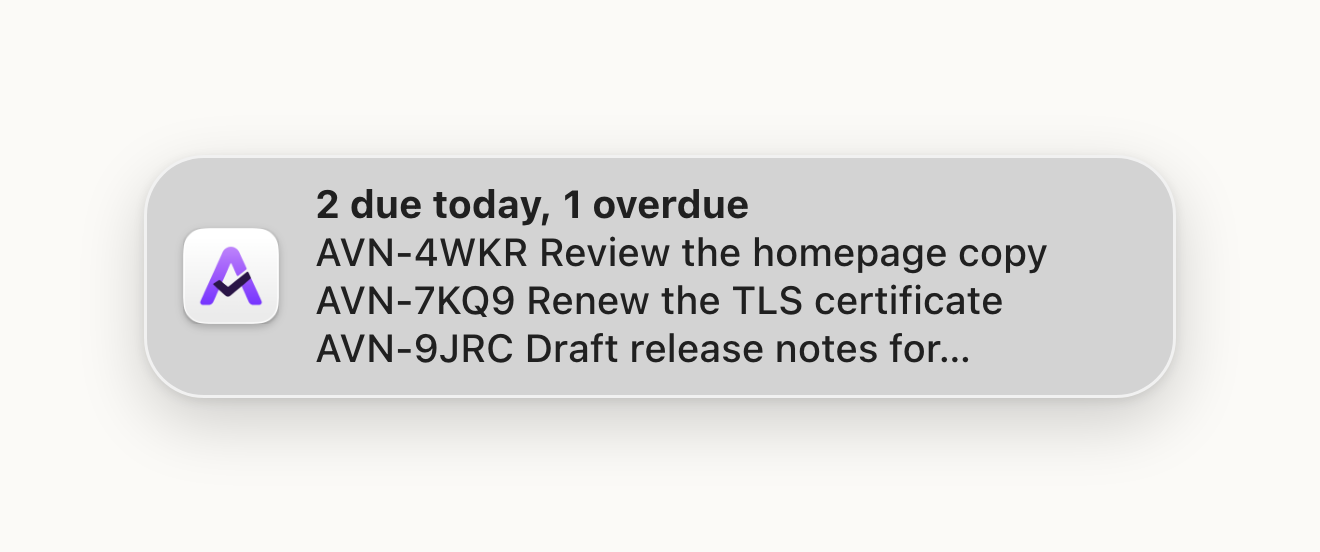
Reminders come from the background daemon, so they arrive while the TUI and CLI are closed. Turn them on, then restart the daemon, or run `aven daemon install` if it isn’t installed yet:
```sh
aven config set reminders.enabled true
aven daemon restart
```
Aven sends two kinds of reminder:
* **Daily digest:** once a day at `digest_time`, a summary titled with the counts, such as “2 due today, 1 overdue”, that lists the first three tasks by ref and title. Blocked and deferred tasks count too. Overdue tasks appear every day until you complete, cancel, or re-date them. If your Mac is asleep or off at `digest_time`, the digest arrives when it wakes later that day. A missed day’s digest is never sent. If nothing is due, no digest is sent that day.
* **Available again:** when a deferred task reaches its available time, one notification for that task. A blocked task waits and notifies once its blockers are done. Deferring the task again to a new time notifies again at that time. When more than three tasks become available at once, you get a single summary listing the first three.
A task that became available more than 24 hours before the daemon noticed, for example after a long time offline, does not notify. Clicking a reminder dismisses it.
Each device keeps its own record of sent reminders. If several devices run the daemon, each one notifies.
Configure reminders in `config.yaml`, then run `aven daemon restart`:
```yaml
reminders:
enabled: true
digest_time: "09:00" # local time, HH:MM
due_digest: true # daily digest of due and overdue tasks
available: true # deferred tasks becoming available
```
## macOS
[Section titled “macOS”](#macos)
On macOS, Homebrew and the install script include an `Aven.app` bundle so notifications appear as **Aven**, with its own icon and notification settings.
Choose **Allow** when macOS first asks. To change this later, open **System Settings → Notifications → Aven**.
### Allow notifications during Focus
[Section titled “Allow notifications during Focus”](#allow-notifications-during-focus)
Open **System Settings → Focus**, select your Focus, and add **Aven** to its allowed apps. Repeat for each Focus where you want notifications.
### Notifications appear as Terminal
[Section titled “Notifications appear as Terminal”](#notifications-appear-as-terminal)
Nix and bare-binary installs send notifications as **Terminal**. Use Terminal’s notification and Focus settings instead.
# Organizing tasks
> Choose how workspaces, projects, labels, epics, dependencies, and related tasks structure your work.
Aven has several ways to organize work, each meant for a different kind of question:
| Tool | Question it answers |
| ------------ | --------------------------------------------------------- |
| Workspace | Which independent collection of work does this belong to? |
| Project | Which project owns this task? |
| Label | Which cross-project category describes it? |
| Epic | Which larger outcome contains it? |
| Dependency | Which task must finish before another can proceed? |
| Related link | Which other task provides useful context? |
Start with projects. Add the other structures only when they make work easier to find, prioritize, or hand off.
If views, selection, or command discovery are unfamiliar, start with [Use the TUI](/tui/). Shortcuts such as `t c a` are keys pressed in sequence.
## Separate work with workspaces
[Section titled “Separate work with workspaces”](#separate-work-with-workspaces)
A workspace is an isolated collection of projects, tasks, labels, and recurring tasks. Task references and relationships stay within a workspace. Every workspace in one database shares that database’s configuration and synchronizes through the same server.
Most people need only one workspace. Create another to keep separate areas of work apart, such as personal and work tasks. Use separate databases when they need independent configuration or synchronization.
The TUI switches between existing workspaces but does not create them. Create an extra workspace once with `aven workspace create personal`, then press `g w` to switch the active workspace. The header shows which workspace is open, and every task view changes to that workspace. Renaming workspaces is covered by the [workspace command reference](/command-reference/#aven-workspace).
## Assign tasks to projects
[Section titled “Assign tasks to projects”](#assign-tasks-to-projects)
Every task belongs to one project. Projects provide the main scope for task lists, queue views, references, and agent context.
Press `p` to administer projects and `p a` to add one. In the task composer, choose **Project** to place new work explicitly or leave **Infer** selected to use the project mapped to the current directory. Press `e j` to move the selected task to another project.
Use `g p` to scope the current view to one project. Press `g a` to return to all projects in the workspace.
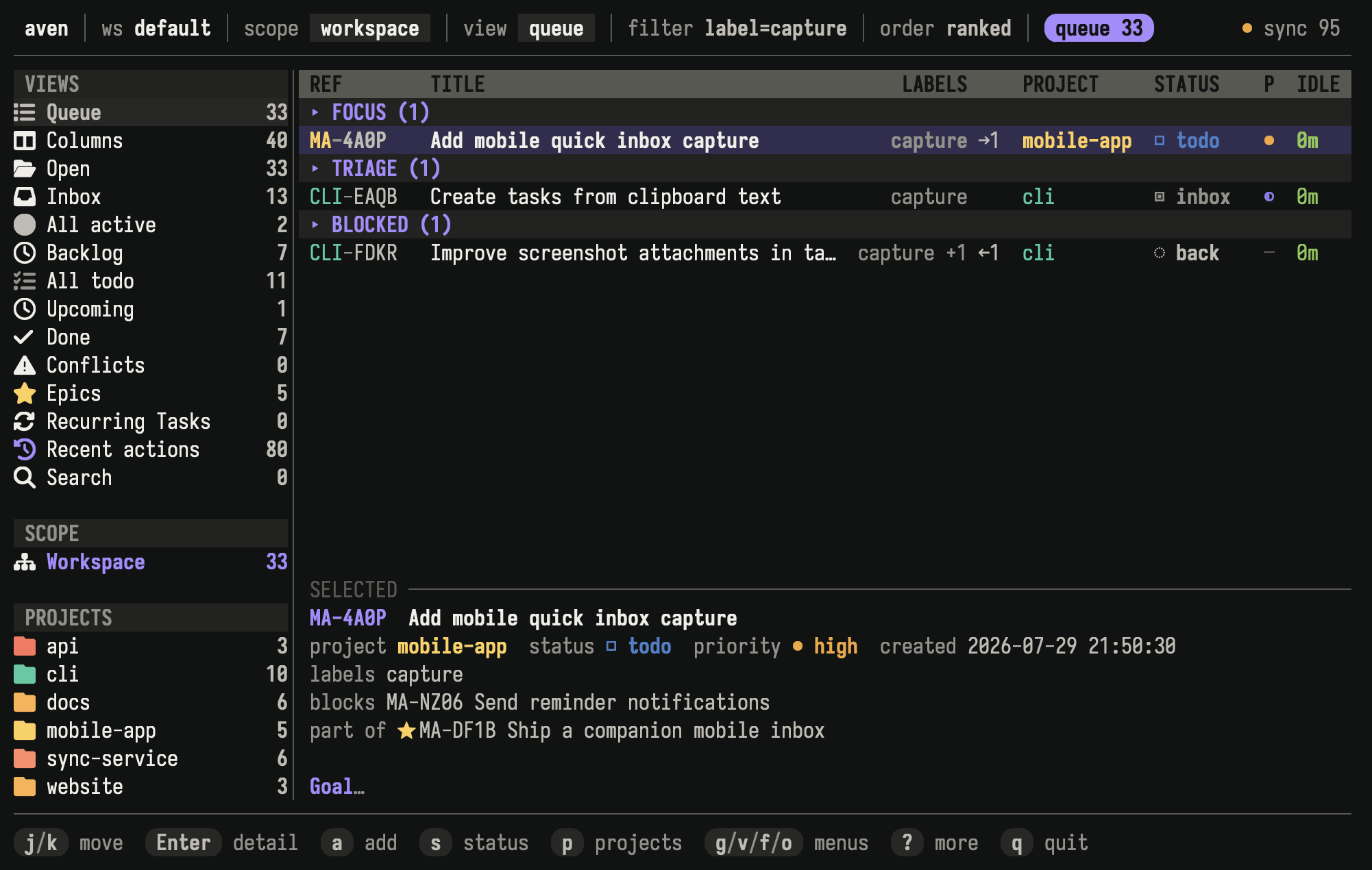
Workspace scope shows project ownership while a label filter finds related work across projects.
Use projects for durable ownership, not temporary categories. Moving a task changes its displayed project prefix while preserving its identity.
Choose a custom prefix with `aven project create <name> --prefix <prefix>` or `aven project rename <project> <name> --prefix <prefix>`. In the TUI, `p r` edits both the name and prefix. Prefixes sync across devices; renaming a project keeps its prefix unless you explicitly change it.
## Classify work with labels
[Section titled “Classify work with labels”](#classify-work-with-labels)
Labels describe concerns that can cross project boundaries, such as `security`, `documentation`, or `waiting-on-review`. A task can have several labels.
Press `L` to administer labels and `L n` to add one. Choose labels in the task composer, or press `e l` to change them on an existing task. Press `f l` to filter the current view by label.
Prefer a project when every task should have exactly one owner. Prefer labels when a category can apply in several projects.
## Group an outcome with an epic
[Section titled “Group an outcome with an epic”](#group-an-outcome-with-an-epic)
An epic is a task that contains child tasks. Use one when several pieces of work contribute to a larger outcome and you want to inspect or navigate them together.
The TUI manages epic membership but does not create epic containers. Create one with `aven add "Release mobile app" --epic`, then select it and press `t c a` to choose an existing task or create a new child. To remove a child, focus it with `Tab` in epic detail or select its expanded row, then press `t c r`. Use `t c t` to expand or collapse an epic in supported views. Press `v e` to open the Epics view.
An epic and its children must belong to the same workspace and project. Epic membership expresses structure, but does not block a child from being worked on.
## Put work in order with dependencies
[Section titled “Put work in order with dependencies”](#put-work-in-order-with-dependencies)
A dependency says that one task is waiting for another. Blocked tasks remain visible, but Aven keeps them out of ready work until their blockers are done.
Select the waiting task and press `t B` to choose a blocker. Press `t U` to remove one. Task detail shows both what blocks the selected task and which tasks it unlocks.
Queue keeps tasks with unresolved dependencies in its **Blocked** group. Use a dependency when order matters, and use an epic when tasks belong to the same larger result. A task can participate in both relationships.
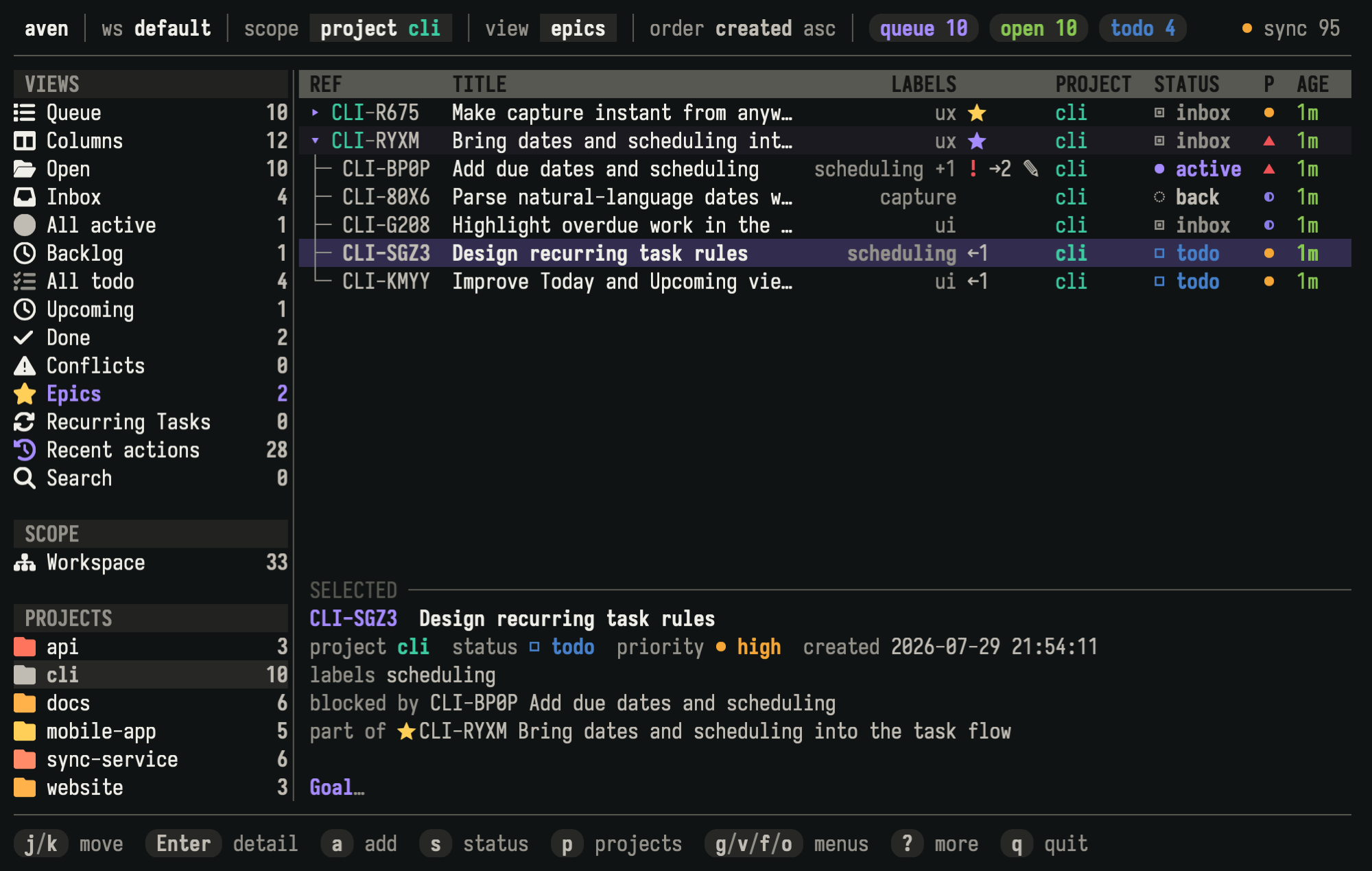
The selected task belongs to the scheduling epic and is blocked by another child task.
## Connect context with related tasks
[Section titled “Connect context with related tasks”](#connect-context-with-related-tasks)
Use related tasks when two tasks are useful to find together but neither blocks or contains the other. Links are symmetric and stay within one workspace, but they may cross projects. They do not affect blocking, readiness, scheduling, queue order, or containment.
Task detail lists related tasks for quick navigation. Add and remove actions are available through the TUI’s contextual help and command palette.
## Related pages
[Section titled “Related pages”](#related-pages)
* [Using the TUI](/tui/) covers navigation, selection, and command discovery.
* [Concepts](/concepts/) defines these structures in the task model.
* [Scheduling tasks](/schedule-tasks/) explains when organized work should appear or become due.
## Reference
[Section titled “Reference”](#reference)
The command reference documents [workspaces, projects, and labels](/command-reference/#workspace-commands), [`aven epic`](/command-reference/#aven-epic), [`aven dep`](/command-reference/#aven-dep), and [`aven related`](/command-reference/#aven-related) for scripts, agents, and terminal workflows outside the TUI.
# What is aven?
> A local-first task manager for power users and agents.
aven is a local-first task manager for power users and coding agents. It keeps work from different projects in one queue, with a fast terminal UI for hands-on task management and a compact CLI for agents and automation.
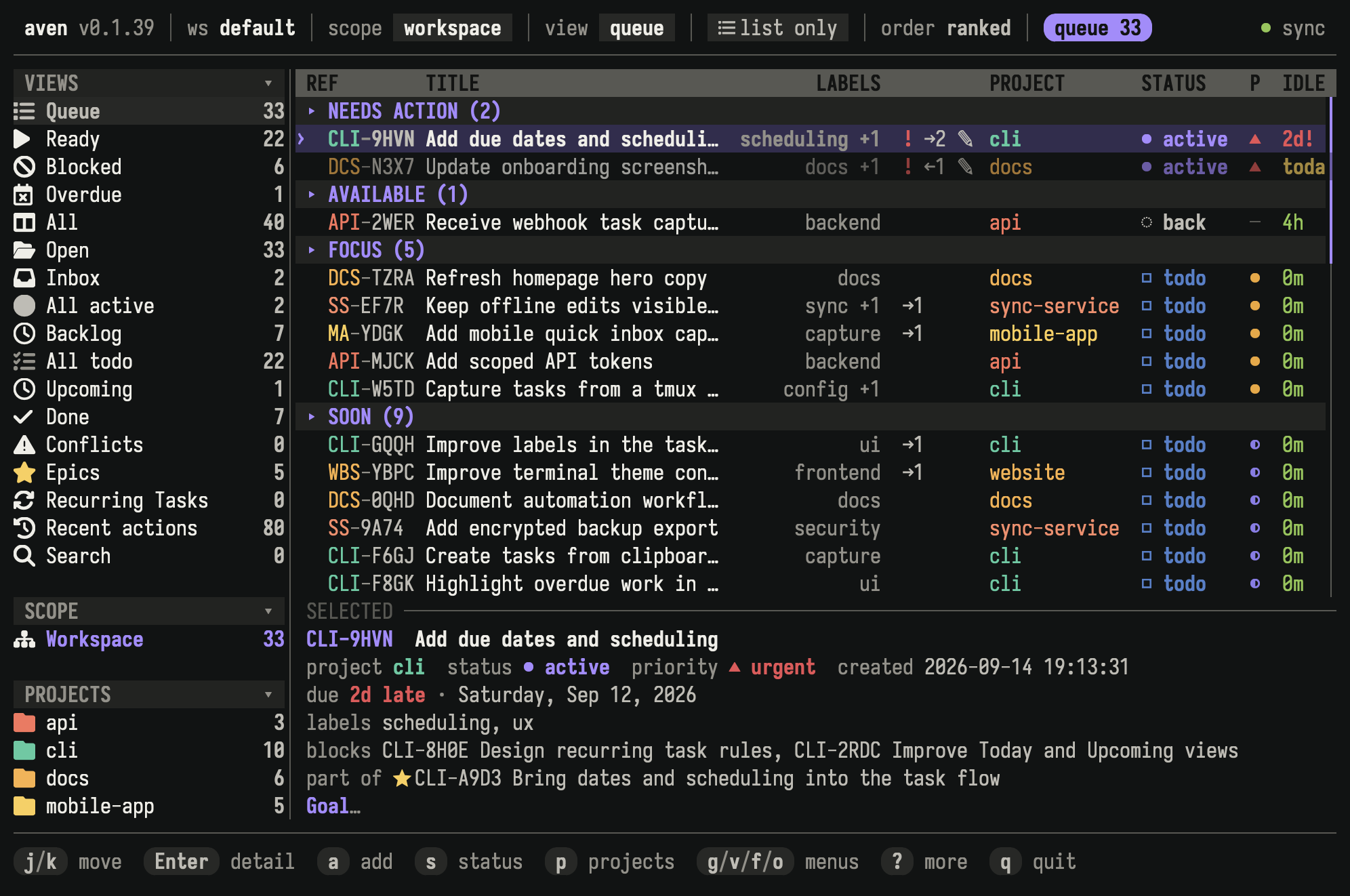
## Why aven?
[Section titled “Why aven?”](#why-aven)
* See what to work on next across all your repositories in one queue, while keeping every task tied to its project.
* Add tasks from the TUI, CLI, natural-language intake, a tmux popup, or an agent workflow.
* Organize and schedule work with priorities, labels, epics, dependencies, due dates, deferred availability, and recurring tasks.
* Let coding agents work the same queue as you: they can pick up ready work, capture follow-ups, and leave notes that outlive the chat session.
* Connect assistants through the [MCP server](/mcp/) to read and change tasks from a chat.
* Move quickly through task management in a polished, keyboard-first TUI.
* Add tasks and work your queue from your phone with Aven for [iPhone](https://apps.apple.com/app/aven-tasks/id6811171767) and [Android](https://play.google.com/store/apps/details?id=fi.zendit.aven), synced end-to-end encrypted with your computer.
* Work offline with tasks stored in SQLite. Optional self-hosted sync, end-to-end encrypted, shares them across machines.
* Keep the details needed to resume work with Jira/Linear-style IDs such as `APP-7KQ9`, Markdown descriptions, notes, and image attachments.
* Copy a complete task report as Markdown or [publish it as an unlisted GitHub gist](/tui/#publish-a-task-report-as-a-github-gist) when you want to share its context.
* Separate personal and work tasks into workspaces.
## Design principles
[Section titled “Design principles”](#design-principles)
Taskwarrior is a major inspiration, but aven has its own approach to agents, IDs, Markdown descriptions and notes, workspaces, and terminal interaction. See [Coming from Taskwarrior](/taskwarrior/) for a comparison and migration workflow.
The local SQLite database is the working copy for both the TUI and CLI. Sync is optional and lets multiple machines use the same tasks.
Tasks live outside repositories, so they survive branch switches, worktrees, repository clones, and dirty git states. Repositories provide project context without owning the task data. The same store can support the TUI, agent CLI, terminal capture flows, sync clients, and other integrations. A Telegram bot, the mobile apps, or a similar entrypoint can create project-scoped tasks without cloning every repository. You can run the end-to-end encrypted sync server on a Raspberry Pi or home server over a trusted VPN or behind a TLS reverse proxy; it cannot read your tasks or images.
The CLI is designed for agents and automation. Its output is compact, token-efficient, stable, and explicit. Agents can capture follow-up work, update status, add notes, and leave handoff context without relying on hidden UI state.
The Rust TUI is designed for power users. Its keyboard shortcuts cover browsing, triage, editing, filtering, sorting, task detail, undo, and navigation. It also supports mouse input and a command palette.
Task IDs provide stable identity. They can be created offline on different devices without coordination. As with git commit hashes, aven displays the shortest unique form it can. An ID such as `APP-7KQ9` is easier to type and paste than a UUID while still identifying one task.
Context stays with the task. Markdown descriptions, notes, and image attachments hold problem statements, decisions, blockers, screenshots, and partial progress.
Workspaces keep personal and work tasks in the same database while separating their queues, IDs, labels, and projects. Workspace routes can make a directory such as `~/work` open the matching workspace automatically. You can also choose a workspace directly in the TUI.
## Where to go next
[Section titled “Where to go next”](#where-to-go-next)
* [Getting started](/getting-started/) to install aven and begin using your own task database.
* [Concepts](/concepts/) to understand workspaces, projects, statuses, refs, and the queue.
* [Using the TUI](/tui/) to learn navigation, views, filters, and shortcuts.
* [Work with agents](/agents/) to connect coding agents and other AI integrations.
* [MCP server](/mcp/) to connect assistants such as Claude Desktop and ChatGPT.
* [Sync across devices](/sync/setup/) to configure optional self-hosted sync.
# Recurring tasks
> Set up work that comes back on a schedule and manage it over time.
Use recurring tasks for work that returns on a schedule, such as a daily journal, Friday review, or monthly invoice check. The recurring task stores the schedule and details for later dates. Aven keeps one unfinished task for the relevant date instead of filling your queue with future copies.
Each dated task behaves like any other Aven task. You can edit it, add notes or attachments, mark it done, or skip it. Changes to that task stay with that date. Use **Edit template** when later tasks should use different details.
Recurring schedules use availability and due dates. Read [Schedule tasks](/schedule-tasks/) first if those settings are unfamiliar. [Use the TUI](/tui/) covers navigation, selection, and command discovery. Shortcuts such as `t r p` are keys pressed in sequence.
The `RCR-` reference identifies the whole recurring task. Each dated task has its own ordinary task reference.
## Create a recurring task
[Section titled “Create a recurring task”](#create-a-recurring-task)
Press `a` to open the task composer, then type a repeating expression in **Schedule**:
* `daily`
* `every 3 days at 09:00`
* `every weekday at 09:00`
* `every Friday at 09:00`
* `fortnightly`
* `every 3 weeks, no due`
* `every 3 months, starting 2026-08-01`
* `yearly`
* `every 2 years`
Press `Enter` on **Schedule** when a structured editor is easier. Choose **Repeating**, then set the repetition pattern, availability time, due setting, and start date. The schedule uses your device’s time zone.
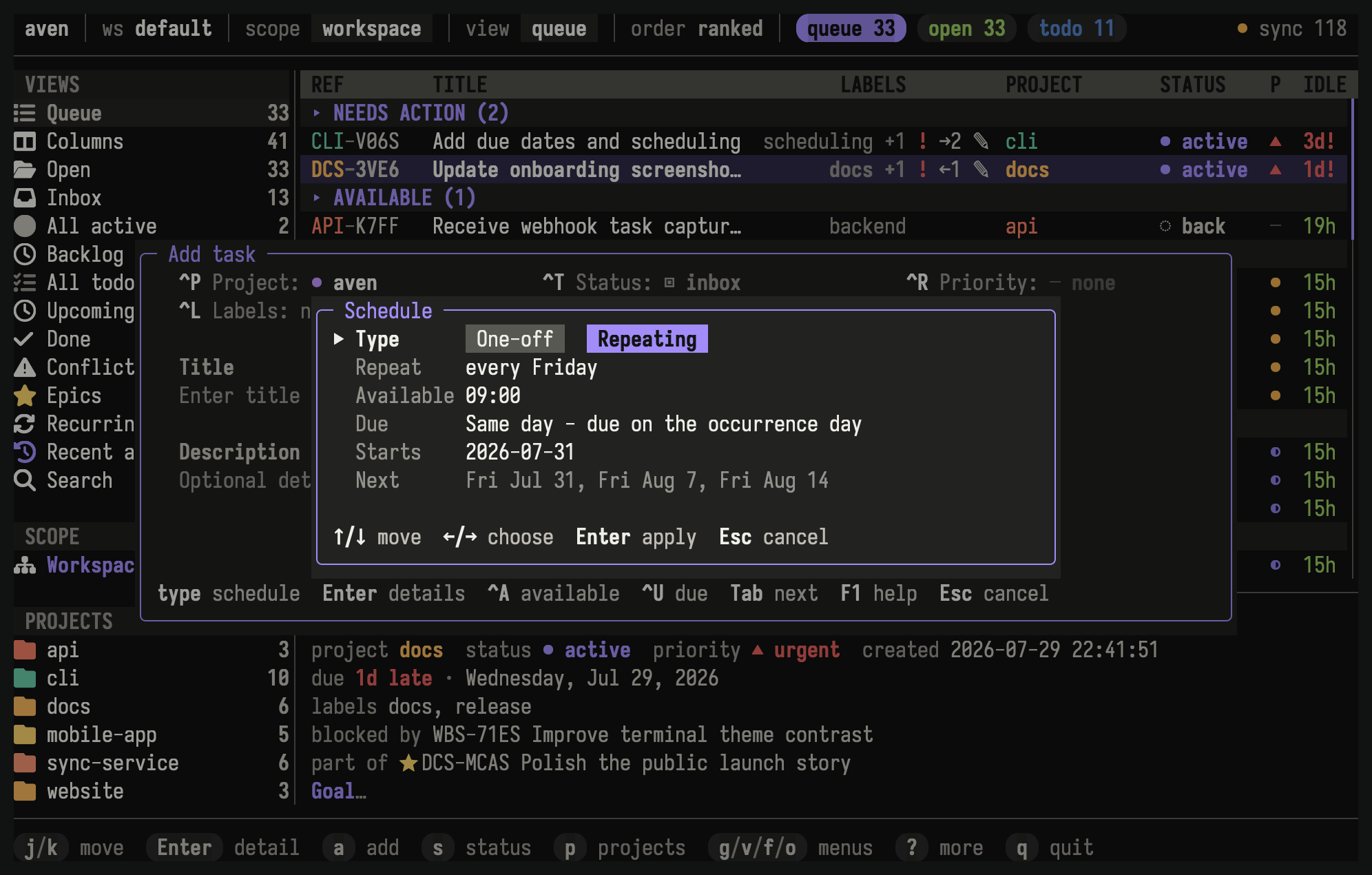
The editor shows the weekly pattern, availability time, due setting, start date, and upcoming occurrences.
## Choose a schedule
[Section titled “Choose a schedule”](#choose-a-schedule)
| Schedule | Example |
| --------------------------- | -------------------------------------- |
| Every day | `daily` or `every day` |
| Every N days | `every 3 days` |
| Monday through Friday | `every weekday` |
| Weekly | `every Friday` |
| Every two weeks | `fortnightly` |
| Selected weekdays | `every Monday and Thursday` |
| Every N weeks | `every 3 weeks` |
| Selected days every N weeks | `every 3 weeks on Monday and Thursday` |
| Monthly | `monthly` or `every month` |
| Every N months | `every 3 months` |
| Yearly | `yearly`, `annually`, or `every year` |
| Every N years | `every 2 years` |
Weeks begin on Monday. A weekly or fortnightly schedule without an explicit weekday uses the start date’s weekday. Weekday selections apply only to weekly schedules.
Every schedule is anchored to its start date. Daily intervals count local calendar days, so daylight-saving changes do not alter the cadence. Monthly schedules keep their original day number. When a month is shorter, Aven uses its last day without changing later dates. A task every three months from January 31 runs on January 31, April 30, July 31, and October 31.
Yearly schedules keep the anchor month and day. A February 29 yearly schedule uses February 28 in non-leap years and returns to February 29 in leap years.
## Choose when tasks become available and due
[Section titled “Choose when tasks become available and due”](#choose-when-tasks-become-available-and-due)
The scheduled date controls which day a task belongs to. An optional availability time controls when it enters normal task lists on that date. Before then, you can find it under Upcoming.
Recurring tasks use one of two due settings:
* **Same day** makes the scheduled date the due date.
* **No due date** leaves each task without a deadline.
See [Scheduling tasks](/schedule-tasks/) for the underlying availability and due-date model.
## Find recurring tasks
[Section titled “Find recurring tasks”](#find-recurring-tasks)
Open **Recurring Tasks** from the sidebar or press `v u`. Active and paused recurring tasks appear together by default. Press `f r` to cycle lifecycle filters for active, paused, stopped, or all recurring tasks. Press `Enter` on a recurring task to inspect its schedule, current task, next date, and available actions.
## Finish, skip, or miss a task
[Section titled “Finish, skip, or miss a task”](#finish-skip-or-miss-a-task)
When you finish the current task, Aven creates the next one immediately and defers it to its scheduled date. It stays out of your queue until it becomes available, but you can see it early under Upcoming.
Canceling or choosing **Skip** means you are not doing this one. Aven records the scheduled date as skipped, then continues with the next task. Use Skip for “not this time.” Use Stop when the work should never repeat again.
If a scheduled date passes without being finished or skipped, Aven records it as missed and moves on. Missed work stays in the recurring task’s history instead of accumulating in your queue.
Aven does not need to remain open overnight. When you return after several scheduled dates have passed, opening a task list or Recurring Tasks catches up and shows the task for the relevant date.
The current task cannot be deleted, and a finished or skipped task cannot be reopened later. Press `u` immediately after an accidental change. Otherwise, manage the recurring task with Skip, Pause, or Stop so its history remains meaningful.
## Pause, resume, or stop
[Section titled “Pause, resume, or stop”](#pause-resume-or-stop)
The recurring-task detail footer shows the actions available for its state:
| Key | Action |
| ------- | --------------------------------------------------- |
| `Enter` | Open the current dated task, when one exists |
| `t r e` | Edit the template |
| `t r p` | Pause an active recurring task |
| `t r r` | Resume a paused recurring task |
| `t r h` | Show history |
| `t r s` | Stop an active or paused recurring task permanently |
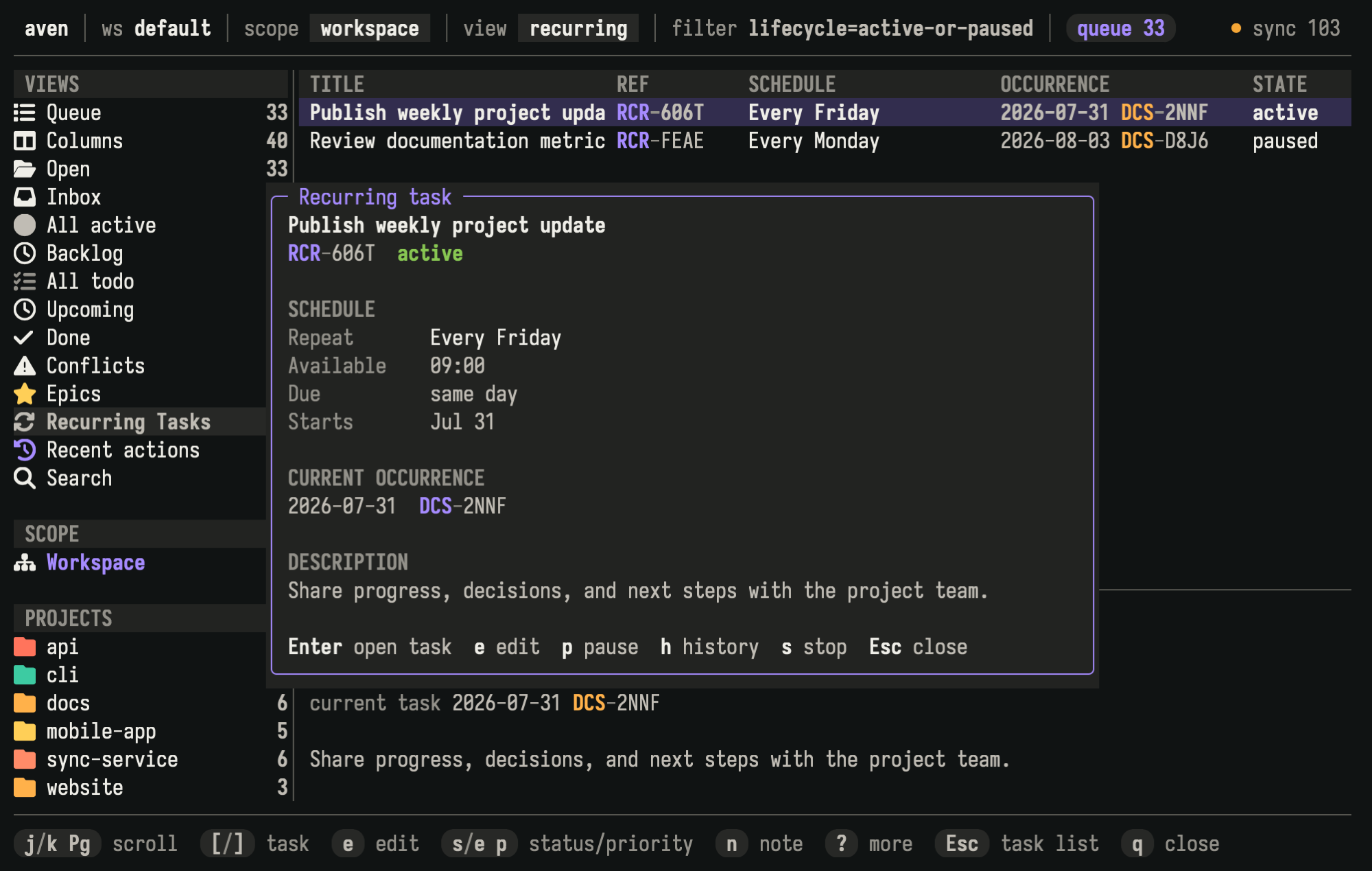
Recurring-task detail shows the schedule, current dated task, template description, lifecycle state, and available actions.
Pausing hides the current task and suppresses scheduled dates until you resume. Resuming continues the schedule without creating tasks for the paused period. If the preserved task’s scheduled date is still relevant, it returns. If that date has passed, Aven continues from the next applicable date.
Stopping ends the schedule permanently. The stop prompt lets you choose **Keep current occurrence** to leave the current task available as the last one, or **Skip current occurrence** to record it as skipped.
The `t r` shortcuts work in recurring detail and from other task lists when a recurring task or one of its dated tasks is selected:
| Key | Action |
| ------- | --------------------- |
| `t r k` | Skip the current task |
| `t r e` | Edit template |
| `t r p` | Pause |
| `t r r` | Resume |
| `t r s` | Stop |
| `t r h` | Show history |
## Change future tasks
[Section titled “Change future tasks”](#change-future-tasks)
Choose **Edit template**, or press `t r e`, to change the reusable settings for tasks created later. This does not rewrite the current task or history.
You can change the title, description, project, starting status, priority, labels, availability time, and due setting. The repetition pattern, start date, and time zone define the schedule and cannot be edited. Stop the recurring task and create another one when those properties need to change.
Custom metadata can also belong to the recurring template and is copied into each task created later. Manage template metadata with `aven recur edit --metadata` or `--remove-metadata`; the TUI template editor does not expose custom metadata. See [Task metadata](/task-metadata/#recurring-task-metadata).
## Review history
[Section titled “Review history”](#review-history)
Open a recurring task and choose **Show history**, or press `t r h`.
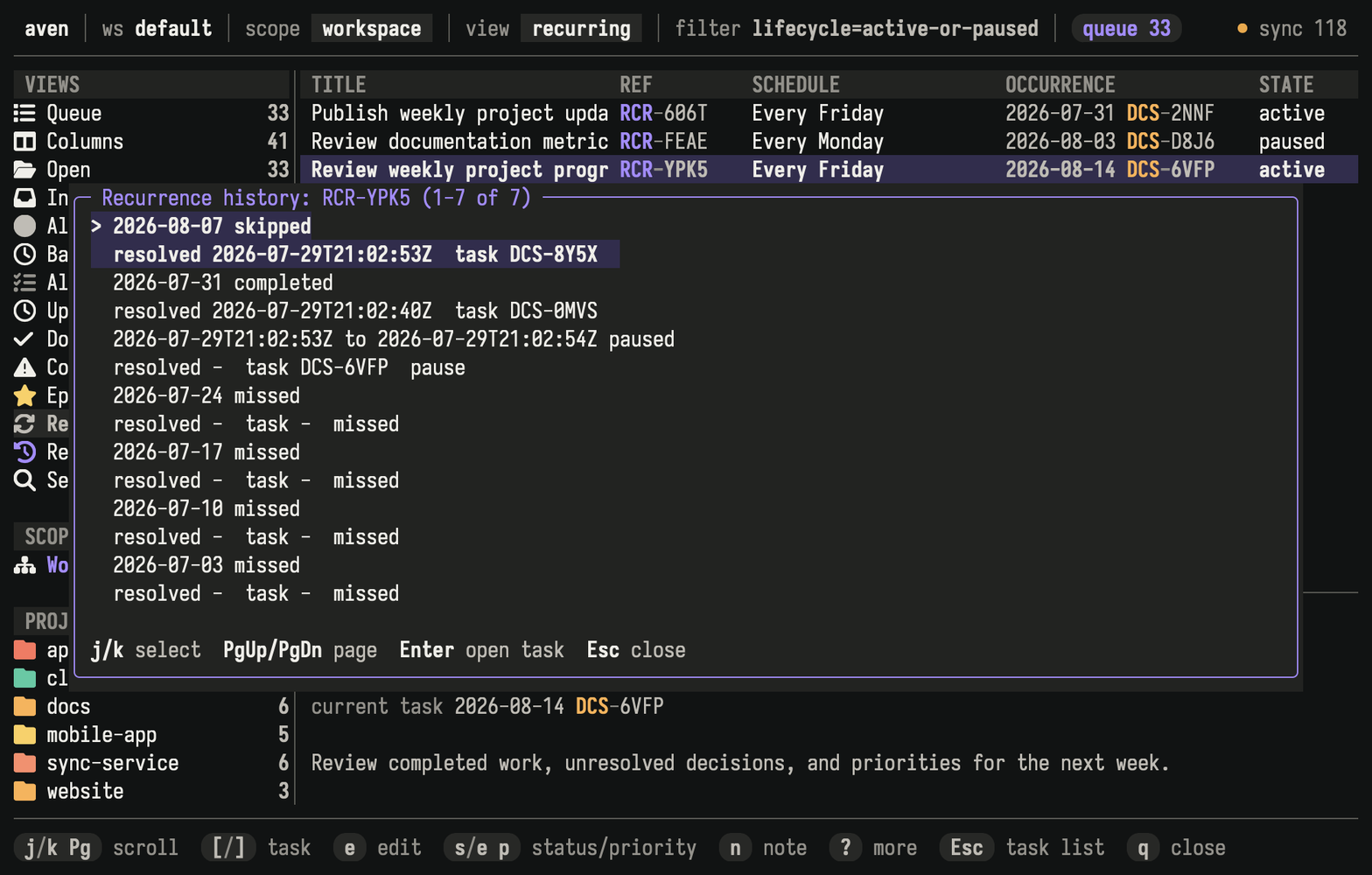
History records completed, skipped, and missed dates, along with periods when the schedule was paused.
Done lists and search results group past dated tasks by recurring task. See the [`aven list`](/command-reference/#aven-list) and [`aven search`](/command-reference/#aven-search) references when you need every dated task as a separate result.
## Sync across devices
[Section titled “Sync across devices”](#sync-across-devices)
Recurring schedules, dated tasks, and history sync with the rest of your Aven data. You can use them on several synchronized devices. When two devices create the task for the same scheduled date, Aven recognizes it as the same task instead of keeping duplicates.
Completing the same dated task on two devices merges without requiring a choice. If one device completes it while another skips it, Aven keeps the next task moving forward and records a conflict so you can choose the correct history. Conflicting Pause, Resume, or Stop changes also appear for review and prevent additional tasks until resolved.
See [Resolve conflicts](/sync/setup/#resolve-conflicts) for the review workflow.
## Related pages
[Section titled “Related pages”](#related-pages)
* [Scheduling tasks](/schedule-tasks/) explains the availability and due-date model used by each dated task.
* [Task metadata](/task-metadata/) explains custom values inherited by dated tasks.
* [Using the TUI](/tui/) covers navigation, selection, and command discovery.
* [Sync across devices](/sync/setup/) covers synchronization and conflict handling.
## Reference
[Section titled “Reference”](#reference)
See [`aven add`](/command-reference/#aven-add) for command-line creation, [`aven recur`](/command-reference/#aven-recur) for management, and [`aven list`](/command-reference/#aven-list) for grouped output.
# Scheduling tasks
> Defer work until later, set deadlines, and find tasks when they become relevant.
Availability controls when a task appears in normal work views. A due date records its deadline. You can use either setting on its own or combine them.
| Setting | Meaning |
| ------------ | ----------------------------------------------------------------------------- |
| Availability | Keep the task out of normal work views until a date or time. |
| Due date | Record the deadline and surface the task as it approaches or becomes overdue. |
If the composer, task selection, marking, or command discovery are unfamiliar, start with [Using the TUI](/tui/). Shortcuts such as `e a` are keys pressed in sequence.
## Set a schedule while creating a task
[Section titled “Set a schedule while creating a task”](#set-a-schedule-while-creating-a-task)
Press `a` to open the task composer. Type a friendly expression in **Schedule**:
* `tomorrow`
* `available tomorrow at 9am`
* `due next Friday`
* `available tomorrow, due next Friday`
Press `Enter` on **Schedule** when a structured editor is easier. Choose **One-off**, then set an availability value, a due date, or both.
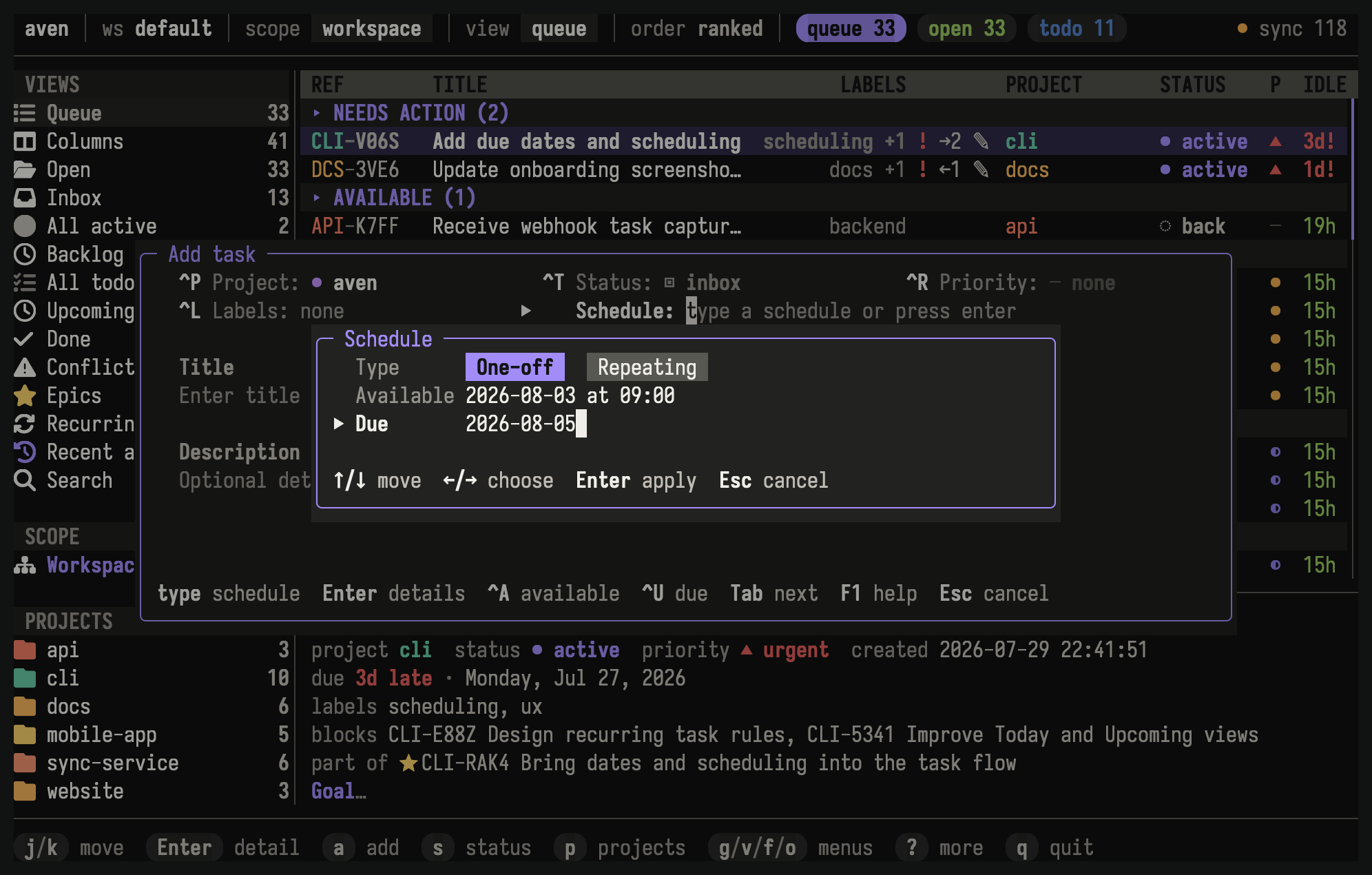
This task becomes available tomorrow and is due the following Friday.
## Defer work until later
[Section titled “Defer work until later”](#defer-work-until-later)
Set availability when a task should exist but should not compete for attention yet. Before that time, it appears under Upcoming rather than in normal active lists. Once it becomes available, it enters those lists automatically.
Press `e a` to change availability on the selected task. Enter a date, a date and time, or a friendly expression such as `tomorrow at 9am` or `next friday`.
## Set a deadline
[Section titled “Set a deadline”](#set-a-deadline)
Set a due date when work has a deadline. Due dates do not hide tasks. Available tasks with approaching deadlines receive more attention in Queue, and work that is due today or overdue appears in Queue’s **Needs action** group.
Press `e u` to change the selected task’s due date. Due dates are calendar dates, so they do not include a time of day.
## Combine availability and a due date
[Section titled “Combine availability and a due date”](#combine-availability-and-a-due-date)
Use both settings when work should appear at one time and finish by another. For example, make a report available on Monday and due on Wednesday.
Until Monday, the task stays under Upcoming. On Monday it enters normal views, with Wednesday still recorded as its deadline.
## Find scheduled work
[Section titled “Find scheduled work”](#find-scheduled-work)
Open **Upcoming** from the sidebar to review deferred tasks. Queue’s **Needs action** group surfaces visible work that is due today or overdue. Press `o` in other task views when you want to order visible work by due date.
A deferred task remains under Upcoming even when its deadline has passed. Use [`aven list --upcoming --overdue`](/command-reference/#aven-list) to find those tasks.
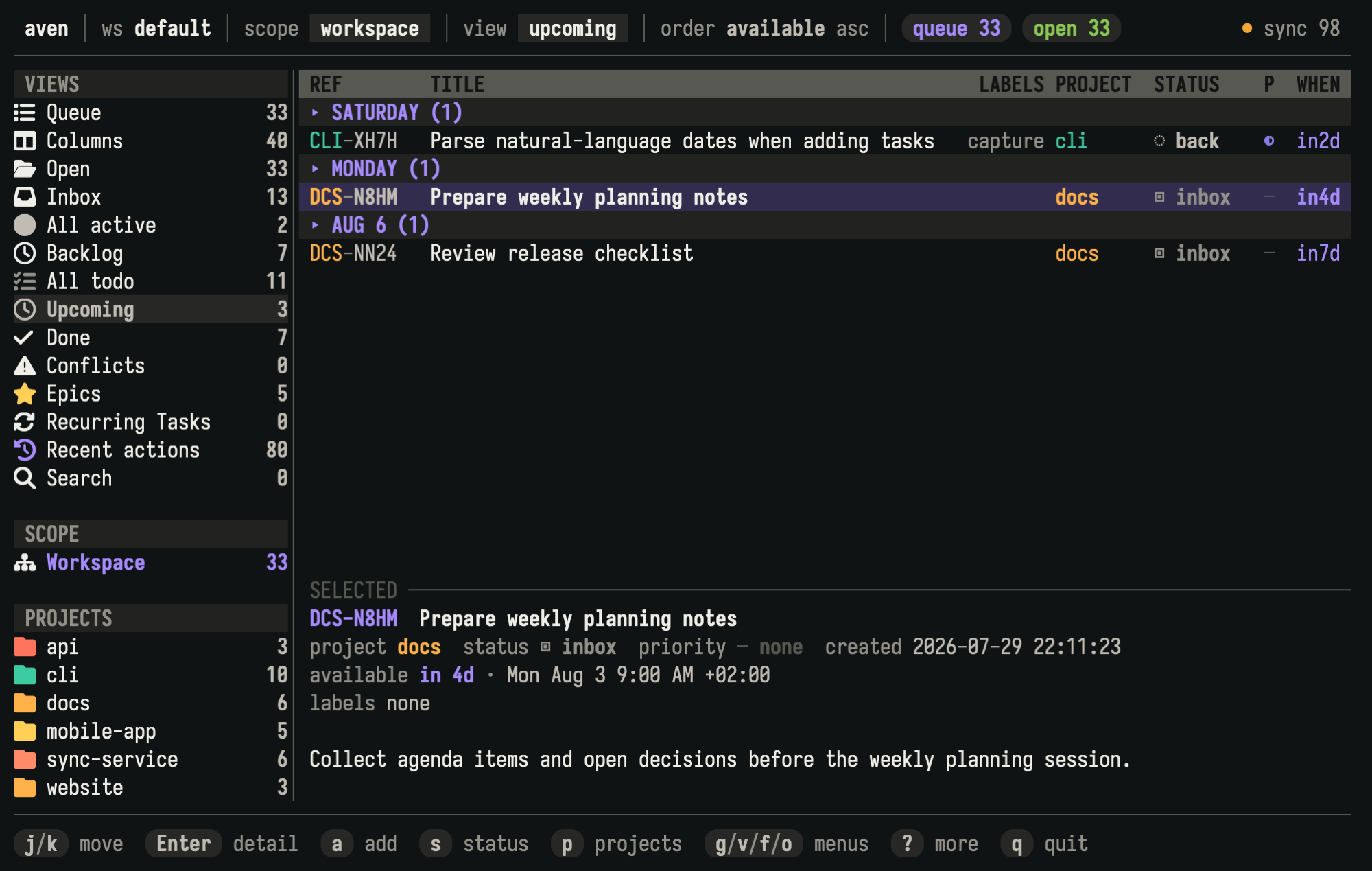
Upcoming groups deferred tasks by availability date. The preview shows project and planning details for the selected task.
## Remove a date
[Section titled “Remove a date”](#remove-a-date)
Press `e a` or `e u` and submit an empty value to clear the field. Availability also accepts `now`, and due date accepts `none`. Press `Space` to mark several tasks, then press `Ctrl-d` in the editor to clear the field on all of them.
## Enter dates and times
[Section titled “Enter dates and times”](#enter-dates-and-times)
Aven accepts calendar dates and convenient expressions such as `tomorrow`, `next friday`, and `next monday`. Bare weekdays are rejected because they are ambiguous. Availability can include a local time, while due dates are calendar-only.
See [Temporal input](/command-reference/#temporal-input) for every accepted format.
## Related pages
[Section titled “Related pages”](#related-pages)
* [Using the TUI](/tui/) covers the composer, task editing, views, and command discovery.
* [Concepts](/concepts/#availability-and-due-dates) defines availability and due dates in the task model.
* When work follows a repeating pattern, continue to [Recurring tasks](/recurring-tasks/).
## Reference
[Section titled “Reference”](#reference)
See [`aven add`](/command-reference/#aven-add), [`aven edit`](/command-reference/#aven-edit), and the [list filters](/command-reference/#aven-list) for scripts, agents, and terminal workflows outside the TUI.
# Server configuration
> Configure the self-hosted sync server with server.yaml, and set up AI for Tell Aven.
The [sync server](/sync/setup/#start-a-server) reads its settings from an optional `server.yaml`. Without the file, the server uses built-in defaults and has no AI provider. The server never reads the client [`config.yaml`](/configuration/).
Upgrading a server that used `config.yaml`? Follow the [migration guide](/migration-guide/#move-server-settings-to-serveryaml).
## Where server.yaml lives
[Section titled “Where server.yaml lives”](#where-serveryaml-lives)
`server.yaml` sits in the directory that holds the server storage:
| Deployment | Server storage | `server.yaml` |
| ------------------------------ | ----------------------------------------------- | ---------------------------------------- |
| Bare process | `~/.local/state/aven/server/sync-server.sqlite` | `~/.local/state/aven/server/server.yaml` |
| systemd with `StateDirectory=` | `$STATE_DIRECTORY/sync-server.sqlite` | `$STATE_DIRECTORY/server.yaml` |
| Docker or Compose | `/data/sync-server.sqlite` | `/data/server.yaml`, on the data volume |
With `--data PATH`, the file is `server.yaml` beside `PATH`. To keep it elsewhere, pass `--config PATH` or set `AVEN_SERVER_CONFIG`. The server logs the path it uses at startup, and `aven server ai status` prints it.
`aven server setup` writes a commented template when the file does not exist.
Run `aven server setup` and the `aven server ai` commands as the user the server runs as, with the same `--data` or `--config` as the server, so they read the same file and store logins beside it. A systemd unit with `StateDirectory=` sets `STATE_DIRECTORY` only for the service, so pass `--data` from a shell. In Docker, run them inside the service container with `docker compose exec`; it shares the container’s volume and environment.
## Settings
[Section titled “Settings”](#settings)
Every setting is optional:
```yaml
ai:
provider: openai
model: gpt-4.1-mini
endpoint: "http://127.0.0.1:11434"
timeout_seconds: 45
max_output_tokens: 2048
max_concurrent_requests: 2
requests_per_minute: 60
attachments:
grace_days: 30
workspace_quota_bytes: 10737418240
```
| Setting | Default | Purpose |
| ----------------------------------- | ---------------- | ---------------------------------------------------------------------------------------------------------------------------------------------------- |
| `ai.provider` | none | AI provider, as listed by `aven server ai providers`. Set together with `ai.model`. |
| `ai.model` | none | Model name at the provider. |
| `ai.endpoint` | provider default | URL of an Ollama, llamafile, or OpenAI-compatible server, as the Aven server reaches it. Only for the `ollama`, `llamafile`, and `openai` providers. |
| `ai.timeout_seconds` | 45 | Time limit for one provider call, 1 to 300. |
| `ai.max_output_tokens` | 2048 | Output token limit for one call, 1 to 16384. |
| `ai.max_concurrent_requests` | 2 | Provider calls in progress at once, 1 to 32. |
| `ai.requests_per_minute` | 60 | Provider calls per minute, 1 to 600. |
| `attachments.grace_days` | 30 | Minimum age before an unused server image becomes eligible for cleanup. |
| `attachments.workspace_quota_bytes` | 10 GiB | Maximum unique image storage for one server workspace. |
## Precedence
[Section titled “Precedence”](#precedence)
When the same setting comes from more than one place, the first one wins:
1. Command-line flags. `--config` chooses the file over `AVEN_SERVER_CONFIG`, and serving options such as `--bind` exist only as flags.
2. `AVEN_AI_PROVIDER`, `AVEN_AI_MODEL`, and `AVEN_AI_ENDPOINT`, which override `ai.provider`, `ai.model`, and `ai.endpoint`. Empty values are ignored.
3. `server.yaml`.
4. Built-in defaults.
The result must still pair a provider with a model. `aven server ai status` shows whether each value came from `server.yaml` or an environment variable.
## Keep secrets in the environment
[Section titled “Keep secrets in the environment”](#keep-secrets-in-the-environment)
`server.yaml` holds no secrets. API-key providers read their key from the server process environment, in the variable that `aven server ai providers` lists, such as `OPENAI_API_KEY`. Azure also reads `AZURE_ENDPOINT` and `AZURE_API_VERSION`. Put the key in an owner-only file that the service manager loads: `EnvironmentFile=` for systemd, `env_file:` for Compose.
ChatGPT and GitHub Copilot use an OAuth login instead. `aven server ai login` stores it in `private/ai/` beside `server.yaml`, with owner-only permissions. In Docker that is `/data/private/ai/`, so the login survives container recreation. Treat the directory, and server-volume backups that include it, like a password.
## Restart after every change
[Section titled “Restart after every change”](#restart-after-every-change)
The server reads `server.yaml`, its environment, and stored logins once, at startup. Restart it after any change to them:
| Deployment | Restart |
| ----------------- | ------------------------------------------------------------ |
| Bare process | Stop `aven server` and start it again with the same options. |
| systemd user unit | `systemctl --user restart aven-server` |
| Compose | `docker compose restart aven` |
| Plain Docker | `docker restart aven-server` |
A restart keeps the container’s environment. After changing an `env_file:` or `-e` value, recreate the container with `docker compose up -d`, or remove and rerun it with plain Docker.
## Invalid configuration stops the server
[Section titled “Invalid configuration stops the server”](#invalid-configuration-stops-the-server)
An unknown key, a value out of range, a provider without a model, or a file that does not parse stops the server at startup. The error names the file, the line, and the key:
```text
Error: could not parse /data/server.yaml: error: line 2 column 3: unknown field `provder`, expected one of provider, model, endpoint, timeout_seconds, max_output_tokens, max_concurrent_requests, requests_per_minute
```
Missing AI credentials are not a configuration error: the server starts, serves sync, and reports AI as `authentication_required`.
## AI for Tell Aven
[Section titled “AI for Tell Aven”](#ai-for-tell-aven)
[Tell Aven](/mobile-app/#tell-aven) on iPhone sends requests through your sync server to an AI provider that you configure on the server. The server holds the provider credentials; phones need only their sync pairing. AI is optional, and sync works without it. Tell Aven isn’t available on Aven Cloud yet.
Tell Aven needs a model that can call tools. `aven server ai providers` marks each provider with `tools=true` or `tools=false`. ChatGPT with `gpt-6-astra` and the OpenAI API with `gpt-4.1-mini` are tested; other tool-capable providers are allowed but untested.
### Set up with the wizard
[Section titled “Set up with the wizard”](#set-up-with-the-wizard)
1. On the server host, run the wizard:
```sh
aven server ai setup
```
It offers tool-capable providers, tested ones first, then asks for a model and, for Ollama, llamafile, or another OpenAI-compatible server, the endpoint URL. ChatGPT and GitHub Copilot log in inline. For an API-key provider it explains where the server reads the key. Setup writes `ai.provider`, `ai.model`, and `ai.endpoint` to `server.yaml`, keeping the rest of the file, and warns when an `AVEN_AI_*` variable overrides them. It then runs `aven server ai check`, which makes two billable requests, unless the API key is missing from the current shell.
2. Restart the server. Setup prints the restart command for systemd, a container, or a bare process.
3. Read the AI line in the server log:
```text
ai status=ready provider=openai model=gpt-4.1-mini
```
When AI is not ready, the line says why and what to do next:
```text
ai status=authentication_required provider=chatgpt model=gpt-6-astra hint="run `aven server ai login chatgpt` on the server host, then restart the server"
```
The status is `ready`, `unconfigured`, `authentication_required`, or `temporarily_unavailable`.
4. Verify from a computer paired with the server:
```sh
aven ai status
aven ai check
```
`aven ai status` asks the running server, with that device’s sync credential and through any reverse proxy, the same way the iPhone does. It makes no billable request. `aven ai check` sends the same two billable requests as the server-side check, through the running server. `aven doctor` also shows a server AI line.
To script setup, pass the choices as flags. Without a terminal, setup requires `--provider` and `--model`:
```sh
aven server ai setup --provider openai --model gpt-4.1-mini --yes
aven server ai setup --provider ollama --model qwen3 --endpoint http://127.0.0.1:11434 --no-check
```
`--yes` skips confirmation and keeps an existing login. `--no-check` skips the billable check.
`aven server ai status` and `aven server ai check` read `server.yaml` and the environment of the shell that runs them, not the running server. Use them to test a change before restarting, and `aven ai status` to see what the running server does.
### Quick start: systemd
[Section titled “Quick start: systemd”](#quick-start-systemd)
For the [user unit](/sync/setup/#run-the-server-as-a-service) with an API-key provider, put the key in an owner-only file:
```sh
install -m 600 /dev/null ~/.config/aven/server.env
echo 'OPENAI_API_KEY=sk-...' >> ~/.config/aven/server.env
```
Load it in the `[Service]` section of `aven-server.service`:
```ini
EnvironmentFile=%h/.config/aven/server.env
```
Run setup with the key in the shell so its check can run, then restart and read the log:
```sh
(set -a; . ~/.config/aven/server.env; aven server ai setup)
systemctl --user daemon-reload
systemctl --user restart aven-server
journalctl --user -u aven-server -b | grep 'ai status='
```
For ChatGPT or GitHub Copilot, skip the environment file: `aven server ai setup` logs in inline.
### Quick start: Docker Compose
[Section titled “Quick start: Docker Compose”](#quick-start-docker-compose)
For an API-key provider, save the key in `aven.env` beside `compose.yaml`, readable only by you, and uncomment `env_file:` in the [Compose file](/sync/setup/#compose-behind-an-https-proxy):
```yaml
services:
aven:
env_file: aven.env
```
Recreate the container so it gets the key, run the wizard inside it, then restart and read the log:
```sh
docker compose up -d
docker compose exec aven aven server ai setup
docker compose restart aven
docker compose logs --since 1m aven | grep 'ai status='
```
The wizard writes `/data/server.yaml` and stores ChatGPT or GitHub Copilot logins in `/data/private/ai/`, so both survive `docker compose up -d` and image upgrades. With plain Docker, use `docker exec -it aven-server aven server ai setup`.
### Quick start: Ollama
[Section titled “Quick start: Ollama”](#quick-start-ollama)
Ollama needs no API key. Pull a model that supports tools, then point the server at Ollama:
```sh
ollama pull qwen3
aven server ai setup --provider ollama --model qwen3 --endpoint http://127.0.0.1:11434
```
When the Aven server runs in Docker, `127.0.0.1` is the container itself, not the host. Use an address the container can reach:
* **Ollama in the same Compose project.** Add an `ollama` service and use `--endpoint http://ollama:11434`.
* **Ollama on the host.** Add `extra_hosts: ["host.docker.internal:host-gateway"]` to the `aven` service and use `--endpoint http://host.docker.internal:11434`. Ollama listens only on `127.0.0.1` by default; set `OLLAMA_HOST` so it also listens on the Docker bridge address, and keep that port off the internet.
Run the wizard with `docker compose exec` so its check connects from inside the container, as the server does.
### Log in and out
[Section titled “Log in and out”](#log-in-and-out)
ChatGPT and GitHub Copilot use OAuth. The wizard logs in when needed; to log in again or switch accounts, run on the server host:
```sh
aven server ai login chatgpt
aven server ai logout chatgpt
```
Login stores credentials but does not select the provider. Restart the server after either command. `logout` removes the stored credentials from the server; revoke the authorization in the provider’s account settings if you also need that.
### Troubleshooting
[Section titled “Troubleshooting”](#troubleshooting)
| Symptom | Cause and fix |
| -------------------------------------------------------------------------------------------- | ------------------------------------------------------------------------------------------------------------------------------------------------------------------------------------------------------------ |
| The log or `aven ai status` still shows the old state | The server hasn’t restarted since the change. Restart it. |
| `aven server ai status` is `ready`, but the running server reports `authentication_required` | The API key is in your shell but not in the server’s environment. Add it to `EnvironmentFile=` or `env_file:`, then restart, or recreate the container. |
| `aven server ai status` shows a different config path than the server log | The command used another user, `--data`, or `--config`. Run it like the server does. |
| `unconfigured` with a provider set | The provider name is not one listed by `aven server ai providers`. |
| `aven ai status` reports `route_missing` (HTTP 404) | The server predates AI support, or a reverse proxy doesn’t forward `/ai/` paths. |
| `aven ai status` reports `unauthorized` (HTTP 401) | The server refused this device’s credential. Check `aven sync status`; the device may have been removed. |
| `tools_unsupported`, or the check fails at the tool call | The provider or model can’t call tools. Choose a provider with `tools=true` and a model that supports tools. |
| The check fails with `timeout`, or the proxy returns 504 | The model is too slow for `ai.timeout_seconds`, or the proxy’s read timeout is shorter. Keep the proxy’s timeout above `ai.timeout_seconds`, as in [the nginx example](/sync/setup/#use-a-public-tls-proxy). |
| Ollama connection refused from Docker | `127.0.0.1` is the container. See [Quick start: Ollama](#quick-start-ollama). |
| Requests fail with `rate_limit` | Devices exceeded `ai.requests_per_minute` or `ai.max_concurrent_requests`, or the provider rate-limited the account. |
| The server exits at startup after an edit | `server.yaml` is invalid. The error names the line and key. |
### Limits and billing
[Section titled “Limits and billing”](#limits-and-billing)
Each Tell Aven round is one provider call. All devices share the server’s `ai.requests_per_minute` and `ai.max_concurrent_requests`; a call over either limit is refused with `rate_limit` rather than queued. The counters reset when the server restarts. A request body may be up to 512 KiB, and each call is bounded by `ai.timeout_seconds` and `ai.max_output_tokens`.
Aven passes the output token limit to providers that support it and rejects responses that exceed it. The ChatGPT subscription doesn’t accept the limit, so an over-limit response is rejected after the provider has generated, and billed, it.
When a phone disconnects or a call times out, the server stops waiting for the provider. Some providers keep generating, and billing, after that.
`aven server ai check` and `aven ai check` each make two billable calls. `aven server ai status`, `aven ai status`, and `aven doctor` make none.
### Voice transcription
[Section titled “Voice transcription”](#voice-transcription)
When the server’s provider is ChatGPT and its login is present, phones can send voice recordings to the server for transcription instead of transcribing on the device. Other providers don’t offer this. It needs no extra setting.
The server forwards each recording to ChatGPT’s transcription service with the server’s ChatGPT login and returns only the text. That service is an internal ChatGPT endpoint, not a documented API, so it can change or stop working without notice. Phones record at most five minutes of AAC audio in an M4A file, up to 4 MiB, and each recording counts against the same `ai.requests_per_minute`, `ai.max_concurrent_requests`, and `ai.timeout_seconds` as Tell Aven calls.
### Privacy
[Section titled “Privacy”](#privacy)
With on-device dictation, Tell Aven turns speech into text on the phone and audio never leaves it. With [voice transcription](#voice-transcription), the recording goes through your server to OpenAI. The server doesn’t store the audio or the text, but OpenAI reports keeping each uploaded recording for 30 days, and its own retention policy applies. The phone sends your request, the conversation so far, and the task content the AI asks for, such as titles, descriptions, notes, projects, and labels, to your server. The server forwards them to the configured provider, whose own retention policy applies. Encrypted sync does not protect this text from the server or the provider.
The server can’t read your synced tasks, and doesn’t run tools or keep conversations: it makes one provider call per request. Its logs record the provider, outcome, duration, and token counts, never prompts, task content, responses, audio, or transcripts.
Every device enrolled in sync can use the server’s AI, with its sync credential. Removing a device from sync also removes its AI access, without a restart.
# Sync across devices
> Synchronize Aven data with end-to-end encryption, resolve conflicts, and diagnose sync state.
Sync keeps the same aven tasks available across laptops, phones, agents, and other devices. Each client writes to its own local SQLite database first, so task capture and updates stay fast and work offline.
Sync is end-to-end encrypted. Devices encrypt tasks, history, and images before upload, so the server cannot read your tasks or images. One device starts the sync from its database, and each other device joins with an invitation from a device that already syncs.
The sync server is not a backup. Only your devices hold the decryption keys, so if every device is lost, the server cannot restore your data. Keep regular [backups](/backups/). See [what encryption protects](#what-encryption-protects) for what the server can still see.
## Start a server
[Section titled “Start a server”](#start-a-server)
Prefer not to run a server?
Consider [Aven Cloud](https://cloud.aventasks.dev/), currently in free preview. Request a setup invitation there, then skip ahead to [Set up sync from one device](#set-up-sync-from-one-device).
The sync server is a single `aven server` process that you host yourself on a machine all your devices can reach. The recommended setup is a private network such as Tailscale or WireGuard: devices connect to the server’s VPN address, and nothing is exposed to the internet. To reach the server over the public internet instead, put it behind a TLS reverse proxy and use its HTTPS URL.
Prepare server storage once, giving the URL devices will use to reach it, then serve it:
```sh
aven server setup --url http://100.100.20.30:3746
aven server --bind 100.100.20.30:3746
```
Storage goes in `~/.local/state/aven/server/sync-server.sqlite`, or in the directory systemd provides when the service declares `StateDirectory=`. Setup prints the path it used. To keep it elsewhere, pass the same `--data <path>` to both commands.
`server setup` prints a setup invitation for the next step. Anyone with it can claim the server, so use it only on the device whose data should start the sync. It expires after one hour; run `server setup` again for a new one.
See [`aven server`](/command-reference/#aven-server) for URL rules and bind options.
### Use a public TLS proxy
[Section titled “Use a public TLS proxy”](#use-a-public-tls-proxy)
The server does not terminate TLS. Give `server setup` the public HTTPS origin with no path prefix, then route that origin to the server’s loopback address. Anyone can send requests to a public server and keep it busy, so prefer a VPN; if you do expose it, rate-limit at the proxy. A Caddy proxy needs only the upstream:
```text
sync.example.com {
reverse_proxy 127.0.0.1:3746
}
```
For nginx, allow encrypted image chunks and bootstrap batches up to 4 MiB plus framing. Keep the send timeout longer than Aven’s 35-second request deadline. Keep the read timeout longer than both that deadline and the server’s AI timeout, `ai.timeout_seconds` (45 seconds by default), so slow [Tell Aven](/mobile-app/#tell-aven) requests are not cut off. The connection timeout can stay shorter:
```nginx
location / {
client_max_body_size 8m;
proxy_connect_timeout 10s;
proxy_send_timeout 40s;
proxy_read_timeout 60s;
proxy_pass http://127.0.0.1:3746;
}
```
Default Caddy body and timeout settings need no changes.
Tell Aven completions stream from `/ai/` paths as server-sent events. The server turns off nginx response buffering for them with an `X-Accel-Buffering: no` header. Configure any other proxy not to buffer those responses.
### Run with Docker
[Section titled “Run with Docker”](#run-with-docker)
The image is the aven CLI: with no arguments it starts the sync server. Write commands exactly as on a native install, including `server setup`. The image runs only the sync server; run `aven sync …` and task commands on your devices, not inside the container.
The container runs as a non-root user and stores the server database in `/data/sync-server.sqlite`. Mount a named volume at `/data` for both setup and serving.
Build the checked-out source locally:
```sh
docker build -t aven:local .
export AVEN_IMAGE=aven:local
```
Stable release images are available at `ghcr.io/raine/aven` for Linux amd64 and arm64. Select an exact version (without the `v` prefix):
```sh
export AVEN_IMAGE=ghcr.io/raine/aven:VERSION
```
Replace `VERSION` with the release number. `latest` tracks the current stable release, but pin a version or digest for deliberate upgrades.
#### Compose behind an HTTPS proxy
[Section titled “Compose behind an HTTPS proxy”](#compose-behind-an-https-proxy)
Use the repository’s [`compose.yaml`](https://github.com/raine/aven/blob/main/compose.yaml), or save this as `compose.yaml`:
```yaml
name: aven-sync
services:
aven:
image: ${AVEN_IMAGE:?Set AVEN_IMAGE to a versioned ghcr.io/raine/aven image or a local build}
ports:
- "${AVEN_HOST_IP:-127.0.0.1}:3746:3746"
volumes:
- aven-data:/data
# API keys for the server's AI provider, one VAR=value per line.
# env_file: aven.env
restart: unless-stopped
stop_grace_period: 15s
volumes:
aven-data:
```
Configure your externally managed HTTPS proxy on the host to forward to `127.0.0.1:3746`, as in [Use a public TLS proxy](#use-a-public-tls-proxy). Prepare storage with the HTTPS origin devices will use, without a path prefix:
```sh
docker compose run --rm --no-deps aven server setup --url https://sync.example.com --invitation-only
docker compose up -d
docker compose logs -f --timestamps --since 1m aven
```
Run setup in a one-off container that shares the service’s volume, as shown. If the service started first, it restarts until setup succeeds and can’t be reached with `docker exec`; the one-off container works either way.
Use timestamps when checking logs: `server-storage-unprepared` errors from before setup are expected. If the service still reports unprepared storage after setup, setup and the service are using different volumes or directories.
The setup command prints only the private `aven-setup:` invitation. Use it on the starting device as in [Set up sync from one device](#set-up-sync-from-one-device). It expires after one hour; before the server is claimed, explicitly run setup again if you need a replacement.
Keep the Compose project name and volume when replacing containers. The volume is `aven-sync_aven-data` with the example’s project name. `docker compose down` keeps it; **`docker compose down --volumes` deletes server storage**.
The server keeps its settings in `/data/server.yaml` on the same volume. To set up AI for [Tell Aven](/mobile-app/#tell-aven), uncomment `env_file:` if your provider needs an API key, and follow [Quick start: Docker Compose](/server-configuration/#quick-start-docker-compose). Inside the container, `127.0.0.1` is the container itself, so a local model such as Ollama on the host needs another address; see [Quick start: Ollama](/server-configuration/#quick-start-ollama).
Keep the published port bound to `127.0.0.1` so only the host’s HTTPS proxy can reach it. If your proxy runs in another container, connect them over a private Docker network instead of publishing a public plaintext port.
For a trusted VPN instead of HTTPS, publish only on the host’s VPN address and use that origin for setup:
```sh
export AVEN_HOST_IP=100.100.20.30
docker compose run --rm --no-deps aven server setup --url http://100.100.20.30:3746 --invitation-only
docker compose up -d
```
The VPN address must be available when Docker starts the service.
#### Plain Docker commands
[Section titled “Plain Docker commands”](#plain-docker-commands)
Use the same volume for setup and serving. This example assumes the host HTTPS proxy above:
```sh
docker volume create aven-data
docker run --rm -v aven-data:/data "$AVEN_IMAGE" server setup --url https://sync.example.com --invitation-only
docker run -d --name aven-server --restart unless-stopped --stop-timeout 15 \
-v aven-data:/data -p 127.0.0.1:3746:3746 "$AVEN_IMAGE"
```
Check startup with `docker logs -t aven-server`. Errors from before setup are expected; if unprepared-storage errors continue, check that setup and the service share the same storage.
Arguments replace the entire default command. To override serving options, include `server` and all the serve flags you need:
```sh
docker run -d --name aven-server --restart unless-stopped --stop-timeout 15 \
-v aven-data:/data -p 127.0.0.1:3746:3746 "$AVEN_IMAGE" \
server --bind 0.0.0.0:3746 --unsafe-public-bind --data /data/sync-server.sqlite
```
For direct VPN access, replace `127.0.0.1` in the published port with the host’s VPN address and use that address in the setup URL.
For a host bind mount instead of a named volume, give the directory UID/GID `65532:65532` and owner-only access before mounting it at `/data`. Keep the service running as non-root.
#### Upgrade and preserve storage
[Section titled “Upgrade and preserve storage”](#upgrade-and-preserve-storage)
Read release notes for server and device compatibility before upgrading. Stop the service before backing up storage:
```sh
docker compose stop
```
Back up the **entire volume**, including SQLite sidecar files, while the service is stopped, and keep the copy private. Upgrades may migrate server storage, so do not roll back by simply running an older image. Server-volume backups do not replace [client backups](/backups/): encryption keys live on devices.
Then select the new exact image version, pull it, and recreate the service:
```sh
export AVEN_IMAGE=ghcr.io/raine/aven:NEW_VERSION
docker compose pull
docker compose up -d
```
For a local build, build the new source with a new tag and select that tag instead of pulling. For plain Docker, stop and remove only `aven-server`, preserve `aven-data`, then recreate the container with the new image and the same volume/port settings. Do not rerun setup during an upgrade.
#### Start over with new server storage
[Section titled “Start over with new server storage”](#start-over-with-new-server-storage)
1. Stop and remove the service container, keeping its storage: use `docker compose down` **without `--volumes`**, or `docker stop aven-server && docker rm aven-server`. An existing container keeps its mounts, so `docker start` would reuse the old storage.
2. Keep the old volume or directory until the new sync works.
3. Create new storage. For plain Docker, run `docker volume create aven-data-2`. For Compose, choose a new volume name in both the service’s `volumes:` entry and the top-level `volumes:` declaration. For a bind mount, use a new empty directory owned by `65532:65532` with mode `700`.
4. Run `server setup` in a one-off container on the new storage, using the setup command above with the new volume or directory.
5. Recreate the service: `docker compose up -d`, or the same plain-Docker `docker run` command above with the new `-v`, keeping port and restart settings.
6. If a device’s setup never finished, run `aven sync reset --force`, then `aven sync setup` with the new invitation; see the [interrupted-setup guidance](#set-up-sync-from-one-device). For an established sync, follow [Rebuilding sync](#rebuilding-sync), using plain `aven sync reset`.
### Run the server as a service
[Section titled “Run the server as a service”](#run-the-server-as-a-service)
Once sync works, run `aven server` under your operating system’s service manager so it starts at boot. On Linux, a systemd user service works; save this as `~/.config/systemd/user/aven-server.service`, adjusting the binary path and bind address:
```ini
[Unit]
Description=Aven sync server
After=network-online.target
Wants=network-online.target
[Service]
ExecStart=/usr/local/bin/aven server --bind 100.100.20.30:3746
Restart=on-failure
RestartSec=5
[Install]
WantedBy=default.target
```
Then enable it, and enable lingering so it keeps running after you log out:
```sh
systemctl --user daemon-reload
systemctl --user enable --now aven-server
loginctl enable-linger
journalctl --user -u aven-server -f
```
Binding to a VPN address such as a Tailscale IP requires the VPN interface to be up; if the server fails at boot, systemd retries it every five seconds.
### Set up AI for Tell Aven
[Section titled “Set up AI for Tell Aven”](#set-up-ai-for-tell-aven)
[Tell Aven](/mobile-app/#tell-aven) on iPhone needs an AI provider configured on the server. Run `aven server ai setup` on the server host and restart the server; see [AI for Tell Aven](/server-configuration/#ai-for-tell-aven) for the systemd, Compose, and Ollama quick starts.
## Set up sync from one device
[Section titled “Set up sync from one device”](#set-up-sync-from-one-device)
On the computer whose data should start the sync, copy the setup invitation and run:
```sh
aven sync setup
```
On macOS, interactive setup automatically uses a valid `aven-setup:` invitation from the clipboard. Otherwise, paste the invitation at the prompt. Setup shows the server and what this database will publish, then asks for confirmation. Every other device starts from this data. Phones can’t start a sync; they join one through [Add a device](#add-a-device).
In the TUI, open the Sync dialog with `:sync`, `C s`, or a click on the sync indicator in the header, and choose **Set up sync**.
If setup is interrupted, run the same command again, or choose **Resume setup**, to continue. Resume with an invitation from the same server storage. If that storage or its invitation is permanently gone, abandon the unfinished setup while keeping local data, then start again:
```sh
aven sync reset --force
aven sync setup
```
## Add a device
[Section titled “Add a device”](#add-a-device)
On a device that already syncs, create an invitation and leave the command running:
```sh
aven sync invite
```
It prints the invitation and shows it as a QR code. In the TUI, choose **Add device** in the Sync dialog.
Keep invitations private
Anyone with the invitation can read all synced data and manage devices. It expires after ten minutes. To cancel it early, press Ctrl-C or run `aven sync invite --cancel`.
To add a phone, create the invitation on a computer that already syncs, then open Aven for [iPhone](https://apps.apple.com/app/aven-tasks/id6811171767) or [Android](https://play.google.com/store/apps/details?id=fi.zendit.aven) and scan the QR code. See [the mobile apps](https://aventasks.dev/mobile/).
On a new computer, join from an empty database and paste the invitation:
```sh
aven sync join
```
Confirm the server, and your tasks download, followed by their images. In the TUI, choose **Join existing sync**. If joining is interrupted, run `aven sync join` again, or choose **Resume joining**.
A database that already has tasks cannot join, because Aven cannot merge existing local data into sync. Join with a new database path instead, and use that path from then on:
```sh
aven --db /path/to/new.sqlite sync join
```
## Automate sync with the daemon
[Section titled “Automate sync with the daemon”](#automate-sync-with-the-daemon)
The daemon syncs in the background: after local edits, periodically, and with retries after failures. Enable automatic sync and install it as a service:
```sh
aven config set sync.enabled true
aven daemon install
```
On macOS this installs a user LaunchAgent; on Linux, a systemd user service. On Linux, run `loginctl enable-linger` so it keeps running after you log out. `aven daemon status` shows whether the service is installed and running. See [`aven daemon`](/command-reference/#aven-daemon) for the other subcommands.
## Sync manually
[Section titled “Sync manually”](#sync-manually)
```sh
aven sync
```
The output lists the changes sent and received and any new conflicts. In the TUI, press `S`, or choose **Sync now** in the Sync dialog.
### Image attachments during sync
[Section titled “Image attachments during sync”](#image-attachments-during-sync)
Images sync after their tasks. If sync reports that images are still transferring, run `aven sync` again or let the daemon finish in the background.
## Check sync status
[Section titled “Check sync status”](#check-sync-status)
```sh
aven sync status
```
Status reads local state without contacting the server. It shows the server, local changes waiting to sync, open conflicts, and pending image transfers. The Sync dialog in the TUI shows the same overview and whether automatic sync is on.
If the server refuses this device, status says so. This does not prove the device was removed; check from another device. Local tasks stay available.
## Manage devices
[Section titled “Manage devices”](#manage-devices)
List the devices in the sync:
```sh
aven sync device list
```
Each device shows its name (the macOS Computer Name or Linux hostname) and a short ID. Names live in the encrypted data, so the server never sees them.
Remove a device by its ID or a unique prefix of it:
```sh
aven sync device remove 3f9a
```
Removal stops that device from syncing and changes the encryption keys, so it cannot read changes made after your other devices sync and pick up the new keys. It keeps whatever it already downloaded. To bring it back, add it again with a new invitation, as in [Add a device](#add-a-device).
Run removal from another device; Aven does not let a device remove itself. In the TUI, choose **Manage devices** in the Sync dialog.
To stop syncing this database but keep its data locally, use [`aven sync reset`](/command-reference/#aven-sync-reset). Reset does not remove the device from the sync; do that from another device.
A sync allows a limited number of device additions and removals over its lifetime. When the limit is reached, Aven says so; start a new sync as in [Recover from device loss](#recover-from-device-loss).
## Resolve conflicts
[Section titled “Resolve conflicts”](#resolve-conflicts)
Conflicts happen when two devices edit the same field of the same task between syncs. Aven keeps both values and asks you to choose. `conflict show` prints each value with a token such as `v7CQBAP`; pass the token of the value to keep:
```sh
aven conflict list
aven conflict show APP-7KQ9
aven conflict resolve APP-7KQ9 description --use v7CQBAP
```
See [`aven conflict`](/command-reference/#aven-conflict) for exporting both versions or resolving with a custom value. In the TUI, press `v c` to review tasks with conflicts.
## Diagnose sync state
[Section titled “Diagnose sync state”](#diagnose-sync-state)
`aven doctor` reports whether the database is set up, pending changes, conflicts, and daemon configuration. Sync errors explain what went wrong and the next step, with a stable code in square brackets.
## Recover from device loss
[Section titled “Recover from device loss”](#recover-from-device-loss)
If one device is lost or broken, add a replacement as in [Add a device](#add-a-device), inviting it from a device that still syncs. No backup is needed. Then remove the lost device from the sync.
If every syncing device is lost, restore a backup to a fresh database path and start a new sync from it:
```sh
aven --db /path/to/recovered.sqlite backup restore backup.aven-backup.tar.zst --yes
aven server setup --data /path/to/new-sync-server.sqlite --url http://100.100.20.30:3746
aven server --data /path/to/new-sync-server.sqlite --bind 100.100.20.30:3746
aven --db /path/to/recovered.sqlite sync setup
```
Do not reuse the old sync’s server storage. Join every other device to the new sync from an empty database. Changes made after the backup that never synced are not included; check any old database you can still access before discarding it.
A syncing database cannot be restored over or imported into, so always restore to a new path. See [Back up and restore](/backups/) for backup contents.
## Rebuilding sync
[Section titled “Rebuilding sync”](#rebuilding-sync)
Sync stops on a device when it receives a change it can’t apply. If Aven on that device is out of date, update it. If the change itself is damaged, sync stops at the same place every time; `aven sync` says which case applies. Local tasks stay safe and editable.
To keep syncing after a damaged change, start a new sync on new server storage from the device with the best data:
1. Prepare new server storage and serve it, as in [Start a server](#start-a-server). Do not reuse the old storage.
2. On the device with the best data, reset sync and set it up again:
```sh
aven sync reset
aven sync setup
```
3. On each other device, check `aven sync status` for local changes that never synced. Preserve its database and create a backup with `aven backup` before replacing it; JSON exports do not include image files. Changes unique to that device are not merged into the new sync. Then reset and join the new sync from a new database path:
```sh
aven sync reset
aven --db /path/to/new.sqlite sync join
```
## What encryption protects
[Section titled “What encryption protects”](#what-encryption-protects)
Encryption covers synced content. It does not cover:
* **Your devices.** Databases, images and backups on each device are readable. Rely on your operating system’s account and disk protection.
* **Metadata.** The server sees device identities, record counts and sizes, timing, connection details, the random IDs of tasks, workspaces and images, which records belong together, and the exact size of each encrypted image. Recurring task IDs derive from the recurrence, so someone who knows most of one can confirm a guess.
* **Availability.** A malicious server can withhold data or show devices stale or different views.
* **Device trust.** Every paired device can add and remove devices, including all the others. Pair only devices you control.
* **Credentials.** Each device stores its sync credential on disk: owner-only files on Linux, Keychain-protected files on macOS. Aven backups leave it out, but home-directory backups such as Time Machine may copy it. A credential cannot decrypt anything, but its holder can upload records that stop other devices from syncing or mark records deleted. Use HTTPS or a trusted VPN, and remove a lost device promptly.
## Upgrade from unencrypted sync
[Section titled “Upgrade from unencrypted sync”](#upgrade-from-unencrypted-sync)
Earlier releases synced without end-to-end encryption. Encrypted sync can’t use that server storage, so every device moves to a new sync:
1. Before upgrading, run `aven sync` with the old release on every available device, then sync the device whose data will start the new sync again to receive their changes and images. Check that sync is complete and `aven sync status` shows no pending changes or image transfers. Create a backup with `aven backup`, and preserve the old server database and image storage together. If a device cannot sync, preserve its database and backup; its unique edits are not included, so do not erase or replace it.
2. Upgrade Aven everywhere, including the server. Homebrew and the install script upgrade normally. On a direct install with sync configured, `aven update` refuses because it can’t verify sync compatibility and suggests updating the server first. Updating the server doesn’t help here, so after step 1 run `aven update --yes --allow-sync-incompatibility`.
3. Prepare and serve new server storage, as in [Start a server](#start-a-server), with a new `--data` path.
4. On the device with the complete data, run `aven sync setup`.
5. Join each other device from a new database path, as in [Add a device](#add-a-device).
The new sync carries current images and extra image files available on the starting device. Deleted images held only by the old server are not transferred. Keep the old server storage and backups for as long as you need that recovery option; they still hold your data unencrypted.
Old storage protects the pre-upgrade checkpoint, not edits made after cutover. Before rolling back, preserve each device’s new work and images with a backup. Aven does not merge changes between the old and new sync.
# Task metadata
> Add workspace-scoped custom string values to tasks and recurring task templates.
Task metadata stores custom `key=value` information alongside Aven’s built-in task fields. Use it for workflow state, source information, estimates, review details, or integration-specific values that do not belong in titles, descriptions, or labels.
TUI support
The TUI shows custom metadata in task detail. Press `e m` to assign or edit existing workspace fields. Short values use a single-line input; multiline values use an external editor. See [Custom metadata in the TUI](/tui/#custom-metadata). Define and rename workspace fields through the CLI.
```sh
aven add "Review migration plan" \
--metadata source=github \
--metadata review-state=pending
```
## How metadata fields work
[Section titled “How metadata fields work”](#how-metadata-fields-work)
A metadata key becomes a workspace field the first time you assign it. You do not need to define fields before using them. Every field has a stable internal ID, while its key is the name shown in commands and task details.
Keys are normalized to lowercase and must:
* Begin with an ASCII letter.
* Contain only ASCII letters, numbers, `.`, `_`, or `-`.
* Contain at most 64 bytes.
* Avoid the reserved `aven.` prefix.
Fields belong to one workspace. The same key in another workspace represents a separate field.
Values are opaque UTF-8 strings. Aven does not infer numbers, dates, booleans, or other types, and task lists cannot sort by metadata values. Each value can contain up to 4 KiB. A task or recurring task template can hold up to 128 values and 32 KiB of metadata value data in total.
## Assign and remove values
[Section titled “Assign and remove values”](#assign-and-remove-values)
Use repeatable `--metadata KEY=VALUE` options when creating or editing a task:
```sh
aven add "Prepare release" \
--metadata effort=large \
--metadata release-channel=stable
aven edit APP-7KQ9 \
--metadata effort=medium \
--metadata review-state=approved
```
Aven splits an assignment on the first `=`, so the value can contain additional equals signs:
```sh
aven edit APP-7KQ9 --metadata query='status=ready&team=docs'
```
An empty string is a present value:
```sh
aven edit APP-7KQ9 --metadata review-note=
```
Remove a value explicitly with `--remove-metadata`:
```sh
aven edit APP-7KQ9 --remove-metadata review-note
```
Setting and removing the same key in one command is rejected.
## Find tasks by metadata
[Section titled “Find tasks by metadata”](#find-tasks-by-metadata)
`aven list` and `aven search` support exact, present, and missing predicates:
```sh
aven list --metadata review-state=pending
aven list --has-metadata effort
aven list --missing-metadata release-channel
aven search "migration" --metadata source=github
aven search "handoff" --has-metadata review-state
```
* `--metadata KEY=VALUE` requires that exact string value.
* `--has-metadata KEY` matches any present value, including an empty string.
* `--missing-metadata KEY` matches tasks without a value for that field.
Metadata predicates can be repeated and combine with the other task filters. Search text is matched against ordinary searchable task content, while metadata predicates restrict the candidate tasks.
## Inspect task metadata
[Section titled “Inspect task metadata”](#inspect-task-metadata)
Full task details include each key, stable field ID, and value:
```sh
aven show APP-7KQ9 --full
aven show APP-7KQ9 --full --json
```
Detailed JSON includes a `metadata` object keyed by the current field names and a `metadata_details` array containing `field_id`, `key`, and `value`. Compact task rows and summary task records omit metadata.
Task metadata is available through the CLI and Rust consumer API, including downstream adapters.
## Bulk updates
[Section titled “Bulk updates”](#bulk-updates)
Apply metadata changes to every task selected by `aven bulk-update`:
```sh
aven bulk-update --project app --status todo \
--metadata review-state=pending \
--dry-run
aven bulk-update --filter-label reviewed \
--metadata review-state=approved \
--remove-metadata review-note
```
A dry run reports the tasks that would change without creating fields or writing values. Bulk metadata changes share the command’s all-or-nothing transaction behavior.
## Manage fields
[Section titled “Manage fields”](#manage-fields)
List workspace fields and their task and recurring-template usage:
```sh
aven metadata list
aven metadata list --json
aven metadata show review-state
```
Rename a field with:
```sh
aven metadata rename review-state approval-state
```
A rename preserves the field’s stable identity and updates how every related value is displayed without rewriting each task. The previous key becomes available for a separate field. Metadata fields have no delete command, but their values can be removed from every task and recurring task template.
## Recurring task metadata
[Section titled “Recurring task metadata”](#recurring-task-metadata)
Metadata supplied during recurring task creation belongs to both the template and its first task:
```sh
aven add "Daily review" \
--repeat daily \
--repeat-at 09:00 \
--time-zone Europe/Stockholm \
--metadata review-state=pending
```
Edit metadata used by tasks created later with:
```sh
aven recur edit RCR-7KP2 --metadata review-state=approved
aven recur edit RCR-7KP2 --remove-metadata review-state
```
Template edits do not rewrite the current task or historical tasks. Each task keeps the values copied into it when Aven created that task.
## Sync and data safety
[Section titled “Sync and data safety”](#sync-and-data-safety)
Metadata fields, values, renames, recurring templates, and conflicts sync between replicas. Concurrent creation of the same key converges through replica-local field aliases. Conflicting edits retain empty strings and absent values as distinct choices during conflict resolution.
Metadata also participates in task undo and is included in portable export, import, database backup, restore, and integrity checks.
See the [command reference](/command-reference/) for complete option lists and [Sync across devices](/sync/setup/) for sync setup and conflict behavior.
# Coming from Taskwarrior
> Compare Aven with Taskwarrior and plan a safe migration.
[Taskwarrior](https://taskwarrior.org/) is a great task manager and a major inspiration for aven. aven exists because I wanted a similar power-user, local-first tool with different defaults for coding-agent workflows, task identity, context, workspaces, and the human interface.
## Different goals
[Section titled “Different goals”](#different-goals)
Taskwarrior is built around a powerful CLI. aven is designed so the CLI is agents-first, and the TUI is for humans.
For humans, the TUI is optimized for speed. It starts instantly, supports keyboard-first workflows, and makes common task operations faster than running command sequences.
For agents, the CLI output is compact and explicit. Commands print the task refs and fields agents need to update status, add notes, and leave handoff context.
## Task identity
[Section titled “Task identity”](#task-identity)
Taskwarrior’s normal task list centers numeric ids. Those ids are positions in the current database view, so after the database changes, the same number can refer to a different task. Taskwarrior has stable UUID metadata, but it is hidden by default and too awkward to use as the everyday way to refer to tasks.
You can configure user-defined attributes (UDAs) to work around that, but aven makes stable task refs the default. Normal output shows refs such as `APP-7KQ9` instead of volatile numeric positions, so a ref copied into a prompt, note, handoff, or command continues to refer to the same task.
aven displays the shortest unique ref it can, similar to how git displays shortened commit hashes.
## Context lives on the task
[Section titled “Context lives on the task”](#context-lives-on-the-task)
aven tasks have Markdown descriptions and append-style notes. That makes problem statements, decisions, blockers, and partial progress part of the task record.
Taskwarrior has annotations, but not a first-class place for long Markdown context. The workaround is a sidecar file on the device, with an annotation pointing to it. That is a weak fit for multi-device workflows.
This matters for coding-agent workflows because handoff context should be durable and attached to the work, not scattered across chats, scratch files, or sidecar documents.
## Workspaces are part of the model
[Section titled “Workspaces are part of the model”](#workspaces-are-part-of-the-model)
aven has first-class workspaces. Personal and work tasks can use the same tool while keeping queues, refs, labels, and projects separate.
Workspace routes can select a workspace based on the current directory, so working under `~/work` can use the work workspace automatically. In Taskwarrior, this kind of directory-aware isolation requires shell wrappers, filters, and custom config around `task` and `taskwarrior-tui`.
## Why build a separate tool?
[Section titled “Why build a separate tool?”](#why-build-a-separate-tool)
The gaps above can be worked around with Taskwarrior configuration, UDAs, shell wrappers, filters, sidecar files, and separate TUI tools. aven aims to turn those hacks into a coherent system.
Rather than adding more hacks on top of Taskwarrior, I want to own the full stack and make my own task manager. Before AI coding, building a task manager with aven’s scope would perhaps have been an unrealistic side project, but now it is a reasonable one.
## Migrate from Taskwarrior
[Section titled “Migrate from Taskwarrior”](#migrate-from-taskwarrior)
Taskwarrior installations can differ substantially through custom data locations, included configuration files, user-defined attributes, hooks, and conventions for projects and tags. A coding agent can inspect those choices and propose a migration that fits your setup.
The prompt below uses a two-phase process. The agent first performs read-only discovery and presents a mapping and loss report. It changes aven only after you approve that proposal.
Caution
A migration through aven’s existing CLI is not transactional. It cannot preserve Taskwarrior’s original timestamps, and an interrupted migration may require careful cleanup or resumption. Back up both systems, review every unsupported field, and keep aven sync paused until you approve the verification report.
Copy this prompt into a coding agent that can access your Taskwarrior installation and run shell commands:
```text
Migrate my Taskwarrior tasks into aven.
Safety constraints:
- Keep my live Taskwarrior configuration and data unchanged. Taskwarrior hooks,
garbage collection, recurrence processing, wrappers, and synchronization may
have side effects, even during discovery or export.
- Resolve the Taskwarrior installation without running commands against live
data when paths and configuration can be inspected directly. Make a complete
temporary copy of its configuration and data, disable hooks in the copy, and
run the installed `task` executable against that copy for export.
- Do not change aven, its configuration, daemon, sync state, workspaces, or
database during discovery.
- Do not write directly to aven's SQLite database.
- Do not pass Taskwarrior JSON to `aven import`. That command accepts aven's own
export format and replaces local data.
- Keep task contents, configuration values, credentials, tokens, and hook
contents local.
- Stop and ask me if these constraints cannot be satisfied.
Discovery:
1. Read `https://aventasks.dev/llms-full.txt` for aven's system model, CLI
guidance, installation options, and configuration. Do not initialize, install,
or change aven during discovery.
2. Resolve the exact `task` command I use, including aliases, shell functions,
wrappers, executable path, environment variables, and command-line `rc`
overrides.
3. Determine the installed Taskwarrior version and its effective configuration
and data locations. Consider `TASKRC`, `TASKDATA`, `~/.taskrc`,
`$XDG_CONFIG_HOME/task/taskrc`, `data.location`, `~/.task`, and recursively
included configuration files. Follow the precedence of the installed
version rather than assuming one fixed layout.
4. Inspect UDA definitions, hooks, contexts, reports, urgency coefficients,
recurrence settings, and conventions that affect task meaning. Do not
execute hooks.
5. Create and validate a complete source snapshot. Export every stored task
from the snapshot with the installed `task` executable. Account for JSON
arrays and JSON-object streams, and ensure limits, reports, contexts, or
filters do not truncate the export.
6. Validate the export and report unique UUID counts and counts grouped by
status, project, priority, and tag. Inspect annotations, dependencies,
recurrence, dates, and every observed UDA. Use UUIDs, never numeric task ids,
as source identity.
7. Determine whether aven is installed. If it is absent, include installation
and initial configuration in the proposal. If it is present, read
`aven <command> --help` before using each command and run `aven doctor` to
inspect any existing database, workspace, routing, sync, daemon, and
pending-change state. Inspect existing workspaces, tasks, projects, labels,
conflicts, and likely duplicates. Do not create a database just to inspect
it.
Proposal and approval gate:
Present a concise migration proposal containing:
- Source and target versions and resolved locations. If aven is absent, include
the documented installation method and proposed initial configuration.
- Export counts and evidence that the export is complete.
- The target aven workspace and whether this is an isolated import or a merge.
- A mapping for every observed Taskwarrior field and UDA.
- Explicit policies for statuses, priorities, projects, tags, annotations,
dependencies, dates, recurrence, completed tasks, and deleted tasks.
- Normalization collisions, duplicate candidates, dangling or cyclic
dependencies, and dependencies that would cross aven workspaces.
- Every unsupported, omitted, synthesized, or lossy conversion. Do not migrate
computed urgency. Explain how unsupported values would remain traceable in
descriptions or notes when useful.
- How Taskwarrior UUIDs remain traceable and how retries avoid duplicates.
- Expected numbers of tasks, projects, labels, notes, dependencies, and deleted
or terminal tasks.
- Backup, sync-pausing, rollback, partial-failure, and resume procedures.
Do not make any aven change until I explicitly approve this proposal.
Execution after approval:
1. If aven is absent, install it using the approved documented method. Confirm
the installed version and read help for each command before using it.
2. Confirm that the source snapshot and any existing aven target still match the
approved state. Stop if either changed.
3. Pause aven synchronization as approved and create a verified aven backup
when a target database already exists.
4. Initialize or select the approved target workspace and use an explicit
workspace on every command instead of relying on directory routing or the
active workspace.
5. Create prerequisite projects and labels, then tasks and notes. Create
dependencies in a second pass after every Taskwarrior UUID has an aven ref.
6. Maintain a durable UUID-to-aven-ref mapping file. Use it to detect completed
work and prevent duplicates when resuming.
7. Stop on the first unexpected error. Do not continue from an uncertain
partial state.
8. Verify exact counts and mappings, representative records from every mapping
class, all dependency edges, annotation order, terminal states, duplicate
absence, and aven database integrity. Confirm that the live Taskwarrior
configuration and data remain unchanged.
9. Report every deviation from the approved proposal and all remaining manual
work. Keep aven synchronization paused until I approve the report.
```
Expect the agent to stop after presenting its proposal. Review how it handles unsupported dates and recurrence, custom UDAs, project and label normalization, existing aven tasks, and synchronization before approving the migration.
# Tips
> Configure terminal input and troubleshoot image previews.
## Use Ctrl-Enter in Alacritty and tmux
[Section titled “Use Ctrl-Enter in Alacritty and tmux”](#use-ctrl-enter-in-alacritty-and-tmux)
Terminal applications can distinguish `Ctrl-Enter` only when every layer reports the modifier. Alacritty supports Kitty CSI-u directly, while tmux uses its extended-key mode between the outer terminal and the application.
### Configure Alacritty
[Section titled “Configure Alacritty”](#configure-alacritty)
Add an explicit `Ctrl-Enter` binding to `~/.config/alacritty/alacritty.toml`:
```toml
[[keyboard.bindings]]
chars = "\u001B[13;5u"
key = "Return"
mods = "Control"
```
This binding emits the Kitty CSI-u representation of Control-modified Enter. Alacritty applies it immediately when `live_config_reload` is enabled. Otherwise, open a fresh Alacritty window.
The binding applies to every terminal application. Programs that do not understand CSI-u may display or ignore the escape sequence, so `Ctrl-s` remains Aven’s portable composer shortcut.
### Configure tmux
[Section titled “Configure tmux”](#configure-tmux)
Add these server options to `~/.tmux.conf`:
```text
set -s extended-keys on
set -s extended-keys-format csi-u
```
Apply them to the running tmux server:
```sh
tmux source-file ~/.tmux.conf
tmux set-option -s extended-keys on
tmux set-option -s extended-keys-format csi-u
```
The `csi-u` output format is required so Crossterm receives `Ctrl-Enter` as a modified Enter event. Confirm the active values:
```sh
tmux show-options -sv extended-keys
tmux show-options -sv extended-keys-format
```
Expected output:
```text
on
csi-u
```
### Verify in Aven
[Section titled “Verify in Aven”](#verify-in-aven)
1. Run `aven` inside tmux.
2. Press `a` to open the composer.
3. Focus Description and type a line.
4. Press plain `Enter` and confirm it inserts a newline.
5. Press `Ctrl-Enter` and confirm the task is created.
6. Open another composer and confirm `Ctrl-s` also creates the task.
If `Ctrl-Enter` inserts a newline, open a fresh Alacritty window, reapply the tmux settings, and restart Aven. Use `Ctrl-s` when any terminal layer cannot preserve the modifier.
## Troubleshoot image previews
[Section titled “Troubleshoot image previews”](#troubleshoot-image-previews)
If task detail shows a text label instead of a picture, use the label and the checks below to find the cause. The attachment remains part of the task even when Aven cannot show a preview.
### The image is pending download or unavailable
[Section titled “The image is pending download or unavailable”](#the-image-is-pending-download-or-unavailable)
Run sync when the label says the image is pending download:
```sh
aven sync
```
If the image remains unavailable, check whether this device has its file:
```sh
aven attachment list APP-7KQ9 --json
aven attachment get 7KQ9A1X4MV2P8D6R --json
```
`has_blob: false` means the image file is absent from this device. Sync from a server that has it, or restore a [backup that includes images](/backups/). JSON exports do not include image files.
### The terminal shows labels instead of previews
[Section titled “The terminal shows labels instead of previews”](#the-terminal-shows-labels-instead-of-previews)
Inline previews work in iTerm2, Kitty, WezTerm, Ghostty, and Warp. Other terminals, including Sixel-only terminals, show labels instead. In task detail, use `Tab` to focus a locally available image and press `Enter` or `o` to open it in the operating system’s default viewer. Clicking the image label performs the same external open. You can also save a regular copy with `aven attachment get --output`.
Check the preview mode in `~/.config/aven/config.yaml`:
```yaml
local:
inline_images: auto
```
* `off` always shows labels.
* `auto` shows previews in supported terminals outside tmux and labels inside tmux.
* `on` also enables tmux passthrough for a supported outer terminal.
Inside tmux, try `on` only when the outer terminal and tmux support the same image protocol. Aven uses the iTerm2 inline-image protocol in iTerm2 and the Kitty graphics protocol in Kitty, WezTerm, Ghostty, and Warp. See [Image previews](/configuration/#image-previews) for the complete setting behavior.
For detection problems, check that the terminal exports its normal markers into the shell that launches Aven. Aven recognizes `TERM_PROGRAM`, `TERM`, `KITTY_WINDOW_ID`, `WEZTERM_PANE`, `GHOSTTY_RESOURCES_DIR`, and `WARP_TERMINAL_SESSION_UUID`.
### The image is available but the preview still fails
[Section titled “The image is available but the preview still fails”](#the-image-is-available-but-the-preview-still-fails)
When `has_blob: true`, confirm that Aven can save the image:
```sh
aven attachment get <attachment-id> --output ./attachment-check.png
```
If that succeeds, restart Aven to retry preview generation. The stored image is unaffected, and missing cached previews regenerate when needed.
A text label remains visible above a successful preview. This is intentional and indicates that an attachment is present. See [Image attachments](/tui/#image-attachments) for preview controls.
# Using the TUI
> Find, capture, and manage work in the terminal interface.
The TUI is aven’s keyboard-driven interface for managing tasks locally.
Sidebar and priority icons require a Nerd Font selected in your terminal profile. If you see blanks or boxes, follow the [terminal font setup](/getting-started/#terminal-font).
```sh
aven
```
Use it to find work, capture tasks, edit them, and inspect their details. See [Organizing tasks](/organize-tasks/) for task structure, [Schedule tasks](/schedule-tasks/) for availability and deadlines, and [Recurring tasks](/recurring-tasks/) for repeating work.

Queue groups open work across the active workspace. The preview below the list shows details for the selected task.
Use `?` for commands available in the current mode. Use `:` to search the complete command catalog by name or description. [Custom TUI commands](/custom-commands/) can add trusted local programs to this catalog.
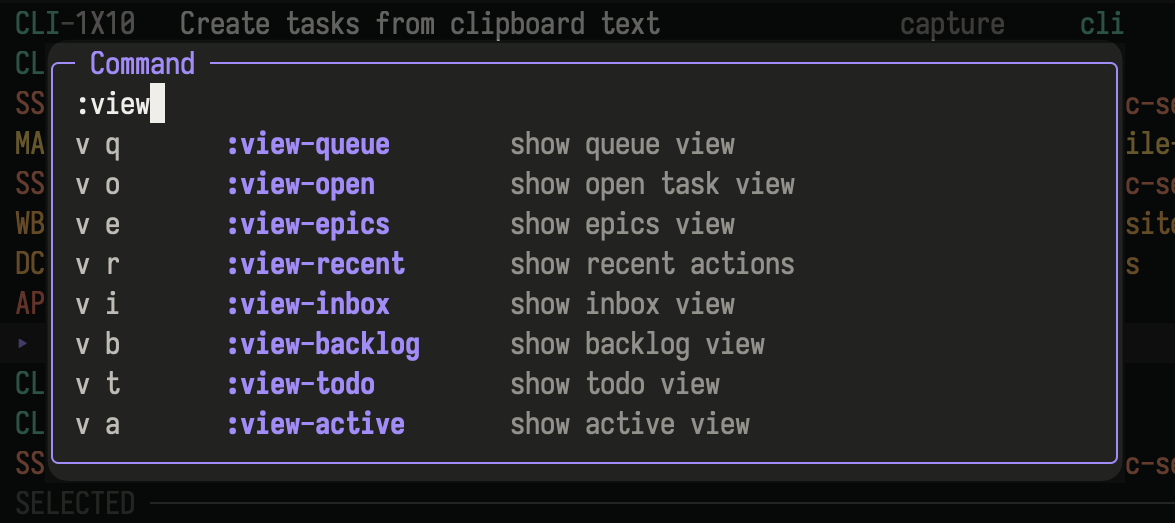
The command palette searches the catalog used by contextual help and prefix hints.
## Find work
[Section titled “Find work”](#find-work)
Queue is the default view. It ranks available work by what needs attention across the active scope, including tasks with unresolved blockers. Ready is the subset that can be started: it excludes epics, deferred tasks, and tasks with unresolved dependencies. See [Concepts](/concepts/) for queue groups, statuses, priorities, availability, due dates, dependencies, epics, and related tasks.
Use the sidebar or the `v` command family to switch queries and layouts.
| Goal | Query or layout | Open with |
| ---------------------------------------------------------- | ---------------------- | ------------------------------------- |
| Decide what needs attention | Queue | `v q` |
| Start work without an unresolved blocker | Ready | `v y` |
| Review unresolved dependencies | Blocked | `v k` |
| Review deadlines before today | Overdue | `v x` |
| Toggle a compatible query between list and lifecycle lanes | List or columns layout | `v l` |
| See all unfinished work | Open | `v o` |
| Triage captured work | Inbox | `v i` |
| Review work saved for later | Backlog | `v b` |
| See committed work | Todo | `v t` |
| See work in progress | Active | `v a` |
| Review deferred work by availability | Upcoming | Sidebar or `aven tui --view upcoming` |
| Review completed and canceled work | Done | `v d` |
| Resolve synchronization conflicts | Conflicts | `v c` |
| Plan with parent tasks | Epics | `v e` |
| Manage repeating schedules | Recurring Tasks | `v u` |
| Audit recent changes | Recent actions | `v r` |
| Return to accepted search results | Search results | `v s` |
### Scope
[Section titled “Scope”](#scope)
Workspace scope shows tasks across projects. Project scope narrows every view to one project.
`aven` and `aven tui` start in the project inferred from the current directory, or silently use workspace scope if none matches. Use `aven -A` (or `aven tui --all-projects`) for all projects, `-p <project>` for a specific project, or set [`scope: workspace`](/configuration/#default-project-scope) to change the default. Clicking the active workspace row or pressing `g a` widens to all projects.
| Key | Action |
| ----- | ---------------------------------- |
| `g a` | Show all projects in the workspace |
| `g p` | Choose a project scope |
| `g w` | Switch workspace |
Type in the project and workspace pickers to filter them.
The sidebar’s **Workspaces** section lists every workspace in key order with its available open task count. Click a workspace or press `Enter` on it to switch; switching clears scope and filters. Select the current workspace to show all its projects, keeping your filters. A **current** marker identifies which workspace the Projects section belongs to when a project is scoped.
The header and sidebar show the active workspace, scope, view, and filters. Click a sidebar heading, or focus it and press `Enter`, to collapse or expand that section. Choose which views the sidebar lists with [`tui.sidebar.views`](/configuration/#tui-sidebar-views).
Use `Tab` (or `Left` in list layout) to focus the sidebar. Browse with `Up`/`Down` or `k`/`j`, page with `PageUp`/`PageDown` (half a page with `Ctrl-u`/`Ctrl-d`), and use `Home`/`End` to reach the edges. Long lists keep the highlighted row visible; page navigation and mouse wheel movement stop at the first and last selectable rows. While browsing tasks, the wheel over the visible sidebar focuses and browses it without changing the active scope or task selection. Scrolling over the task list returns focus to tasks and moves the task selection; no click is needed to switch between panes. Clicking blank space in the task pane also focuses it, without changing the selected task. Hovering alone does not change focus. Active task detail, triage cards, and overlays retain wheel ownership. Press `Enter` to activate the highlighted view or project, or `Esc`/`Tab` to return to tasks without activating it.
### Search, filter, and order
[Section titled “Search, filter, and order”](#search-filter-and-order)
Press `/` to search task text, notes, labels, metadata, and refs as you type. Search follows the active project scope; the title chip names the project or shows `all projects`. `Enter` opens the selected result, and `Tab` opens the full Search results view in the chosen scope.
When opened from a project, `Ctrl+S` toggles between that project and all projects. If the project has no matches, the dialog shows how many matches exist elsewhere. `Esc` closes the dialog without changing the underlying view. Dependency and related-task searches always cover all projects; epic child search stays in the epic’s project.
Filters constrain the current view. Useful filter commands include:
| Key | Action |
| ----- | ----------------------------- |
| `f l` | Filter by label |
| `f p` | Filter by priority |
| `f r` | Cycle recurring lifecycle |
| `f x` | Cycle deleted-task visibility |
| `f c` | Clear filters |
Press `o` to choose ordering. Queue uses aven’s attention score. Other views can order by fields such as availability and due date.
For shell shortcuts that open an initial view, project, filter, or task, see [`aven tui`](/command-reference/#aven-tui).
## Capture tasks
[Section titled “Capture tasks”](#capture-tasks)
Press `a` to open the task composer. Project, status, priority, labels, availability, due date, natural-language schedule, title, and description stay visible as one form. The active field has a `▶` marker, so focus remains clear without relying on color. The project picker’s **Infer** option uses the project mapped to the current directory. Choose a named project when the task belongs elsewhere.
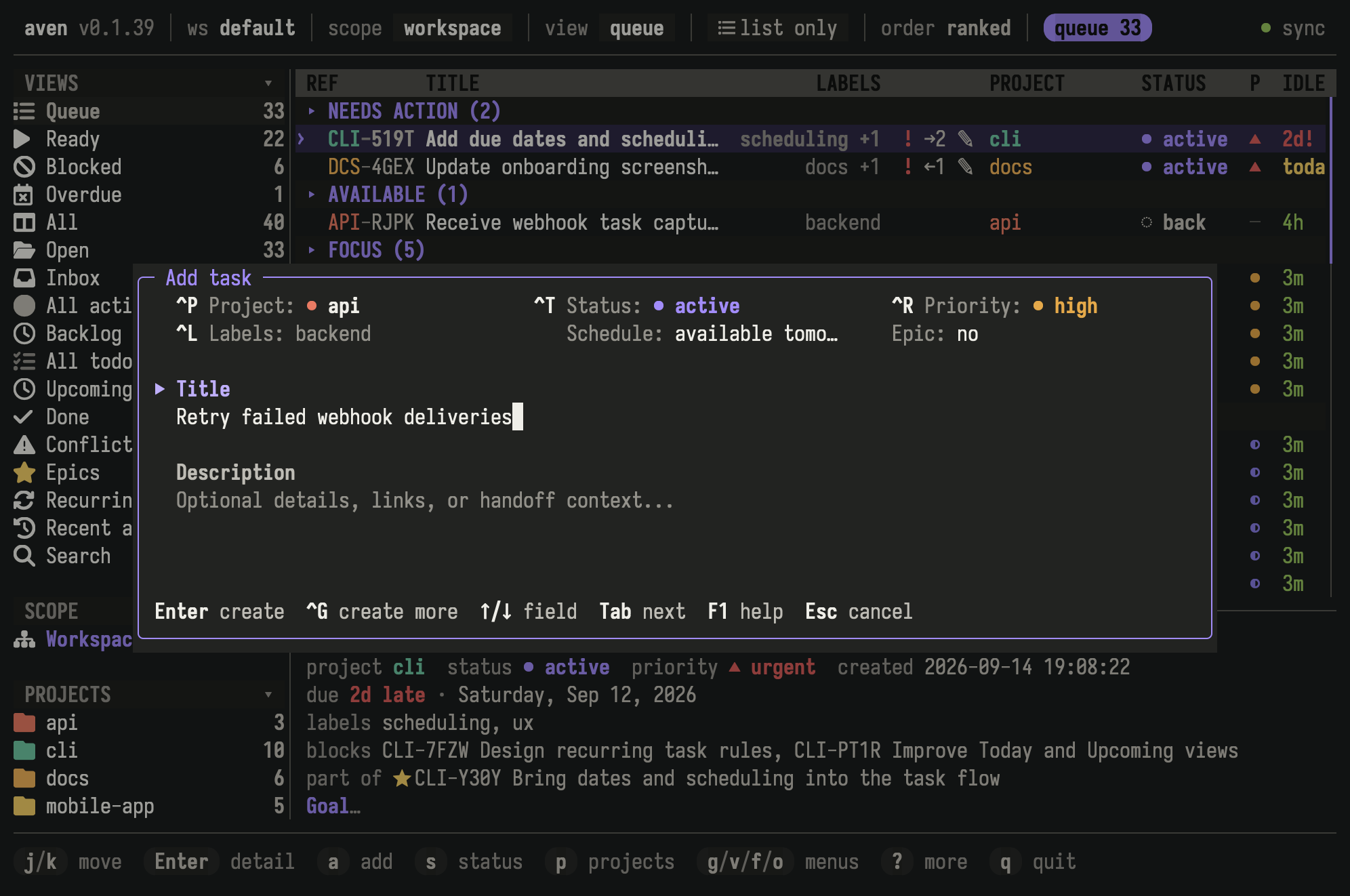
Set task metadata, scheduling, title, and description in the same form.
Press `Ctrl-s` to create the task from any field, or `Ctrl-Enter` in terminals that support it. `Enter` creates from the title, opens pickers on metadata fields, and adds a newline in the description. Text fields support `Alt-Left` and `Alt-Right` to move by word and `Alt-Backspace` to delete one.
In the label picker, typing filters existing labels. If the name is new, a `+ create` row appears below the matches. Use `↑` or `↓` to highlight it, then `Enter`, `Space`, or `Tab` to create and select the label. The best existing match stays highlighted by default.
Press `Ctrl-g` to create the task and start another with the same project, status, priority, and labels. It isn’t available for repeating tasks.
New tasks default to `inbox`, or `todo` when they have a priority or repeat. The status field marks this default with `(auto)`. Choosing a status overrides it; choose **Auto** to go back.
### Set a schedule
[Section titled “Set a schedule”](#set-a-schedule)
The **Schedule** field accepts natural expressions such as `tomorrow`, `due next Friday`, or `every Friday at 09:00`. Press `Enter` on the field for a structured editor with **One-off** and **Repeating** modes.
See [Scheduling tasks](/schedule-tasks/) for availability and deadlines, and [Recurring tasks](/recurring-tasks/) for repeating schedules.
### Create with AI
[Section titled “Create with AI”](#create-with-ai)
Press `Ctrl-n` when the visible title and description contain rough notes, pasted context, or dictated input. The configured task-intake agent produces a structured draft for review. See [`agent.task_intake`](/configuration/#agent-task-intake). If you close the TUI before the task is created, Aven sends a [notification](/notifications/) when it is.
### Attach images
[Section titled “Attach images”](#attach-images)
Copy a PNG, JPEG, GIF, or WebP image and press `Ctrl-v`, or paste a local image path or `file://` URL. Images remain attached to the draft when validation fails.
If clipboard image paste is unavailable, save the image and paste its path. See [terminal tips](/tips/) for terminal-specific preview setup, [Configuration](/configuration/#png-optimization) for image optimization, and [`aven attachment`](/command-reference/#aven-attachment) for limits and command-line management.
## Triage and edit tasks
[Section titled “Triage and edit tasks”](#triage-and-edit-tasks)
Direct shortcuts cover frequent lifecycle changes:
| Key | Action |
| --- | -------------------------------------- |
| `s` | Choose status |
| `!` | Choose priority |
| `d` | Mark done |
| `x` | Mark canceled |
| `n` | Add a note |
| `u` | Undo the latest completed TUI mutation |
Use the `e` family to edit task fields:
| Key | Field |
| ----- | ------------ |
| `e t` | Title |
| `e d` | Description |
| `e j` | Project |
| `e p` | Priority |
| `e a` | Availability |
| `e u` | Due date |
| `e l` | Labels |
The `t` family contains lifecycle, priority, relationship, recurrence, delete, and restore actions. Press `t` and follow the footer hints, or search by action name with `:`.
Changing status while a task’s details are open keeps that task open, even if it moves in the list or no longer matches the current view. Close the details to return to the list.
### Delete and restore
[Section titled “Delete and restore”](#delete-and-restore)
`t D` deletes the selected task. Show deleted tasks with `f x`, then press `t R` to restore one. Use `x` instead to keep a task as canceled.
### Mark and change several tasks
[Section titled “Mark and change several tasks”](#mark-and-change-several-tasks)
| Key | Action |
| ------- | ------------------------------- |
| `Space` | Toggle the selected task’s mark |
| `t V` | Toggle marks on visible tasks |
| `t C` | Clear all marks |
Most edits, deletes, and column moves then apply to every marked task, and `u` undoes them together.
## Columns
[Section titled “Columns”](#columns)
Columns shows the current view as lifecycle lanes.
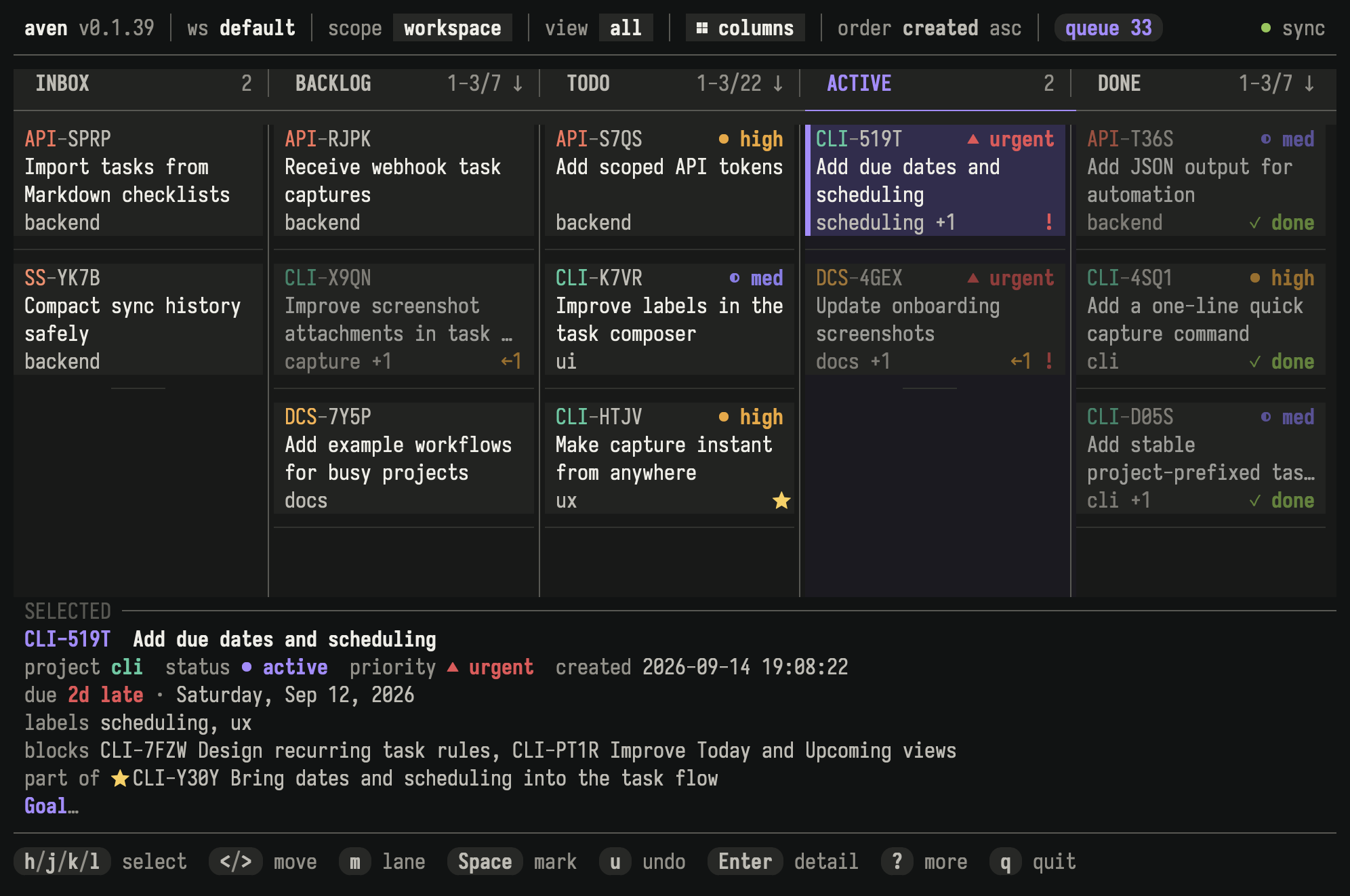
Columns arranges tasks into lifecycle lanes and shows details for the selected task.
Press `v l` to switch between list and columns. Views with their own layout, such as Queue and Upcoming, show `list only` in the header. Arrow keys move within and between lanes. Press `<` or `>` to move the selected or marked tasks one lane, or `m` to choose a destination. A moved task takes the lane’s first status.
Press `g d` to toggle the selected-task preview. Configure lane names and status groups under [`tui.columns`](/configuration/#tui-columns).
## Task detail
[Section titled “Task detail”](#task-detail)
Press `Enter` on a task to open detail.
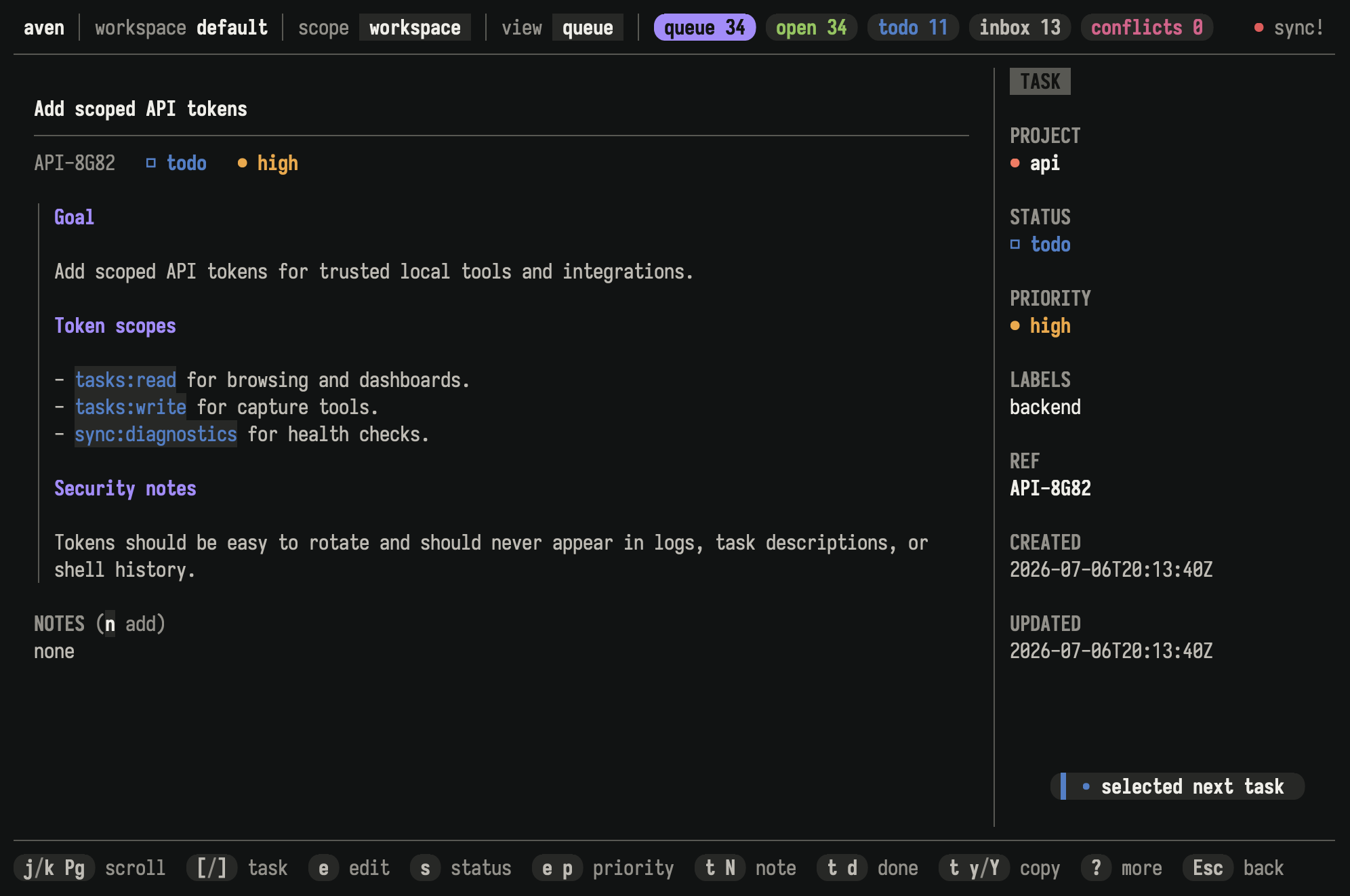
Task detail shows Markdown descriptions, notes, relationships, attachments, and editable metadata.
Use `[` and `]` to switch tasks without returning to the list.
### Copy task information
[Section titled “Copy task information”](#copy-task-information)
The `y` family copies task information from either the list or detail:
| Key | Copies |
| ----- | -------------------------------- |
| `y r` | Display ref, such as `APP-7KQ9` |
| `y i` | Durable task ID |
| `y t` | Title |
| `y d` | Description |
| `y a` | Title and description |
| `y n` | Notes |
| `y m` | Complete task report as Markdown |
With tasks marked, `y r`, `y i`, and `y t` copy one line per marked task.
In detail, drag across rendered title or description text and press `y` to copy only that selection.
[](/task-detail-text-selection.mp4)
Drag across rendered task text and press `y` to copy the selection.
### Publish a task report as a GitHub gist
[Section titled “Publish a task report as a GitHub gist”](#publish-a-task-report-as-a-github-gist)
From task detail, press `t g` to publish the Markdown task report as a secret GitHub gist and copy its URL. Secret gists are unlisted, not private: anyone with the URL can view them. Requires an authenticated `gh` CLI. See an [example task report](https://gist.github.com/raine/52e230cc05e4dc205e5e1394aa1b32a3).
### Image attachments
[Section titled “Image attachments”](#image-attachments)
Attachments appear below the description. iTerm2, Kitty, WezTerm, and Ghostty can show inline previews. Other terminals show a text label.
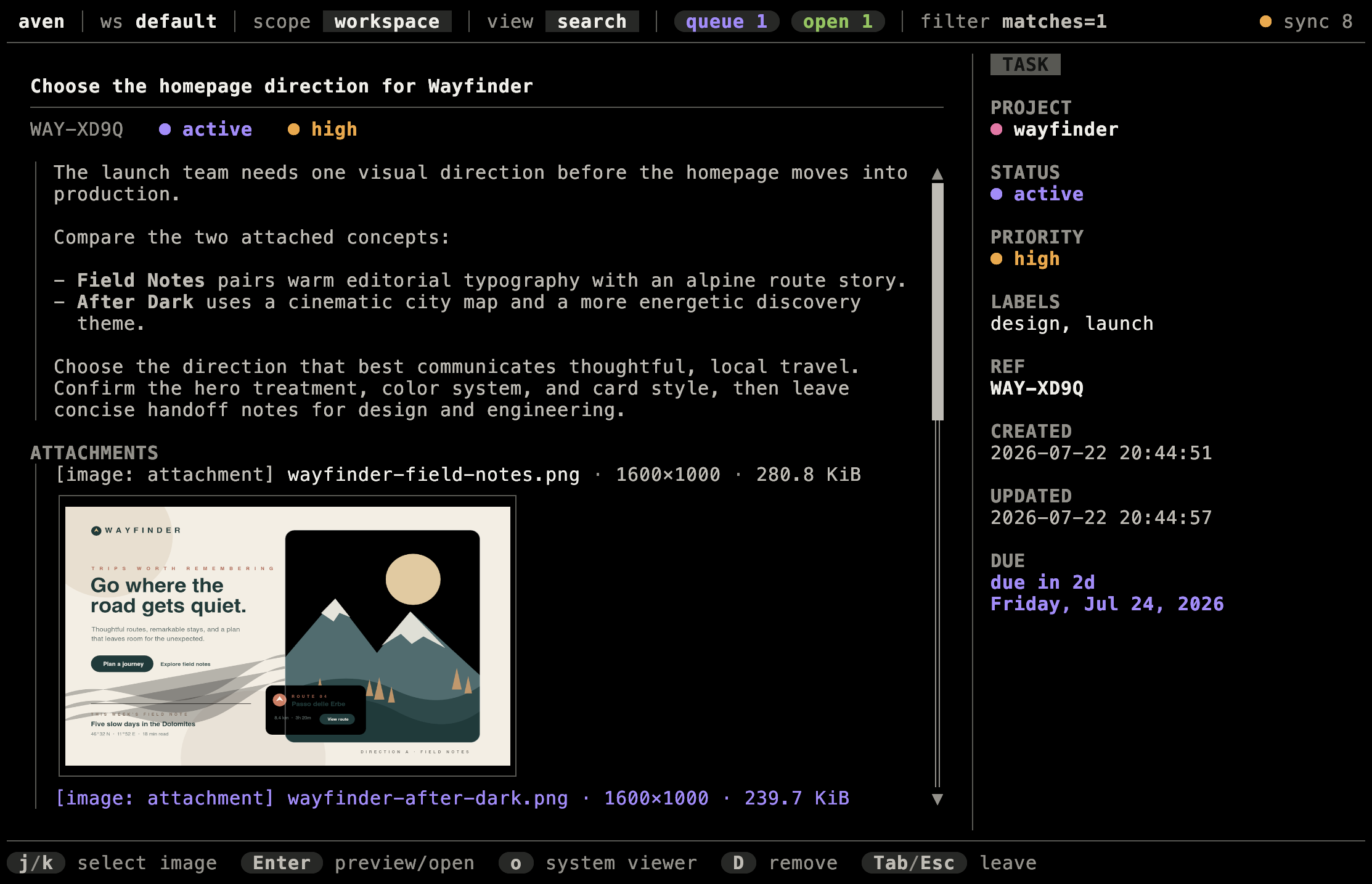
Kitty showing an inline image attachment preview in task detail.
Open the preview to move between attachments, open one in the system viewer, or delete one. To save an image as a regular file, use [`aven attachment get`](/command-reference/#aven-attachment).
## Projects and relationships
[Section titled “Projects and relationships”](#projects-and-relationships)
Press `p` to manage projects and `L` to manage labels. `t B` and `t U` add and remove blockers, and `g B` jumps to a blocker. Epic actions live under `t c`. In task detail, focus a relationship to open or unlink its task.
Press `p r` to choose a project and edit its Name and Prefix, including from a selected sidebar project. Name is focused initially; `Tab` or `Shift+Tab` switches fields. Prefix is prefilled and uppercased as you type. Press `Enter` to save both fields, `Ctrl+U` to clear text before the cursor, or `Esc` to cancel. Invalid or already-used prefixes keep the dialog open with Prefix focused for correction. Changing only the name keeps the existing prefix.
See [Organizing tasks](/organize-tasks/) for choosing among workspaces, projects, labels, epics, dependencies, and related tasks.
## Recurring tasks
[Section titled “Recurring tasks”](#recurring-tasks)
Press `v u` to open Recurring Tasks. Each row shows its schedule, next date, and state. Press `Enter` on a recurring task to open its detail; the footer shows the actions available for that state. The `t r` family also works from a selected recurring task or one of its dated tasks.
See [Recurring tasks](/recurring-tasks/) for schedules, lifecycle actions, and history. See [`aven recur`](/command-reference/#aven-recur) for CLI management.
## Conflicts and sync
[Section titled “Conflicts and sync”](#conflicts-and-sync)
The header shows synchronization state. Click it, press `C s`, or run `:sync` to open the **Sync** dialog, where you can set up or join sync, sync now, add a device, and manage devices. Press `S` to sync immediately. Press `v c` to open tasks with unresolved field conflicts, then use the `c` family to inspect and resolve them.
See [Sync across devices](/sync/setup/) for setup, transport, and conflict handling. See [Back up and restore](/backups/) for recovery workflows.
## Run aven from tmux
[Section titled “Run aven from tmux”](#run-aven-from-tmux)
Bind the project-scoped TUI, workspace-wide TUI, composer, or any combination to tmux popups:
```text
bind C-w display-popup -E -d '#{pane_current_path}' -w 80% -h 80% 'aven'
bind C-a display-popup -E -d '#{pane_current_path}' -w 80% -h 80% 'aven -A'
bind t display-popup -E -d '#{pane_current_path}' -w 120 -h 30 'aven tui --add-task-only'
```
Aven defaults to the project inferred from the active pane’s current directory. Use `-A` to open Aven at workspace scope.
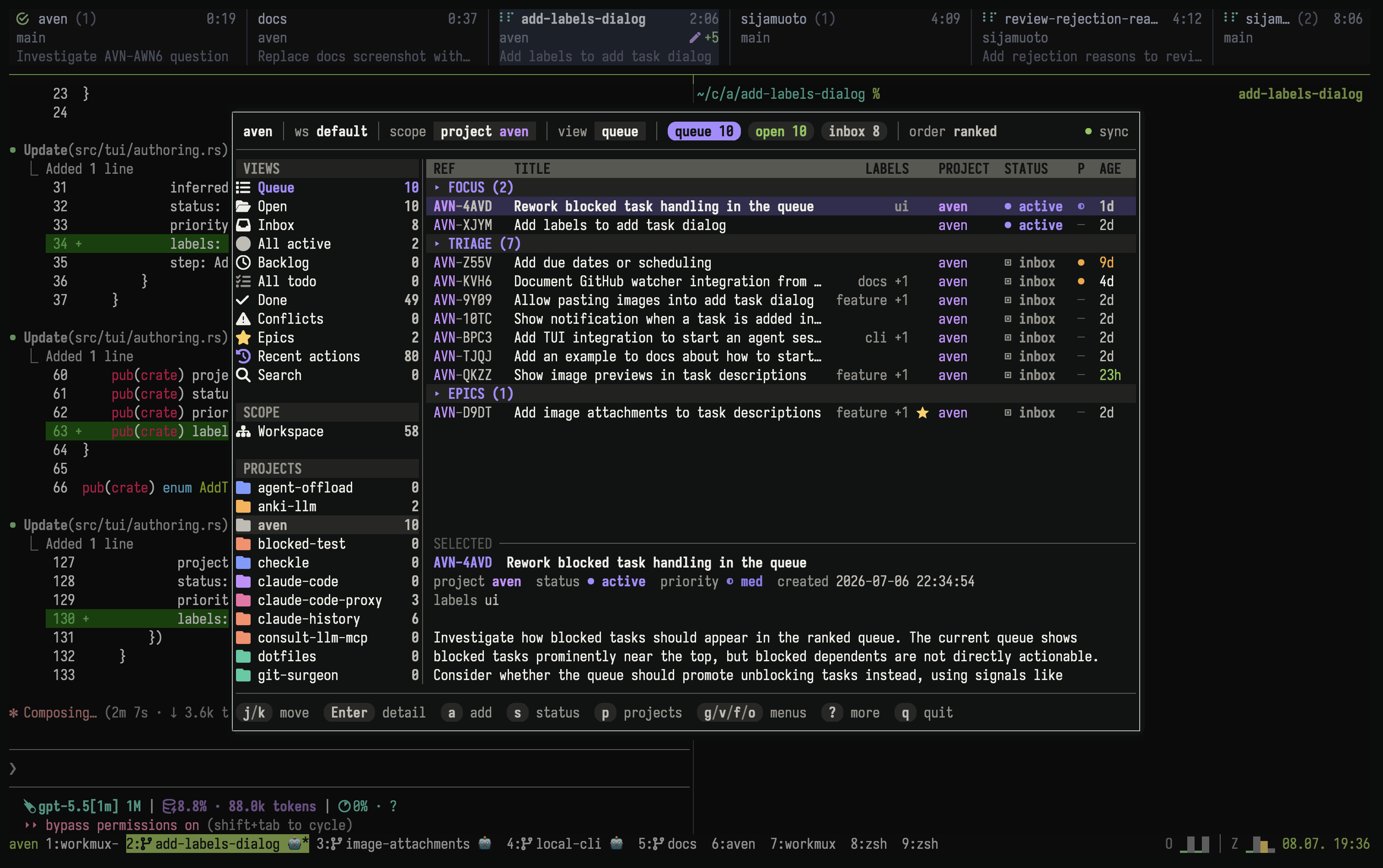
The full TUI opens over the current tmux pane.
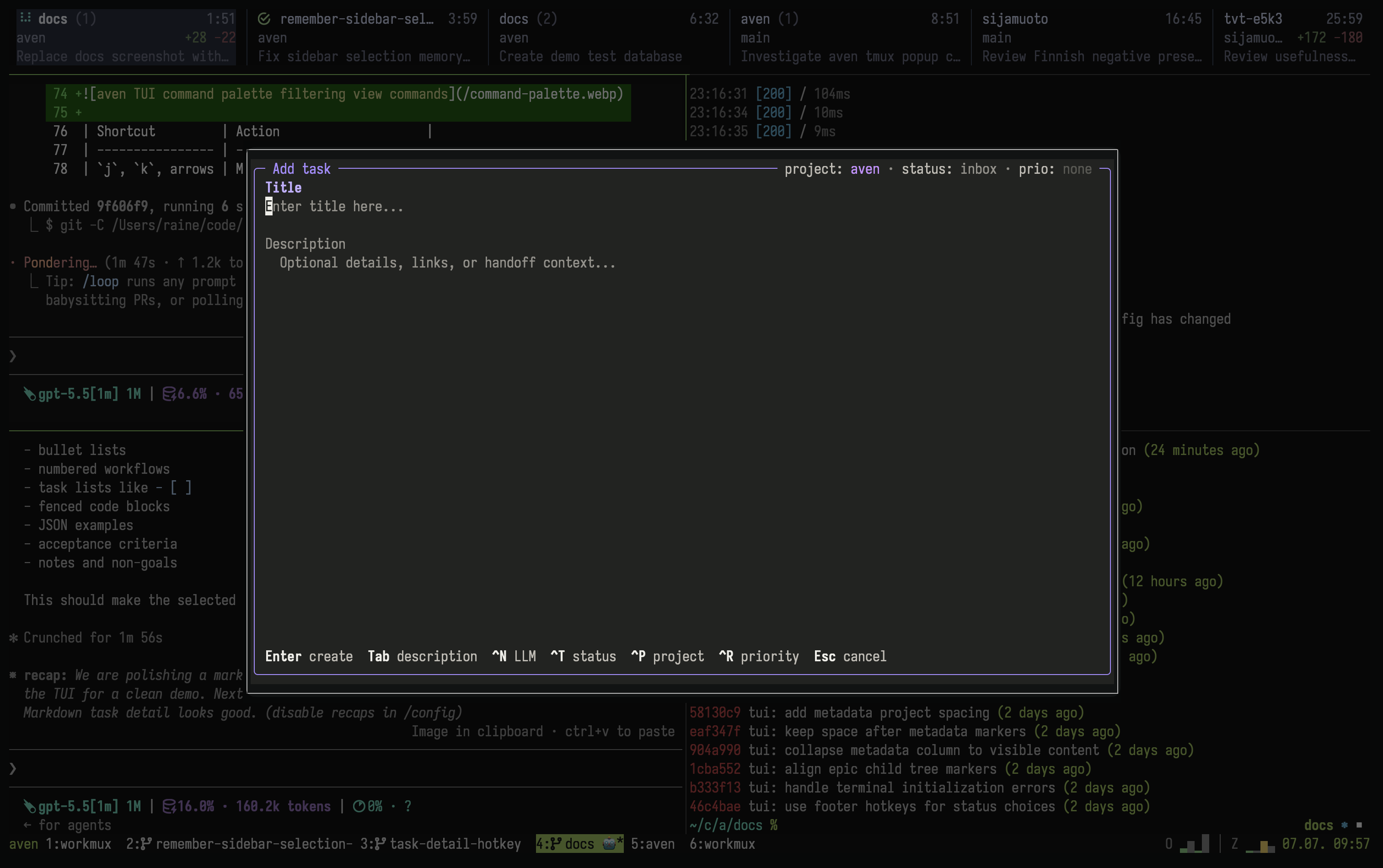
A smaller tmux popup opens directly into the task composer.
See [terminal tips](/tips/#use-ctrl-enter-in-alacritty-and-tmux) for modified-key and tmux configuration.
## Mouse support
[Section titled “Mouse support”](#mouse-support)
Mouse actions cover the same common outcomes as keyboard commands:
* Click the sidebar or header to change workspace, query, layout, scope, project, filter, or ordering.
* Double-click a task to open detail.
* In the columns layout, click a lane header to move selected or marked tasks, or right-click a task to choose status.
* Click an inline image to open its TUI preview, or its text label to use the system viewer.
* Scroll task detail with the mouse wheel.
## Discover commands
[Section titled “Discover commands”](#discover-commands)
The in-app command catalog is the authoritative shortcut reference:
* `?` lists commands available in the current mode.
* `:` searches command names and descriptions. `Tab` cycles through matches.
* `:theme` switches between `dark`, `light`, and `terminal` colors for this session without changing your config.
* Prefix keys show their available continuations in the footer.
| Prefix | Family |
| ------ | -------------------------------- |
| `g` | Navigation, scope, and workspace |
| `v` | Views |
| `f` | Filters |
| `o` | Ordering |
| `e` | Edit task fields |
| `t` | Task lifecycle and relationships |
| `y` | Copy task information |
| `p` | Project administration |
| `L` | Label administration |
| `c` | Conflict resolution |
| `C` | Configuration |
## Custom metadata
[Section titled “Custom metadata”](#custom-metadata)
Task detail shows custom metadata in its own section. Press `e m` to edit a field: pick one from the list, type a value, and press `Enter` to save. For multiline values, press `Ctrl-x Ctrl-e` to use your `$VISUAL` or `$EDITOR`. Define and rename fields with the CLI; see [Task metadata](/task-metadata/).
## Triage mode
[Section titled “Triage mode”](#triage-mode)
Triage mode is a way to clear out tasks that need a decision, one card at a time. Run `:triage` to review:
* Inbox tasks
* Active tasks with no activity for 7 days
* Todo tasks with no activity for 30 days
Triage follows the current scope. In project scope it reviews only that project. It shows up to 10 cards per session. When you finish them, press `Enter` to load the next batch.
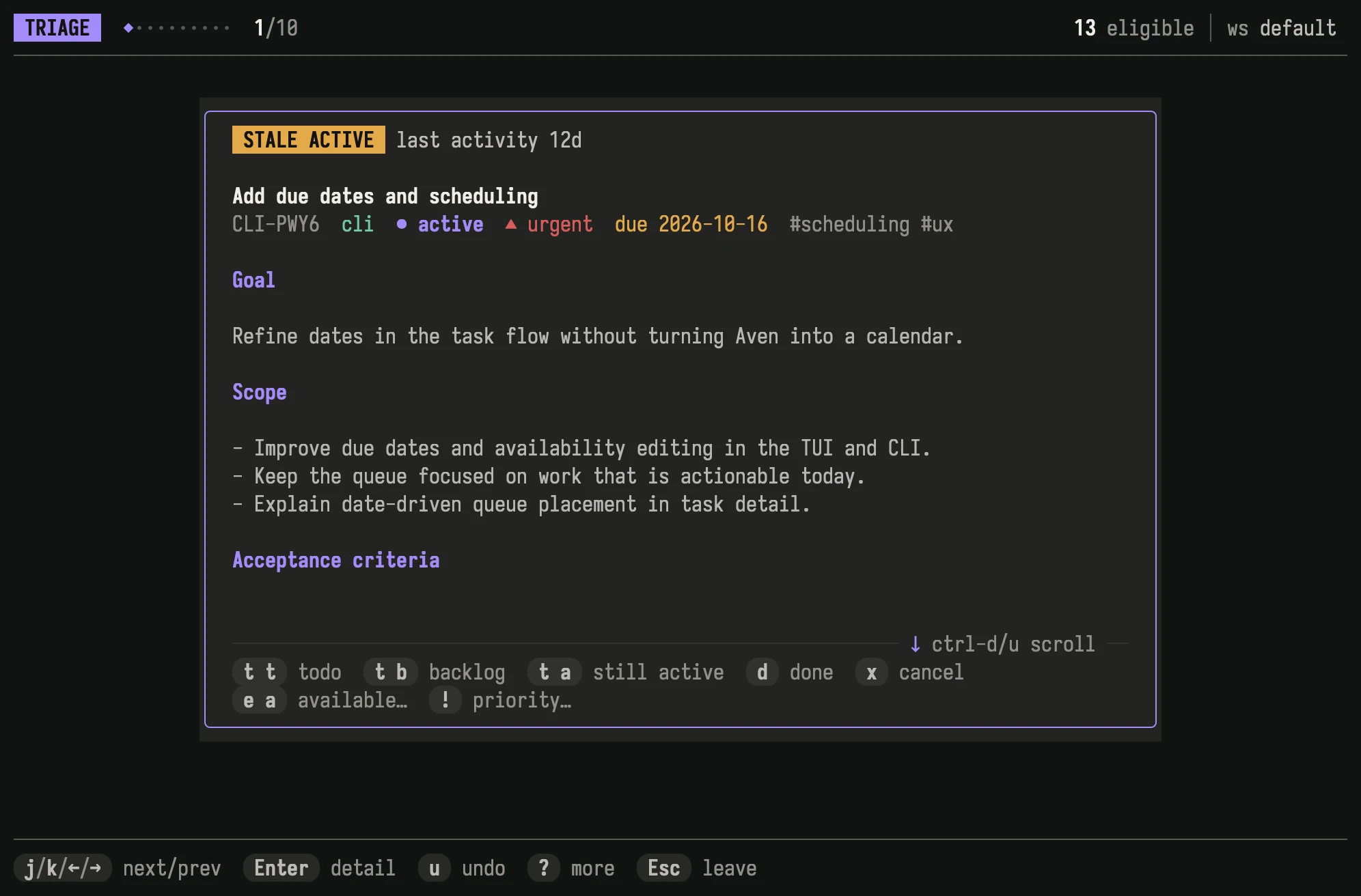
Each card shows why the task needs attention, its description, and the decisions available for it.
Each card lists the decisions available for the task with the same shortcuts as the task list. After a decision, triage moves to the next card. [Custom commands](/custom-commands/) also run on the card’s task.
Choosing the current status of an active or todo task keeps it as it is. Aven records the review on this device only and leaves the task unchanged. The task returns to triage once another stale period passes without activity.
Cards you skip return in the next session.
## Reference
[Section titled “Reference”](#reference)
* [Concepts](/concepts/) defines the task model behind the interface.
* [Work with agents](/agents/) connects coding agents and chat integrations to Aven.
* [Custom TUI commands](/custom-commands/) documents local programs, JSON task context, and command lifecycle settings.
* [Command reference](/command-reference/) documents CLI equivalents and input grammar.
* [Configuration](/configuration/) covers workspace routes, project mappings, sync defaults, and task-intake configuration.
* [Terminal tips](/tips/) covers terminal input, tmux, and image previews.